
Quick Answer: How Do You Communicate a Product Deprecation?
Tell affected customers which workflow is going away, what each deadline changes and how to keep working. A deprecation notice is ready when an affected reader can identify the right alternative or exit path and knows where to get help.
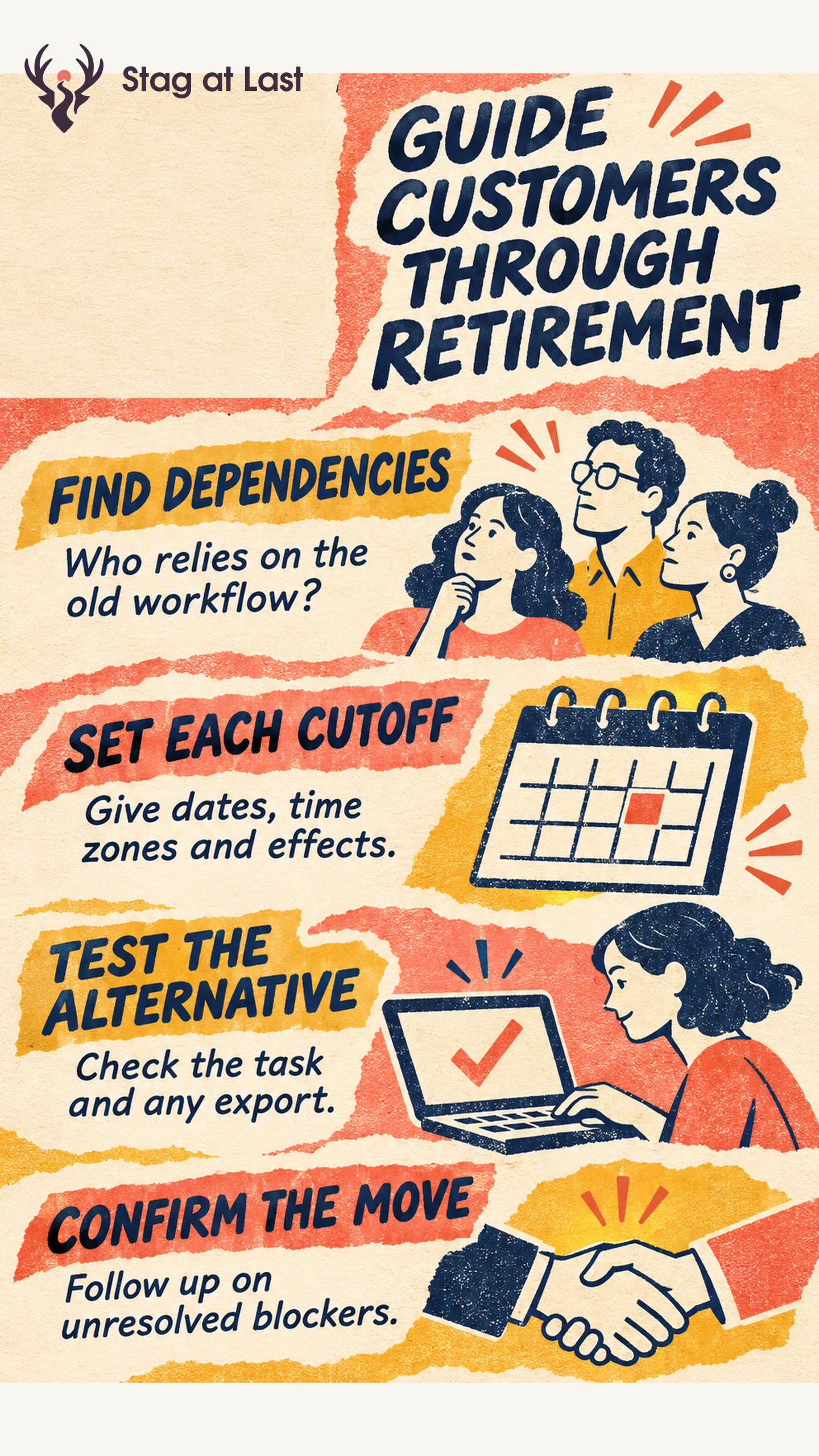
- Find dependencies. Include people who own scheduled jobs, reports, integrations and stored data.
- Separate deadlines. Give a date, time zone and consequence for each cutoff.
- Verify alternatives. Check permissions, missing capabilities, export options and setup effort.
- Follow up. Track successful migration and unresolved blockers by account.
Set the timeline with the teams responsible for the product, customer commitments and migration support.
A customer who reads “Legacy Exports will be deprecated next month” still needs to know what happens to a scheduled report. Start the communication plan with that dependency. The message should tell the customer when their workflow changes and what to do before the cutoff.
Map Who Still Depends on the Old Workflow
Use recent events, configuration records and conversations with support to build an affected account list. A dormant dashboard may still send a quarterly report. For an integration, check scheduled calls and shared credentials as well as recent interactive use. Record the person who can make the change and the people who rely on its output.
Prioritize cases where retirement would interrupt a recurring job, remove access to data or require someone outside the account to approve a change. Have the account owner review commitments and exceptions before setting the date. Send routine product updates separately so the required action stays visible.
Publish a Timeline With Distinct Cutoffs
Define what deprecation means for your product. You might first stop new setup, then stop running existing jobs and later end access to export files. Give each affected milestone a date and time zone. Explain the effect on data, automations and support in plain language. If you need to move quickly because of an incident, say what is confirmed and give a time for the next update.
The HTTP standard illustrates the difference for APIs. RFC 9745 describes a Deprecation header for lifecycle information and a Sunset header for when the resource is expected to stop responding. [1] For developer audiences, pair machine-readable signals where appropriate with clear integration documentation and direct notice to the people responsible for the migration.
Match Each Dependency to a Real Alternative
Test the customer’s task end to end on the replacement. Record who can use it, what needs recreating, which capabilities differ and how to tell it works. Pendo describes pairing an alternative with migration guidance for customers who needed to convert legacy reports during the retirement of Trends. [2] Apply the same distinction between showing a replacement and helping someone move their work.
| Dependency | What to explain | How to confirm progress |
|---|---|---|
| Scheduled report | Who can recreate it and which fields or delivery rules differ | A test report reaches the correct inbox with the required fields. |
| Historical files | Which files are exportable and the last date they can be retrieved | The customer opens an exported file and checks that it includes the expected records. |
| Integration | The supported endpoint or workflow and changes the operator must make | The replacement completes a representative request or job. |
If an alternative has a gap, state it. Give customers a supported workaround or exit route if available. Use training and guided practice when learning the replacement is part of the work.
Send the Notice and Track the Move
Lead with the date and effect. A hypothetical notice might read, “Legacy Exports will stop sending scheduled reports on 30 June 2027 at 17:00 UTC. Recreate any active schedule in Scheduled Reports and send a test before the cutoff. Download any historical exports you need before 31 July 2027 at 17:00 UTC. Contact support if your report uses custom fields.” This example separates the interruption from the export window.
Keep one current notice page and link to it from email, relevant in-app messages and support replies. For dependent accounts, use a direct outreach channel with an owner who can follow up. Track confirmed receipt, migration started, verification passed and unresolved blockers. Track link activity separately from confirmed receipt. Confirm that the replacement actually ran.
Update the Notice When the Plan Changes
When dates or alternatives change, update the notice and send the correction to the affected recipients. State which prior instruction changed and what action they should take now. Keep support briefed during the transition and leave the notice available after retirement with the actual status and any remaining help options.
Check Retirement Details in Each Site Language
If customers read retirement notices on a multilingual WordPress site, evaluate StagLingo on the notice and migration guide. Verify that deadlines, affected workflows and support contacts agree in each language.
FAQs About Product Deprecation Communication
How much notice should you give?
Base the notice window on the time customers need to identify the dependency, test an alternative and get any approvals. Have the responsible team check the commitments that apply to the affected accounts before announcing the cutoff.
What if there is no equivalent replacement?
Explain the missing capability in terms of the customer’s task. Share any viable workaround or data export route and identify who can discuss account-specific options.
When can you stop sending reminders?
Stop routine migration prompts after the account verifies the move or confirms it will exit. Continue relevant communications about changed dates, outstanding exports or unresolved support cases.
Sources
[1] RFC Editor. RFC 9745: The Deprecation HTTP Response Header Field
[2] Pendo. How to Effectively Remove and Retire a Feature From Your Product