Fast blank export
Exports every selected English source with empty target cells without reading existing TranslatePress translation tables.

Select published source pages, target languages, file layout, and the exact content families allowed into a translation round, then download a protected package that can return safely through StagLingo Import.
The default Export setup is designed for a new translation: one default-language extraction, empty target cells, a complete-page content scope, and one self-describing package for the translation Skill.
Exports every selected English source with empty target cells without reading existing TranslatePress translation tables.
Includes protected CSV files, a batch manifest, and ready-to-use orchestration instructions in one uploadable ZIP.
One ZIP contains a CSV for each selected locale, and each language file contains all selected source URLs.
Keeps every available recommended content family selected while leaving related or listing-card image ALT as an explicit opt-in.
This matters when existing translations are included and allows semantic errors and false friends to remain reviewable.
Every supported layout produces one browser download. Keep the generated package intact for the next workflow stage.
Open Tools → StagLingo → Export. The main panel keeps page and
language selection visible while less common controls remain inside
Advanced export settings.
Enter one same-site default-language URL or published content ID per line.
Keep the request within the maximum of 100 page entries.
Select at least one target language detected from TranslatePress.
Check each locale's Published or Unpublished status before assuming its public URL is ready.
Order languages by configured order, language name, or locale shortcode when that helps divide later work.
Use Select all or Deselect all to reset the language group quickly.
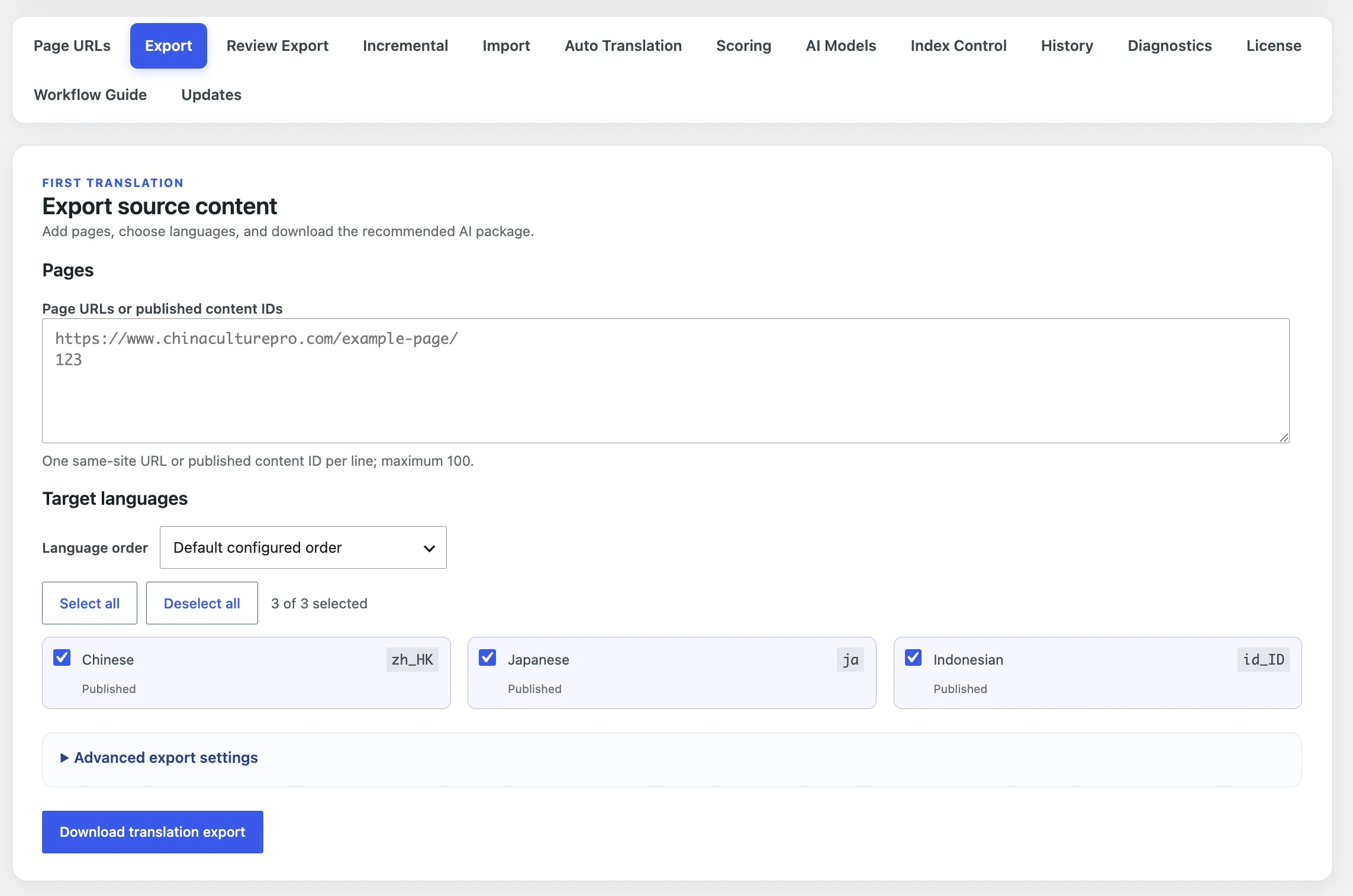
Export mode controls whether current translations are read. Delivery controls whether the output includes the protected AI handoff files. Layout changes package organization without removing protected CSV identity columns.
Performs one default-language page request and one DOM extraction regardless of how many language columns are selected. It does not delete or alter existing translations; only later non-empty reviewed cells can be written.
Reads the selected locale dictionaries, Translation Blocks, Gettext, and translated URL slugs. Use it when current translations must appear in the files for review or correction.
Adds the batch manifest and workflow instructions required for a protected Skill handoff while honoring the selected CSV layout.
Returns the selected CSV organization without the self-describing AI Work Package wrapper. Use it only when your process already handles the protected file contract.
One ZIP, one CSV per locale, all selected URLs in each language file.
One transport ZIP contains one upload-ready page ZIP with all selected languages per URL.
One outer ZIP, one folder per source URL, separate language CSVs inside each folder.
Every selected page and language column is kept in one CSV.
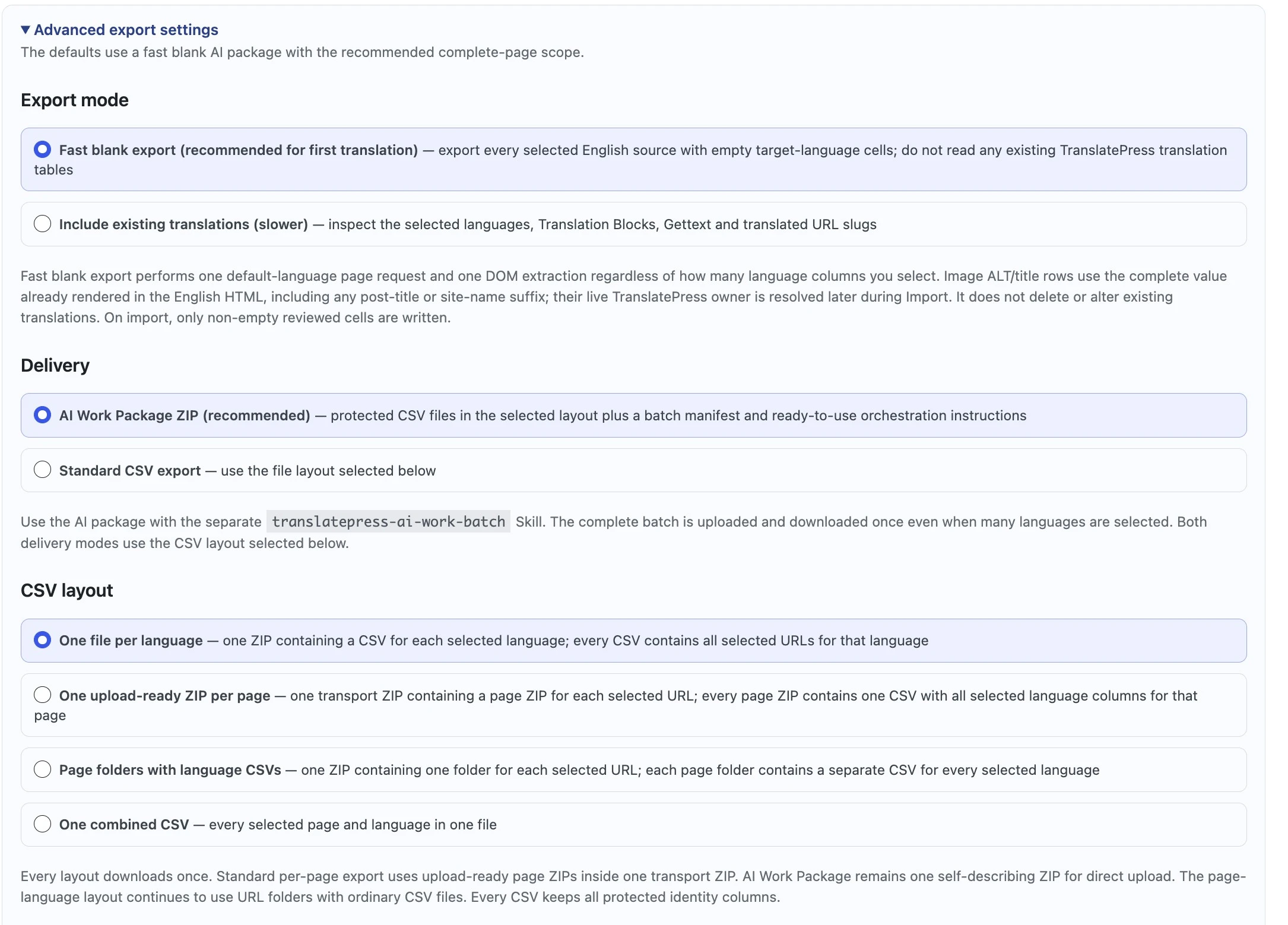
The Recommended complete-page preset covers main content and the surrounding WordPress, theme, and builder fields most likely to appear to a visitor. Every family is classified separately to avoid overlapping writes.
If no standard main-content wrapper exists, unmatched rendered text safely falls back to the Main page/body content family.
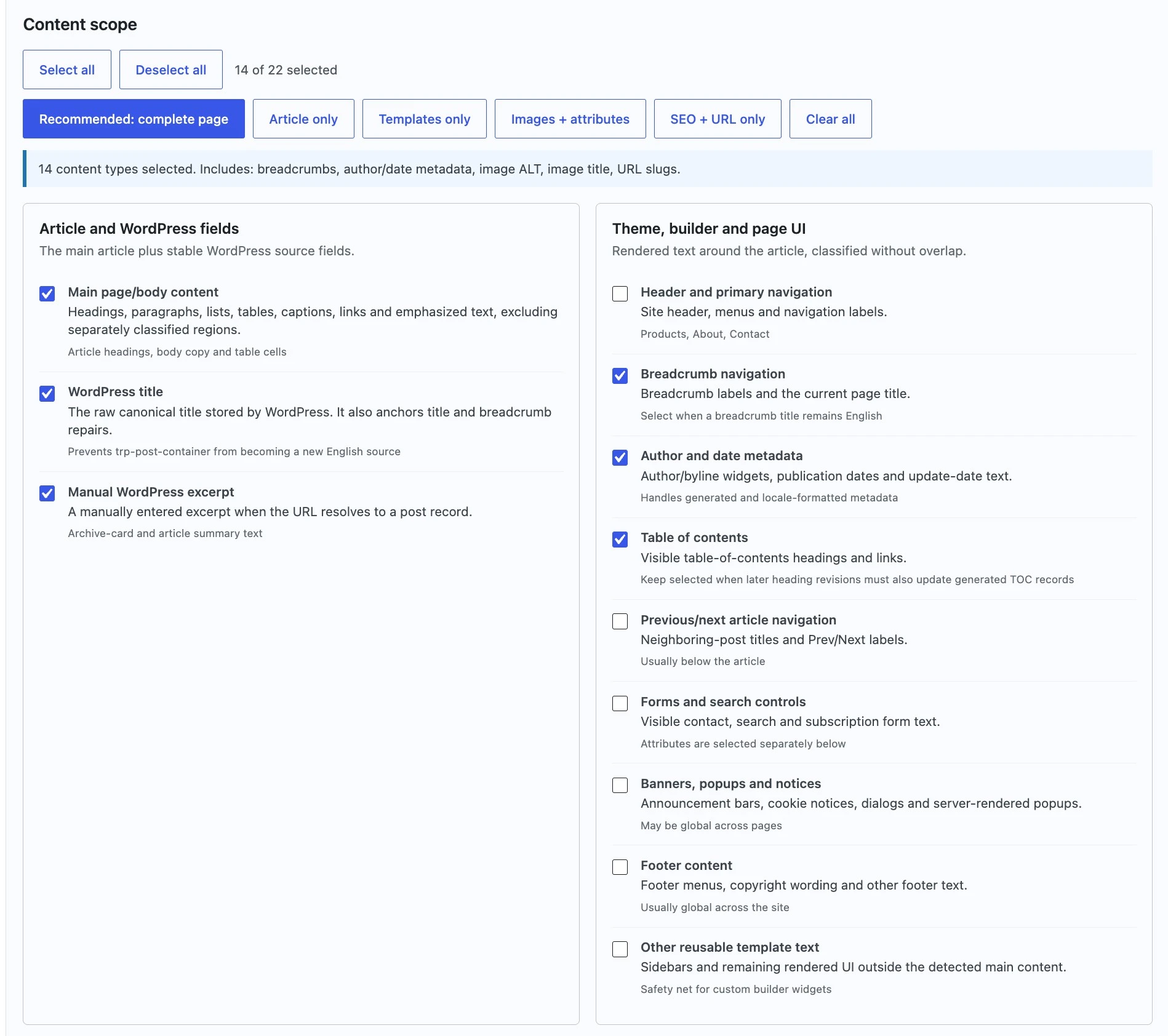
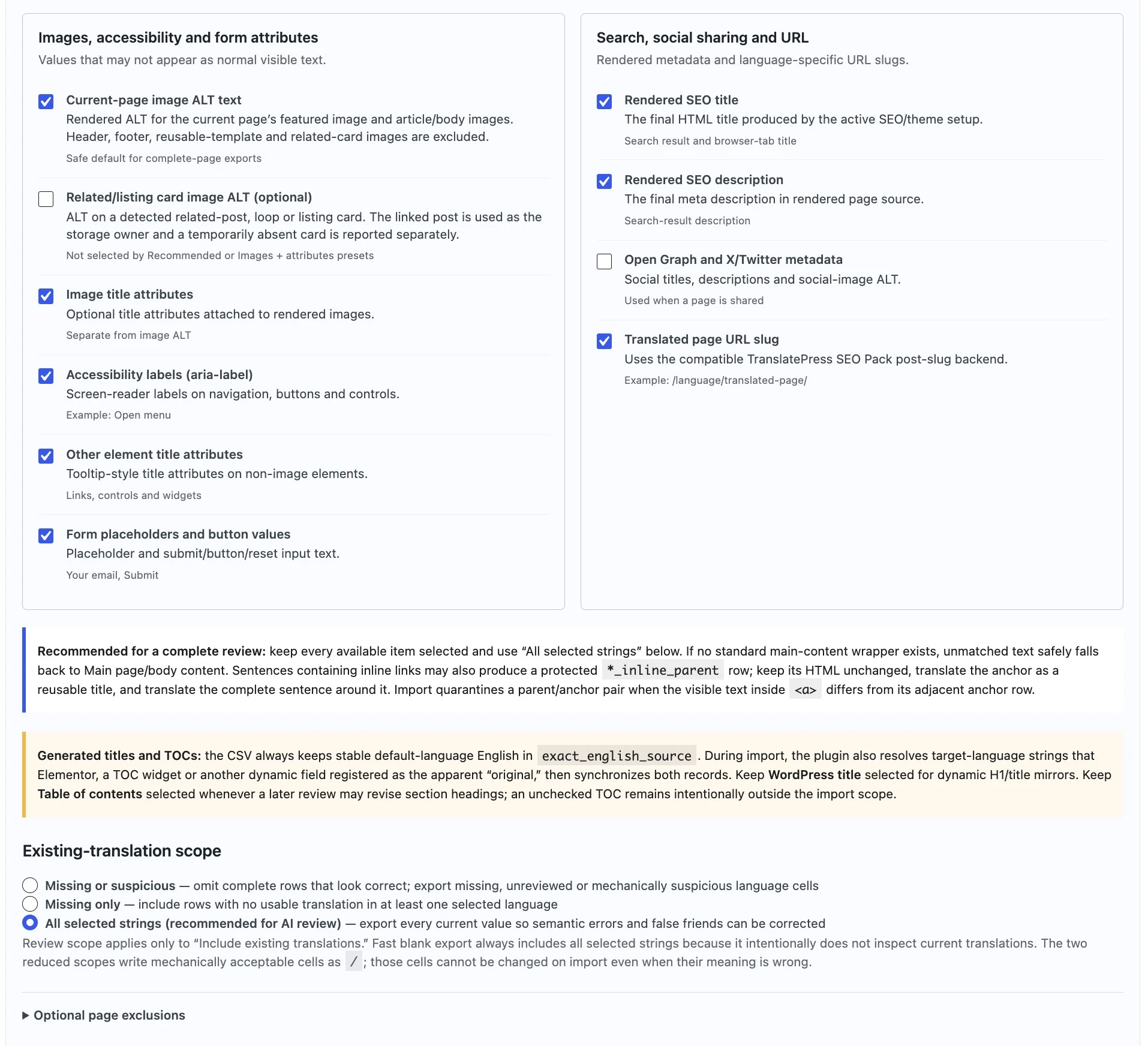
These values may not appear as ordinary visible paragraphs, but they affect accessibility, search presentation, sharing, forms, and language-specific URLs.
Keep Current-page image ALT text selected for featured and article/body images owned by the current page.
Select Related/listing card image ALT only when cross-post and rotating-card ownership should enter this package.
Include image title, aria-label, other element title attributes, and form placeholders or button values as needed.
Keep rendered SEO title, meta description, Open Graph, and X/Twitter metadata in a complete-page review.
Select translated page URL slug only when the TranslatePress SEO Pack slug API is detected.
Existing-translation scope affects only Include existing translations. Fast blank export always includes every selected source because it deliberately avoids reading current target-language storage.
Omits complete rows that pass mechanical checks and includes missing, unreviewed, or mechanically suspicious language cells.
Includes rows with no usable translation in at least one selected language. It is not a semantic quality audit.
Exports every current value so fluent-looking mistranslations, false friends, terminology problems, and weak localization remain correctable.
/.
Those cells are protected from change during Import even when their meaning is
wrong. Use All selected strings when semantic review is the goal.
Leave the field blank to scan the full rendered body. To exclude a site-specific
region that should never enter the CSV, use comma-separated simple selectors:
a tag, .class, #id, tag.class, or
tag#id. Test exclusions on a small page before applying them broadly.
Every exported CSV begins with the same identity contract. The chosen layout may divide pages and languages differently, but it never changes what Import uses to prove the source, owner, and row are still valid.
post_idResolved WordPress content owner.
source_urlSame-site default-language page.
content_typeSemantic and storage-owner class.
exact_english_sourceImmutable source value for this row.
source_hashIntegrity guard for the exact source.
Use the AI Work Package with the translatepress-ai-work-batch Skill. Do not upload an arbitrary subset or move rows between source files.
Inline-parent rows can control complete sentence order around links. Keep their HTML and adjacent anchor relationship intact.
Download the import-ready reviewed ZIP and pass it through StagLingo Import for validation, backup, transactional writing, and read-back.
Export defines the legal source package. The next steps preserve that identity while translations are reviewed, imported, and checked against the rendered target-language page.