
Quick Answer: How Do You Onboard Users Without Overloading Them?
Design onboarding around the first useful task a person can complete in their role. Show the next action in context, explain any prerequisite, and let users leave and return to optional guidance.
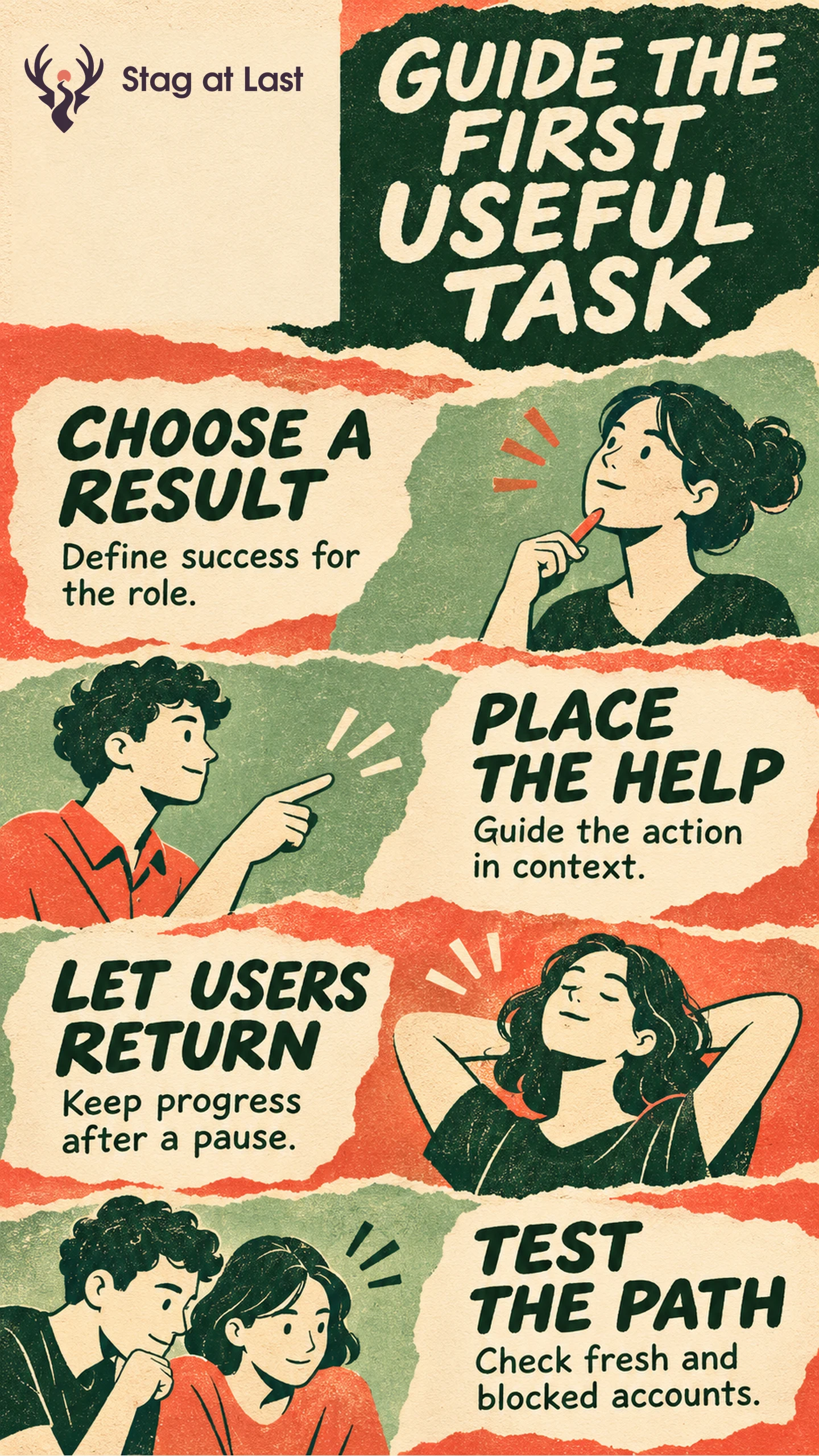
- Choose a first result. Identify the earliest task that gives the new user a useful outcome.
- Check the role. Show actions the person can perform and explain any permission they need.
- Place the help. Use short guidance next to the relevant task and link to detail.
- Test the return. Verify that a user can resume after skipping a prompt, hitting an error or waiting for access.
Treat tour completion as a guide interaction. Measure the task outcome separately.
A store employee opens an inventory app to check whether a product is available. A tour of every menu can delay the answer. An administrator, on the other hand, may first need to import a catalog. The same product can guide both people without giving them the same checklist.
Choose One First Result for Each Role
Write a first-task statement with a role, situation and observable result. For a hypothetical inventory app, the associate needs to scan an item and see the quantity at the current store. The administrator needs to connect the catalog and confirm that an item can be found. Define the activation event separately for each task. A connected account and a successful stock lookup show different progress.
Keep only steps needed for that result in the initial path. Show advanced settings when the person reaches a task that requires them. For a multi-person workflow, describe which step requires another role and what the first user can do while they wait.
Put Guidance Where the User Can Act
Use a short empty-state instruction when the user reaches a screen with nothing to work on. Add a field explanation when the choice is unclear. Offer a checklist for steps that span several screens, with useful links and visible progress. Save the longer learning material for users who need examples or reference details.
| Situation | Useful guidance | Result to verify |
|---|---|---|
| A new administrator can import items | Show the input format and offer a sample for practice. | A test import succeeds and is clearly marked as practice. |
| An associate has no catalog access | Explain who can grant access and how to ask. | The user can request help or resume after permission arrives. |
| An associate can already scan items | Show a short hint at the first scan screen if needed. | The user can get an item result without a full tour. |
If a required permission is missing, give the user a route to resolve it. Adding more explanatory steps will leave the permission unchanged. For later product notices, define separate message triggers so they do not compete with onboarding.
Design for Pauses, Errors and Returns
Let users dismiss optional help and reopen it later. Keep task state separate from prompt state. If someone skips guidance, keep the task available. If a user completes the task elsewhere, avoid showing the same setup prompt again. For a missing permission or failed import, keep any safe progress and explain what to do next.
Prefer guidance that leaves the task usable. If you use a modal, the W3C modal dialog pattern moves focus inside it and uses Escape to close it. [1] Verify keyboard focus, dismissal and the user’s return to a logical place in the workflow.
Test the First Task Before Expanding the Guide
Try the path with a fresh eligible account, an account with partial progress and a role without the necessary permission. Include narrow screens and keyboard operation. Confirm that each account can see the right next step and that returning users can find the point where they stopped.
Track completed first tasks and elapsed time to the first useful result for the same role and cohort age. Check errors and support requests alongside completion. If a new guide raises tour completion while fewer people reach a successful lookup, watch where they stall before adding more prompts.
Check the Starting Instructions Across Languages
If onboarding begins on a multilingual WordPress site, evaluate StagLingo on the welcome page and first-task instructions. Check that users in each language can find their role’s next step and the same help route.
FAQs About Product Onboarding
Should every new user see a tour?
Use a tour if a short sequence is necessary to understand a task and a user can control it. Start with contextual instructions when people can act directly.
When should onboarding use sample data?
Use sample data when real inputs are unavailable or risky to handle during practice. Keep sample outcomes distinct from success on the user’s own work.
Which onboarding metric should you track first?
Start with the share of eligible users who complete the first useful task by a stated age. Keep error and elapsed-time measures nearby so you can diagnose the result.
Sources
[1] W3C Web Accessibility Initiative. Dialog (Modal) Pattern