
Quick Answer: How Do You Build a Customer Education Strategy?
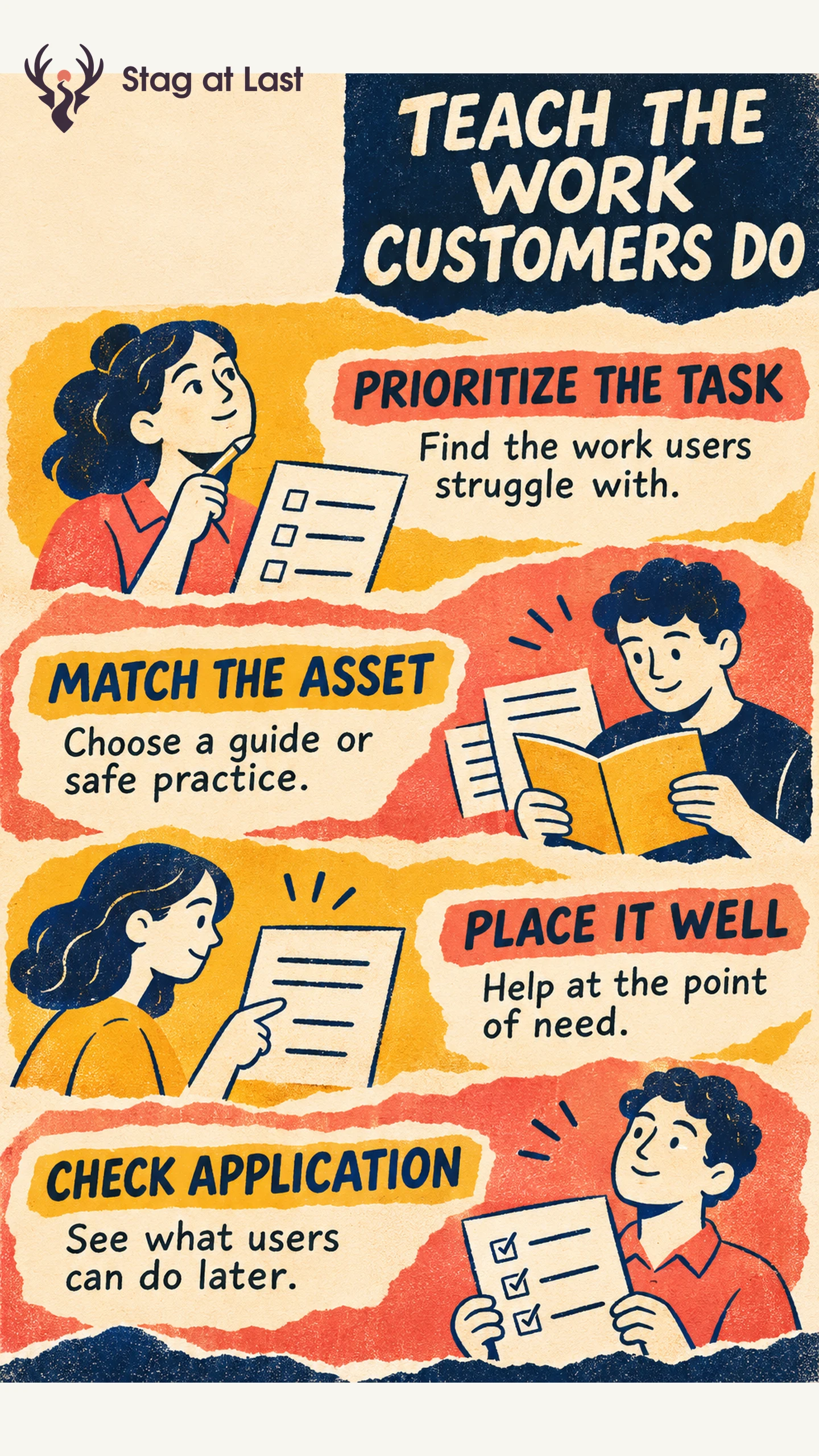
Build customer education around work customers need to complete. Choose content for the role, task and risk, put it where the need appears, and check whether customers can apply it.
- Choose the task. Prioritize a repeatable result customers struggle to reach.
- Match the asset. Use a quick reference, example or guided practice according to the work.
- Place the content. Make it available at the point of need and easy to find later.
- Measure application. Track what learners can do and what they complete in the product.
Give each priority guide an owner and a reason to review it when the workflow changes.
A help center can attract many visits while users still make the same configuration mistake. Start the education strategy with the work you want people to do. Content is one part of the answer. Access, product design and support also shape whether customers can finish.
Prioritize Work Customers Struggle to Complete
Use support questions, product events and customer conversations to identify work that matters. Group evidence by role and situation. A new editor learning to share a report has a different need from an administrator deciding who can see it. Consider frequency, the consequence of errors and whether an asset can improve the task.
For a hypothetical procurement tool, an administrator must test an approval rule before turning it on. A reviewer only needs to see and respond to a request. Give each role a distinct objective and check for blockers outside education. If a role cannot access a required setting, fix the permission or show the approval route before producing a longer tutorial.
Map the Task to the Right Learning Asset
Use a reference for facts a user needs during a task. Use a short walkthrough for an unfamiliar sequence. Offer safe practice and feedback when mistakes would affect other users or are hard to undo. The CDC Quality Training Standards call for learner assessments tied directly to learning objectives, including exercises and observed practice. [1] For the approval rule, have the administrator route a sample request and inspect who receives it.
| Customer need | Asset to start with | Evidence of application |
|---|---|---|
| Reviewer needs to act on a request | A short inline instruction and linked guide | The reviewer can approve or send back a representative request. |
| Administrator needs to test a rule | Practice exercise with sample roles and a checklist | A sample request reaches the intended reviewer. |
| Team needs to roll out a workflow | Structured role-based training and a follow-up task | The team can complete the live workflow with the expected support. |
Put the Asset Where the Need Appears
Link the relevant guide from onboarding, the task screen, release notes or a support reply when it serves the immediate question. Keep a stable help destination that users can return to. For a new workflow, pair the introduction with the next actual task and a way to get help when prerequisites are missing.
Track the guide’s audience, product version, owner and last verification date. When a release changes a role or screen, update the guide and affected links together. Consolidate duplicate guidance into one maintained help page and update the routes that point to it, including older help links.
Measure Learning and Product Outcomes Separately
Measure exposure and participation to see whether the asset was found. Measure successful practice to see whether learners can demonstrate the skill. Then use product evidence or a follow-up to see whether they applied it on the job. The groups and windows can differ, so document who is eligible for each measure.
For the approval rule example, report how many eligible administrators test the rule correctly and whether their first live requests reach the intended reviewer. Compare similar accounts over the same follow-up. People who seek out training may have stronger motivation or more support. Use a suitable comparison before treating a difference as training impact. Assign a follow-up owner when the evidence points to permissions, product friction or individual help, using the customer marketing and success handoff.
Check Learning Content Across Site Languages
If your help center uses WordPress, evaluate StagLingo on a representative task guide and its linked reference page. Check that the instructions, labels and next actions are clear in each language.
FAQs About Customer Education Strategy
Do you need a customer academy to start?
No. Start with a prioritized workflow, a resource users can find and evidence they can apply it. Add an academy if people need structured learning across several tasks.
How often should guides be reviewed?
Review guides when the workflow, permissions or supported version changes. Give high-risk or frequently used content a scheduled verification in addition to release-triggered updates.
Can you measure support deflection from article views?
Views alone show exposure. Look for evidence that customers resolved the task, and check whether missing tickets reflect resolution or a harder path to support.
Sources
[1] CDC Training Development. Quality Training Standards