
Quick Answer: How do you diagnose why conversion rates are lower on mobile?
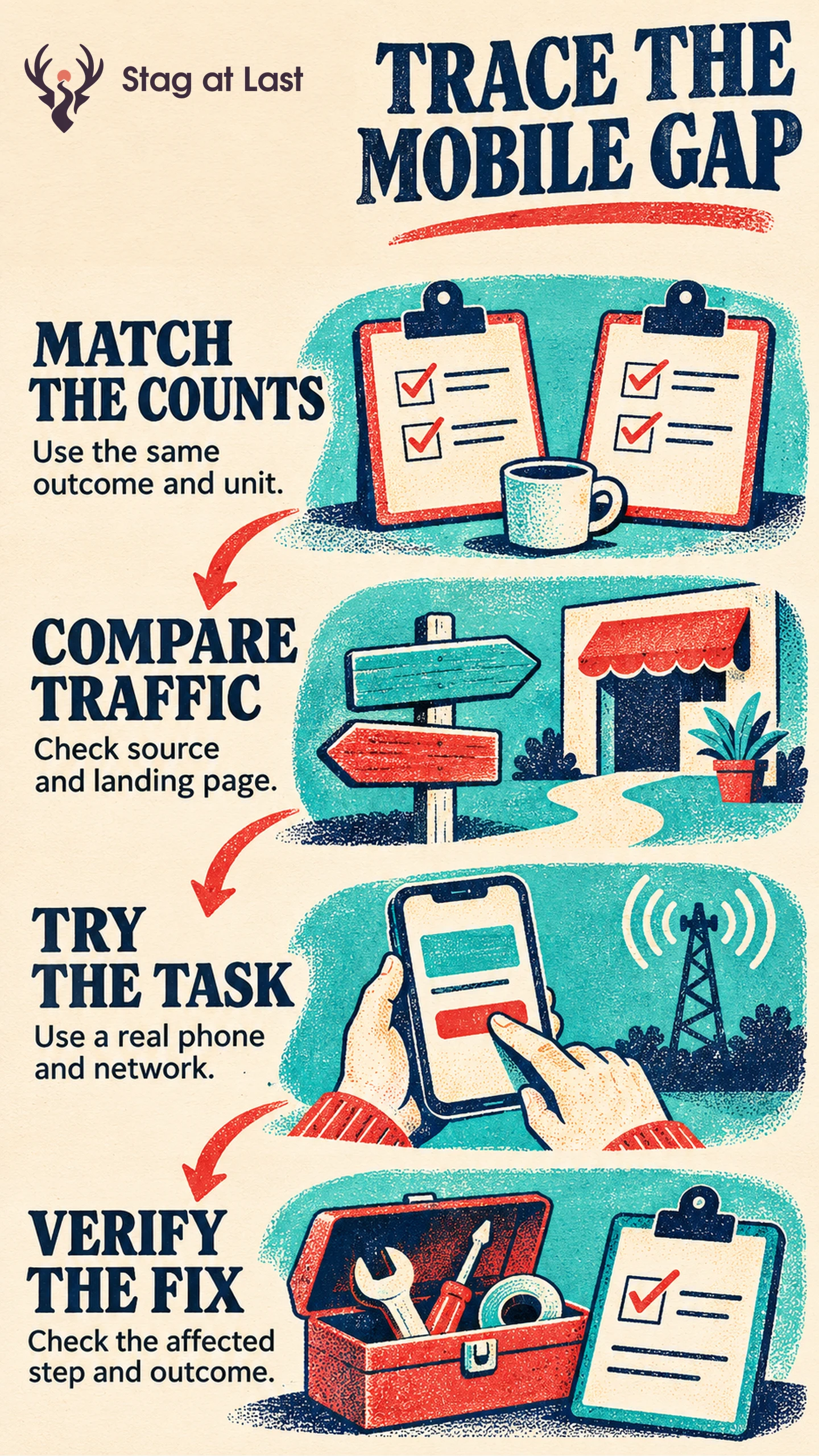
A low mobile conversion rate can reflect who visits, what analytics captures or a step that works poorly on phones. Compare the same outcome and similar traffic before testing the affected task on a real device.
- Use the same event, denominator and date range.
- Compare visits with similar intent and entry pages.
- Find the first step where mobile completion falls.
- Reproduce the problem and measure that step after the fix.
An overall device gap helps prioritize investigation. It cannot tell you what caused it.
Desktop visitors appear twice as likely to buy as mobile visitors. One explanation is a broken address field. Another is that a social campaign sends many first-time shoppers to a product guide. The fastest way to distinguish these is to check what both groups are being counted for and where their journeys part ways.
Check That the Two Rates Measure the Same Outcome
Define what counts as a conversion and choose a denominator. GA4’s session key event rate is the share of sessions in which a key event occurs. [1] Use the same named event, session definition and date range on each device. Open a real mobile session and check that the success event appears once after a confirmed order or lead. Reconcile with backend totals where possible. Missing consented events, redirect failures and in-app browsers can warrant separate checks.
If a shopper starts on mobile and purchases on desktop, session-level reporting credits the session with the completion. Where you have reliable, permitted identification, compare account-level journeys as a separate analysis. Avoid estimating cross-device completion from unrelated session IDs.
Compare Similar Visits Before Blaming the Device
Split by characteristics known at entry, such as source, landing page, market and prior visits where captured consistently. Reaching a product page belongs in the funnel analysis if mobile friction might affect whether visitors get there. In a hypothetical comparison, 300 of 10,000 mobile sessions contain a purchase, for 3 percent, while 350 of 5,000 desktop sessions do, for 7 percent. Check whether that gap persists among visitors from the same source landing on the same page before interpreting it as mobile friction. Show denominators for each breakdown because small groups can fluctuate.
Next, compare entry to product view, product view to cart and cart to confirmed purchase. In a lead funnel, compare form start, validation and receipt of the lead. A short mobile visit can still complete a task, as the guide to bounce rate and conversion explains.
Reproduce the Failing Task on a Real Phone
Follow the failing path with commonly used phones, browsers and connection conditions. Test network interruptions, zoom and completion with the keyboard open. Google’s web.dev guide recommends testing different devices and input methods. [2] Check whether an overlay or popup covers the next action and whether validation messages remain reachable.
Use appropriate field types where relevant. The web.dev field guide shows which attributes select a suitable mobile keyboard. [3] For checkout, include payment handoff and return to confirmation. If responsiveness or loading looks suspicious, follow the speed and conversion measurement guide.
Verify the Fix at the Affected Step
State the expected change in both the failed step and the outcome. If an address field fails on one browser, verify successful shipping-address submission on that browser, then track completed purchases and validation errors among eligible checkout starts. Use the same windows and definitions and document other changes in flight. Keep device-wide conversion as context.
Check the Mobile Journey in Each Language
If the site runs on WordPress, evaluate StagLingo on a few sample pages. Repeat the same mobile flow in each language and review labels, prices and validation before launch.
FAQs About Mobile Conversion Diagnosis FAQs
Is a lower mobile conversion rate always a problem?
No. The gap can come from intent, traffic mix or measurement. Check equivalent visits and look for a recurring task failure.
Where should you look first if mobile checkout is underperforming?
Check that the confirmed purchase is tracked, then compare transitions from cart to checkout, address to payment and payment to confirmation.
Do responsive previews replace real phones?
No. Previews help inspect layout. Physical phones reveal keyboard, network, browser and touch behavior that should be tested directly.
Sources
[1] Google Analytics Help. Analytics dimensions and metrics
[2] web.dev. Test forms across devices and platforms
[3] web.dev. Form attributes in depth