
Quick Answer: Does a high bounce rate mean a page is failing to convert?
Bounce rate tells you which sessions missed the analytics definition of engagement. A short visit can still solve a problem, so judge a page against the outcome it exists to support.
- Confirm the definition and reporting settings.
- Name the visitor’s likely task and how to observe success.
- Compare bounce with completed outcomes for similar visits.
A reported bounce is a session classification. It is not a direct measure of satisfaction or business value.
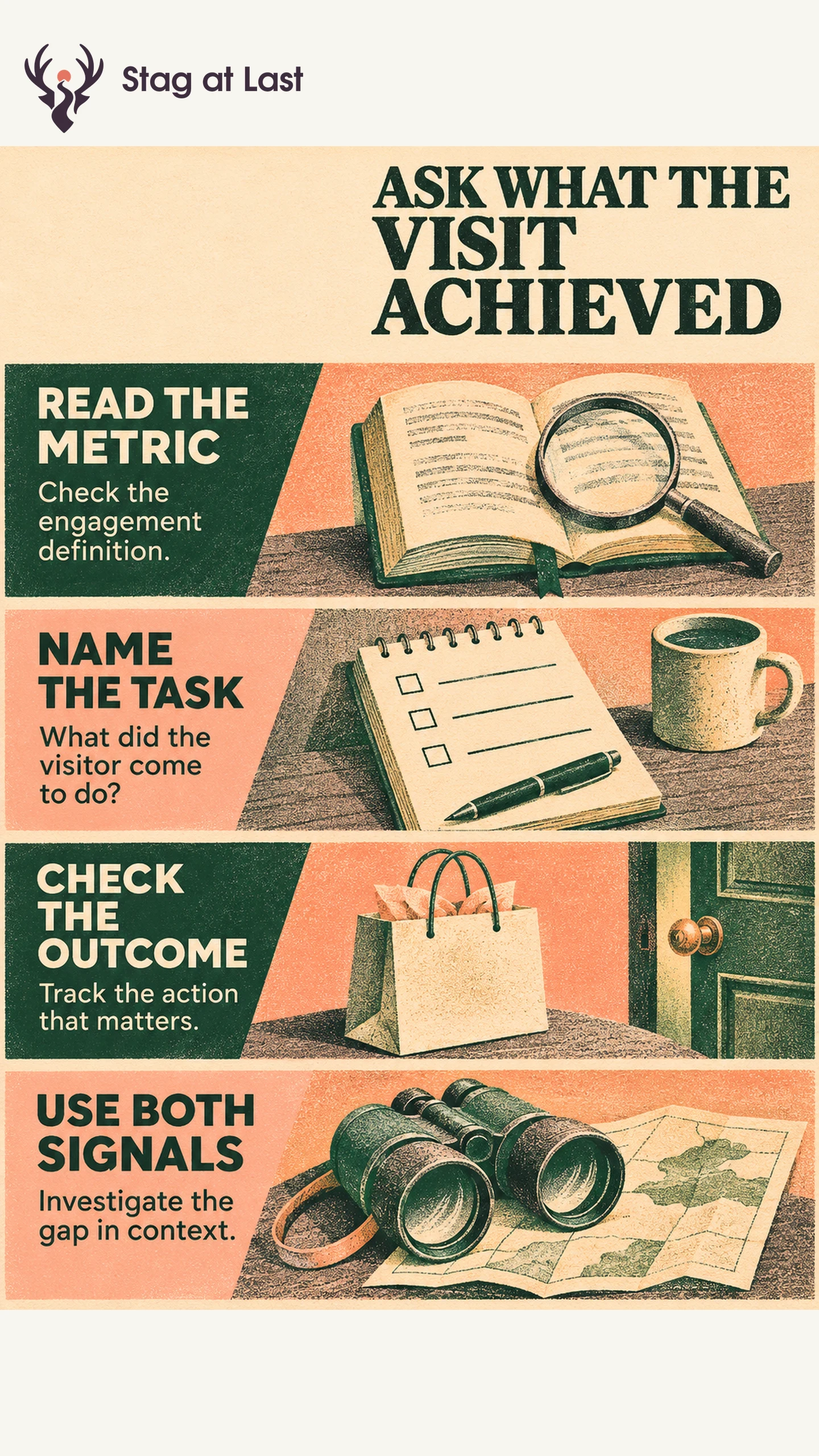
A customer looks up a shop’s hours and leaves after five seconds. Another spends half a minute looking for the returns policy and never finds it. The short visit may have worked. The long one may have failed. Start by asking what each page helps visitors do.
Read the Engagement Definition First
In Google Analytics 4, bounce rate is the share of sessions that do not meet its engaged-session criteria. By default, an engaged session lasts longer than 10 seconds, contains a qualifying key event, or includes at least two page or screen views. Any one of these qualifies. [1] A quick, single-page session with a qualifying key event can count as engaged. When a purchase or accepted enquiry is a qualifying key event, that session already counts as engaged. Bounce and same-session conversion are then partly linked by definition.
The timing criterion can be adjusted for a web stream. Google documents that setting separately from the session timeout. [2] Check both when comparing properties or dates. If an event was newly marked as key, a change in reported engagement does not automatically represent a change in behavior.
Match the Metric to the Visitor’s Task
A contact page might help someone call, select the right department or check opening hours. In an illustrative case, a visitor reads the service number and calls from another phone. The web session may register a bounce, and the call may be invisible in that session. A telephone-link click is evidence of intent, but it alone cannot establish a connected call or qualified enquiry.
A search that reaches a no-results page tells a different story. A visitor may spend time trying alternate terms while making no progress. Compare the engagement classification with search recovery, successful product discovery or another outcome appropriate to the visit.
Check the Outcome and Its Tracking
For a quote page, track accepted submissions and sales-qualified enquiries as distinct outcomes. Track form starts and validation failures separately. Check that the event fires only after the server accepts the form, and reconcile it with the submission system. Measure qualification in the CRM with a fixed follow-up window. Evaluate quick direct calls, directions requests or other actions as separate outcomes if they matter to the page, and keep them separate when no reliable session link exists.
Use a stable grouping, such as eligible landing-page sessions by source or device. Check coverage when event delivery depends on analytics consent or a browser handoff. Refer to the mobile conversion diagnostic when an apparent gap is concentrated on phones.
Investigate the Gap With Context
If bounce rose after a website redesign, record any tracking changes and compare similar traffic before attributing it to the design. If a landing page gains short visits and confirmed enquiries rise, examine those enquiry records. If the same page sees fewer qualified leads and more validation failures, reproduce that flow. The useful next action comes from where task outcomes changed.
Check Task Tracking on Localized Pages
If you use WordPress in multiple languages, evaluate StagLingo on a few sample pages and verify that established success events and contact paths still work on translated pages.
FAQs About Bounce Rate and Conversion FAQs
Can a short one-page visit count as engaged in GA4?
Yes. A qualifying key event can make even a short session with one page view engaged in GA4.
Should you set all clicks as key events?
No. Mark events that represent important actions. Track secondary clicks separately so they do not stand in for the intended result.
What is a good bounce rate?
There is no universal target. Compare sessions with similar intent and measurement, then interpret the number alongside task outcomes.
Sources
[1] Google Analytics Help. Engagement Rate and Bounce Rate
[2] Google Analytics Help. About Analytics Sessions