
Quick Answer: How should a contact page route different visitors?
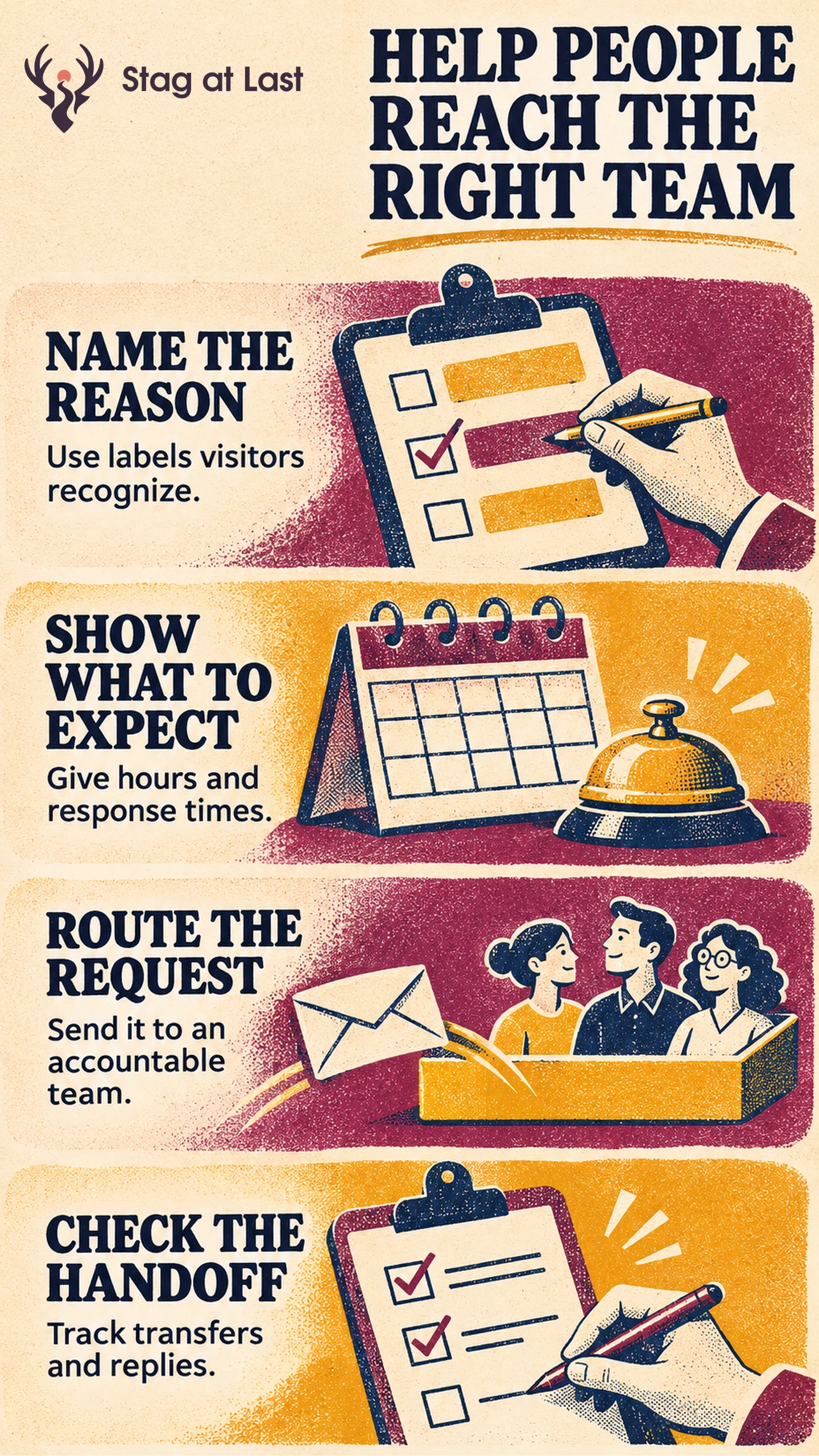
A contact page should help visitors choose a route that can handle their request. Use the visitor’s reason for getting in touch, explain what each channel can do and verify that the enquiry reaches the right owner.
- Separate common needs such as buying, order help and technical support.
- State hours, reply times and any information needed to start.
- Assign a team and a fallback to each route.
- Check transfers, unanswered enquiries and replies alongside form submissions.
Offer a general route when visitors cannot tell which category fits.
A shopper trying to change an existing order has a different need from a buyer requesting a quote. Sending both to an unowned mailbox creates extra waiting and repeated explanations. The page can prevent that by matching a clear public route to a team that can take action.
Use the Visitor’s Reason for Contact
Review a sample of enquiries and group them by what people want done. Use familiar labels such as “Get help with an order” and “Request product information.” Avoid terms from the internal team chart. Let someone choose “Something else” when they cannot classify a request.
In a hypothetical appliance supplier, a buyer seeking bulk pricing selects “Request a quote,” an existing customer selects “Get help with an order,” and a caller with an installation fault reaches technical support. Each route has its own purpose and can use the same intake system behind the page. Link to an estimating form only when detailed specifications are appropriate.
Show Which Channel Can Help
The GOV.UK Design System’s service contact pattern orders channels by what users need and what teams can support. It also advises showing expected response times. [1] Explain when phone, email or live chat works for a given request. Include time zone and days of operation where they affect access.
Display self-service links when they solve common tasks, such as checking a delivery or reading a returns policy. Keep a contact route available for an exception. Put the most important information near the channel and say when a visitor can reasonably expect to hear back.
Make the Handoff Work Behind the Form
Map each visible route to its receiving queue, accountable owner and backup. Pass the reason for contact and the allowed information needed for the first reply. Keep personal account details within the appropriate support process. Let the receiving team transfer a misrouted message with the relevant context so the visitor can avoid starting over.
Make the confirmation explain the status and response window. Run one test per route, one unknown category and one enquiry outside staffed hours. Simulate a queue failure and check that the named backup receives the message and enough context to act. Confirm which team receives each record and whether it can send a reply.
Measure the Route and the Reply
Count accepted enquiries by reason and check the proportion that first reach the queue expected to act, including the triage queue for unclassified requests. Track transfers that result from an incorrect destination separately from cases that truly need multiple teams. Review the share of accepted enquiries whose response deadline has passed that received a substantive first reply on time. Define when the clock starts for after-hours requests and count unanswered enquiries as misses. An automated acknowledgement serves a different purpose.
Compare similar periods and account for staffing or demand changes. If transfers cluster around one label, ask visitors what they think it means and try clearer wording. When the label makes sense but the queue is wrong, correct routing before redesigning the page.
Review Contact Routes Across Languages
If your WordPress site serves customers in multiple languages, try StagLingo on a small set of contact pages. Check channel labels, supported hours and which team receives each language’s enquiries.
FAQs About Contact Page Conversion
Should a contact page have one form or several?
Use one form and a few clear paths when the same system can handle different requests. Offer distinct forms when the requests genuinely need different inputs or handling.
Should support and sales share the same contact route?
They may share an intake system. Present clear purposes and make sure ownership, response times and routing rules match the visitor’s choice.
What should the page show when the team is unavailable?
Show hours and when replies resume. Offer an asynchronous route if someone will monitor it. Direct urgent requests to a real alternative only when the business supports one.
Sources
[1] GOV.UK Design System. Contact a department or service team