
Quick Answer: What should a no-results page show so the visitor can recover?
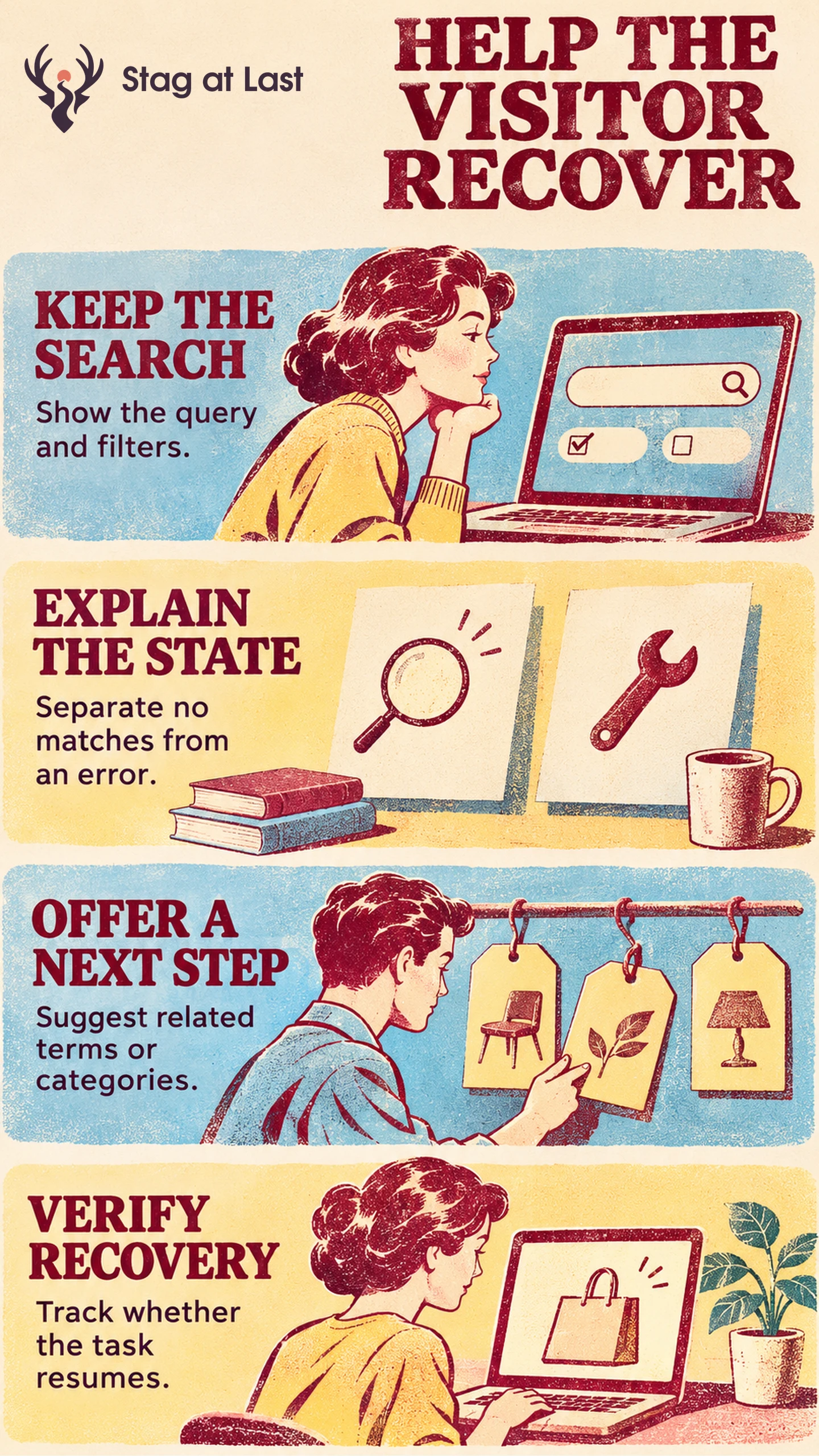
A useful no-results page preserves the visitor’s search, explains why there is nothing to show and offers a next action that can continue the task.
- Keep the query editable and show active filters.
- Distinguish zero matches from a temporary search error.
- Offer relevant alternatives that lead somewhere useful.
Measure recovery and subsequent task completion as separate outcomes.
When a customer searches for a replacement part, an empty page leaves an important question unanswered. Does the store lack the part, is the search too narrow, or did the search fail? A recovery page can resolve that ambiguity and preserve the work they have already done.
Identify What Produced the Empty State
Check whether the engine returned zero matches for the query, applied filters narrowed the result set to zero, or the request failed. Baymard observed dead ends in ecommerce search and describes ways to help people continue. [1] Give shoppers a different action for each situation. When inventory is relevant, check whether items exist but are excluded by an in-stock filter. An empty response does not prove the item is unavailable.
Use the site-search audit to find repeated zero-result terms and investigate indexing, synonyms or product data. The recovery screen still needs to support a real product gap or an unusual query after search relevance improves.
Preserve the Query and Explain What Happened
Leave the original phrase in the search box. Show active filters and give shoppers control over which ones they remove. If the search service is unavailable, say the search could not finish and give a retry option with the query and filters intact.
When the status updates dynamically, make the no-results or error message available to assistive technologies without requiring users to move focus. W3C uses dynamically returned search messages as examples of status updates. [2] Test that the announcement and any recovery links work with a keyboard and screen reader.
Offer a Relevant Way to Continue
Suppose a shopper enters “desk lamp clamp” with the black finish and in-stock filters selected. If the catalog has matches after removing the finish filter, offer to remove that filter while preserving the query and availability. If the wording itself is the problem, suggest a supported phrase such as “clamp desk lamp” only when it leads to relevant matches. Preserve exact identifiers unless the visitor chooses to change them. Keep the original phrase visible so the visitor can judge the change.
If the store does not carry the item, link to a sensible related category or a way to ask about compatibility. Explain any alternatives clearly. For exact model numbers or replacement parts, an unrelated bestseller can send a customer in the wrong direction.
Measure Whether Visitors Recover
Track visits that encounter zero results and the steps that follow, such as a filter removal, a reformulated query, a nonempty results view and a relevant product click. Define your recovery window in advance. For a session-level measure, count each session with a genuine zero-result response once. Calculate the share of those sessions that reach nonempty results within the window. Report service failures separately. A product view is useful progress, while a purchase, support answer or qualified lead is a separate outcome. Use task-based navigation testing to see whether the customer actually found a viable replacement.
Check Recovery Messages in Each Language
If your WordPress search is multilingual, evaluate StagLingo on a few sample pages and test the translated recovery copy. Verify search terms, filters and destination links independently in each language.
FAQs About No-Results Page FAQs
Should the page clear the user’s query?
No. Keep the query editable so the visitor can correct it rather than starting over.
Should you show popular products when a search returns nothing?
Show them only if relevant to the visitor’s task. A related category or an exact search refinement usually offers a clearer route.
What is the difference between no results and a search error?
Zero results means the search completed with no matches under the current conditions. A search error means the service did not return a usable answer.
Sources
[1] Baymard Institute. Search UX: 5 Proven Strategies for Improving No Results Pages
[2] W3C WAI. Understanding Success Criterion 4.1.3: Status Messages