
Quick Answer: How can an ecommerce store improve on-site search?
Improve ecommerce site search by checking what a shopper meant, whether the right products are in the catalogue and whether those products appear prominently. Use a small test set of real query types and expected results.
- Include exact names and model numbers, broad categories and common wording.
- Check product records and availability before changing rankings.
- Preserve the original query when suggesting a correction or alternative.
- Measure whether shoppers reach a useful result.
Treat zero matches and irrelevant matches as different problems.
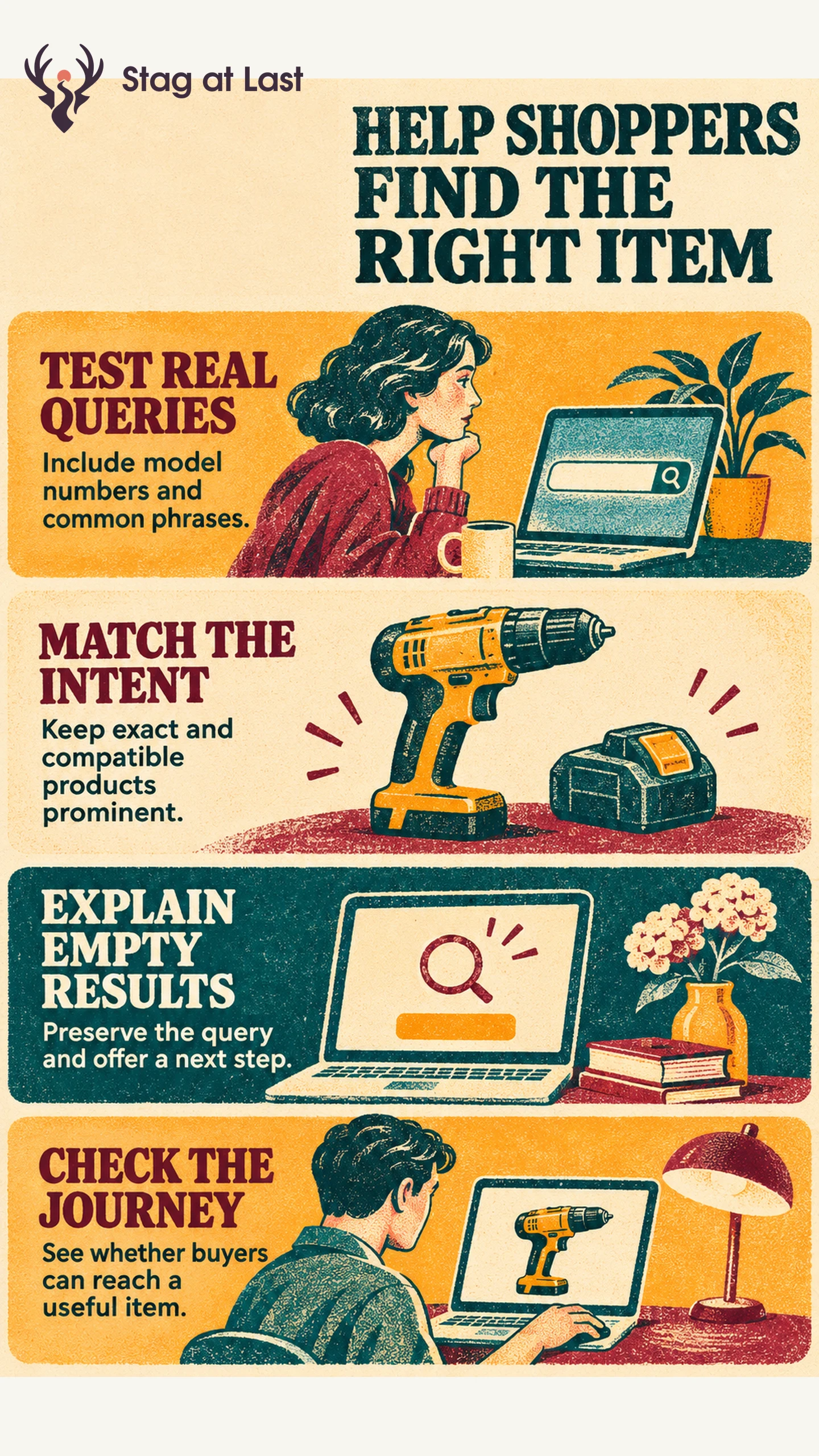
A shopper searching for a replacement filter using a model number needs a more precise result than someone searching for “water filters.” Both journeys depend on the product records and the way search interprets the query. Give each query type an expected outcome before changing the ranking.
Build a Test Set From Real Queries
Collect common and failed searches without retaining unnecessary personal information. Baymard’s ecommerce usability research describes people entering exact product names and model numbers, sometimes copied from another site. [1] Include exact identifiers, product categories, descriptive constraints and likely spelling differences in your test set.
For an illustrative case, “Filter F210” should show the exact F210 first when available. “Filters for purifier P210” should show verified compatible choices. “Small water filter” should produce a usable product list with relevant refinement options. Test two valid identifiers that differ by one character, such as F210 and F211, to catch silent substitution. Record the expected items, result positions and test date.
Review Relevance Before Tuning Rankings
Check whether the item is published and eligible to appear, whether the catalogue contains the required field and whether the search index has updated. Compare the title, model identifier and compatibility against the approved product information. A synonym cannot fix a compatibility gap if the catalogue never says which models fit.
Shopify’s native storefront search documents typo tolerance on certain fields. It says third-party apps can control results instead. [2] Test spelling behavior in the actual store and avoid automatic changes that turn one model number into another. Use ordinary language equivalents for products only where the terms mean the same thing to shoppers.
Give Shoppers a Way to Recover
Keep the original search editable. If you offer a spelling correction or broader term, identify it and let the shopper choose or return to the initial query. Show exact unavailable matches distinctly when they help identify the item, with accurate status and a compatible alternative if verified.
On a no-results page, explain whether there are zero matches or the search could not run. Suggest the closest action supported by the query, such as removing a size term, checking the model number or opening the matching category. Avoid presenting unrelated popular products as matches.
Measure Search Quality by Query Type
Count queries with no matches separately from queries with results but no useful item. Review examples by query type, and run tasks with a known expected result. Ask whether the shopper finds a suitable item and can confirm that suitability on the product page.
On the fixed query set, score whether the exact match appears first or a verified compatible product appears within the chosen review depth, as appropriate. In shopper tests, count correct unassisted choices out of all valid attempts. Track product visits and purchases in production as separate signals. Treat product clicks as a diagnostic and review common query reformulations. After a change, rerun the exact-match and compatibility checks so a gain in broad discovery does not quietly weaken precision.
Test Search Terms in Each Language
If your WordPress store serves more than one language, evaluate StagLingo on a small selection of store pages. Check the visible terminology and test local search queries using your search system.
FAQs About Ecommerce Site Search UX
Should site search show out-of-stock products?
Show an unavailable exact match when it helps a shopper identify the product, and mark its status clearly. For broader searches, give appropriate available products priority.
When should you add a synonym?
Add a synonym when real shoppers use both terms for the same kind of item. Test nearby queries to catch false matches before rolling it out.
What is a useful site search metric?
Start with relevance on a fixed task set and the share of eligible searches with zero results. Use reformulations and downstream visits to locate problems worth testing.
Sources
[1] Baymard Institute. Ecommerce Search UX Best Practices
[2] Shopify Help Center. Search behavior in your online store