
Quick Answer: When should an online store show shipping costs?
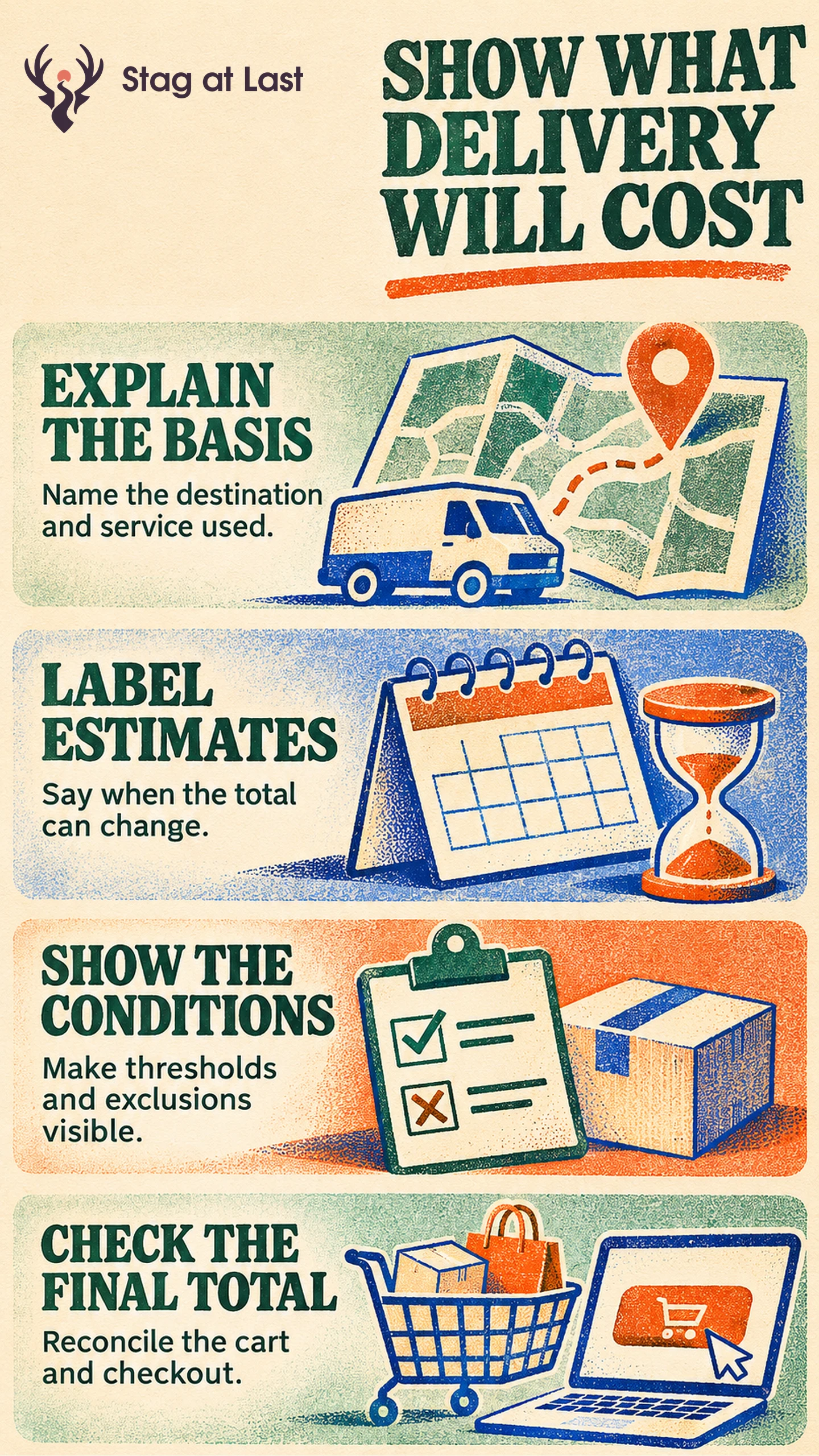
Show known shipping charges before checkout. If the total depends on the address, service or contents of the cart, give a labelled estimate or explain what information is needed to calculate it.
- Say which items and destinations qualify for the shown rate.
- State how a free shipping threshold is calculated.
- Explain changes when shoppers update the cart or delivery option.
- Verify the final charge before the customer commits.
Use the same terms in campaigns, product pages, the cart and checkout.
A shopper who sees “Free shipping on eligible orders of $75 or more” still needs to know whether the promise applies to their address, order and preferred service. Shipping transparency means answering those questions before they turn into surprises at payment.
Explain the Charge Before Checkout
Show a known rate or a clear estimate on the product page or in the cart. Baymard’s product-page usability guidance recommends making an estimated total order cost available near the buying section. [1] If the store needs a postcode or package details to quote the rate, explain that early. Say which costs remain unknown and where the final charge appears.
Put the definition near the claim. “Standard shipping free on eligible orders of $75 or more after discounts” identifies the qualifying service and calculation. Add the region and any common exclusions. Use a link to full terms for less common cases without hiding a decisive limitation.
Show How the Estimate Can Change
For an illustrative store, the $75 threshold uses the eligible merchandise subtotal after discounts and before tax. A cart with $80 of eligible items and a $10 discount has $70 of qualifying spend. If standard delivery costs $8 for that address, the cart should show $70 for merchandise plus $8 for standard delivery, or $78 before tax. Explain that the discount put the qualifying subtotal below $75. A subtotal of exactly $75 gets free standard delivery to an eligible address. Express delivery can use a separate rate. Review free shipping thresholds against operational costs as well as copy.
In the shopping cart, identify the basis for the estimate. Recalculate when address, items or delivery choices change. Explain oversize or remote-area surcharges as soon as you know they apply. For cross-border orders, state which charges are included and which may still be payable, using the buyer and market terms that actually apply.
Check Every Place That Repeats the Terms
List the places where buyers see a promise, including campaigns, product pages, shipping information, cart and checkout. Assign each rule an owner and compare the visible wording and the rate charged for the same scenario. A change to one shipping zone should flow into every affected surface.
Google Merchant Center’s shipping attribute can provide cost and speed when account settings are absent or need an offer-specific override. A price supplied in that attribute overrides the account shipping settings for the product. [2] If you submit such data, confirm that a matching product and destination yield consistent terms on the store. Check an eligible and an excluded product.
Test the Boundaries Before Comparing Results
Test a cart just below, exactly at and above the threshold. Add a discount, an excluded item and a remote address. Record the expected standard and expedited cost and compare each with checkout before testing a promotional claim.
Watch questions about unexpected fees and purchase completion after shipping options are shown. To test clarity, hold rates, eligibility and delivery choices constant. Compare completed orders per eligible assigned visitor over the same window and use progression after showing shipping options to diagnose friction. If completion changes alongside a new rate, distinguish its cost effect from any effect of clearer wording.
Verify Shipping Terms Across Website Languages
If your WordPress store serves different languages, evaluate StagLingo on a small set of buying pages. Check the delivery regions, price conditions and threshold wording against the actual checkout.
FAQs About Shipping Cost Transparency
What if you cannot calculate shipping on the product page?
Explain which input determines the rate, such as a destination or parcel size. Give a supported estimate where useful and show the final charge before payment.
How should you explain a free shipping threshold?
State the amount, eligible items, delivery service, destination and whether discounts or taxes affect the calculation. Test an order at the exact threshold.
Should a store show handling fees separately?
Separate fees when doing so makes the total easier to understand. Show unavoidable delivery-related charges as early as possible and make the combined amount clear before commitment.
Sources
[1] Baymard Institute. Product Page UX Best Practices
[2] Google Merchant Center Help. Shipping [shipping]