
Quick Answer: What should a shopping cart help shoppers do before checkout?
A useful shopping cart helps shoppers verify what they chose, adjust the order and understand expected costs. Show which amounts are final and which depend on information the shopper has yet to provide.
- Display each product’s variant, quantity and price.
- Let shoppers change or remove an item and confirm the update.
- Show known costs and explain remaining estimates.
- Carry the same items and terms into checkout.
When the cart changes unexpectedly, explain what changed and give the shopper a way to continue.
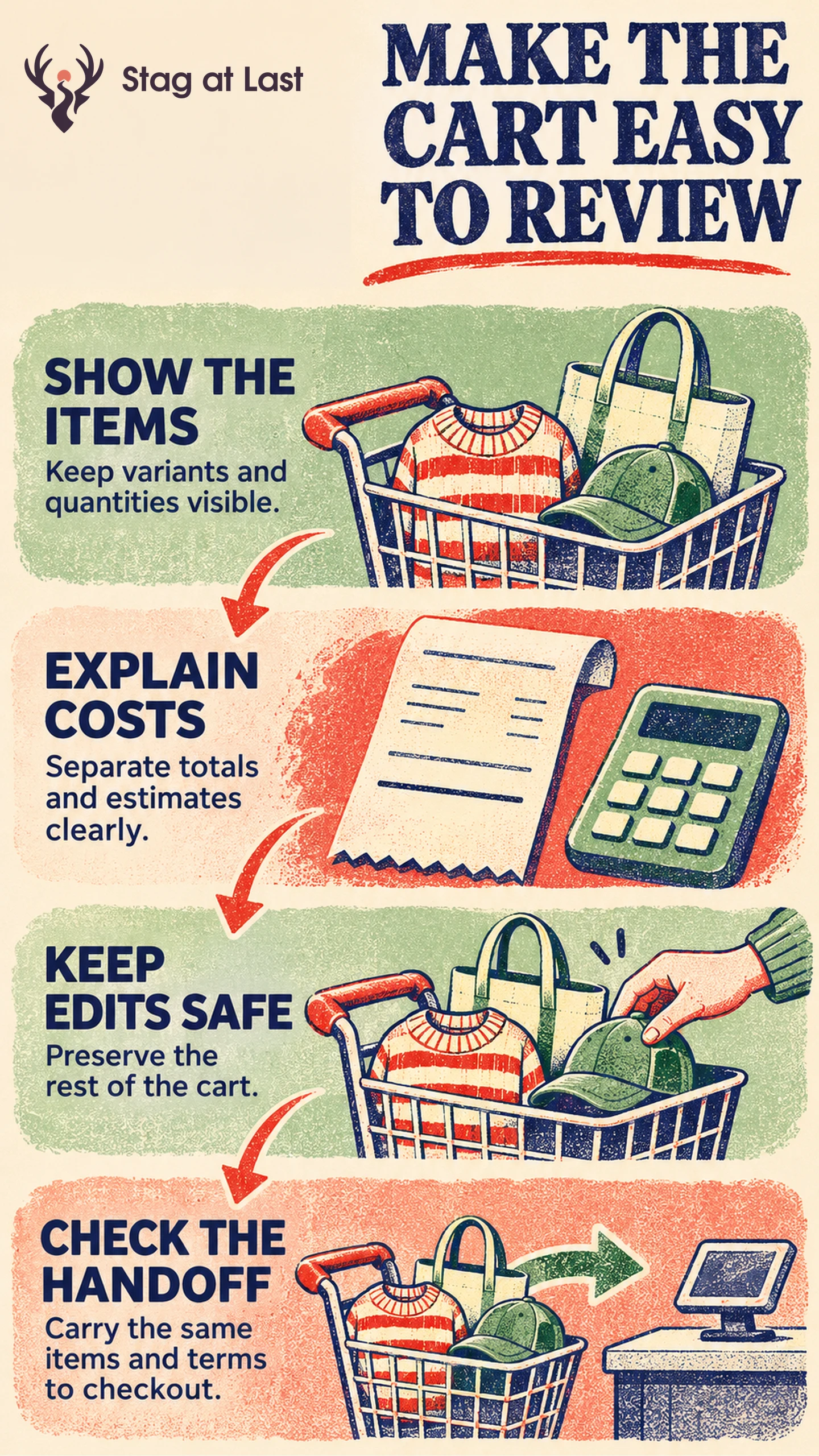
Shoppers use a cart to check an order, compare totals or keep items for later. A cart should preserve their choices and show what will happen when they proceed. Start with the information and controls needed for that review.
Make the Order Easy to Review
Show a useful thumbnail, product name, selected options, quantity and line price. Link each item to the relevant product details when a shopper needs to check size or fit. Give each quantity control a clear name and show the revised quantity and line total after a change.
Baymard observed checkout users making cart quantity changes that went unrecognized, sometimes resulting in orders with unintended quantities. [1] Test common updates on a phone and with a keyboard. A customer should be able to confirm the cart changed before moving on.
Clarify Known Costs and Estimates
Display the merchandise subtotal, discounts and known fees in a clear order. If delivery or tax needs an address, label the figure as an estimate or say what information is needed to calculate it. Use the shipping cost explanation to show how destination, service or thresholds affect the total.
In an illustrative cart, one item can be collected while another requires shipping. Show that distinction beside each item and explain which charges depend on the delivery choice. If the customer changes quantity and a discount no longer applies, recalculate and explain the change before they proceed.
Protect Changes When the Cart Updates
Verify that a rejected update leaves the rest of the cart intact. If the shopper requests three units and only two can be ordered, show the limit and keep the last accepted quantity until they choose a valid number. Show the quantity and total the server accepted, and recalculate after accepting a valid change. If the previous quantity has also become unavailable, flag that line for correction before checkout.
When a returning shopper sees changed price or stock, point out the affected line. Keep the other items available to review. Avoid claiming that an item is reserved unless the store actually holds it. Preserve a clear “Continue to checkout” route while keeping optional recommendations secondary.
Measure the Handoff Into Checkout
Test quantity changes, removal, a rejected edit, a changed promotion and returning to the same cart. Confirm that line items, quantities and known costs appear correctly in checkout. When a new address affects the total, identify the reason rather than making two amounts appear to conflict.
Report the share of eligible carts that load checkout successfully within a fixed window, and the share with a completed order. Count each cart at most once per measure and distinguish a click from a loaded checkout. Review update errors, price changes and delivery questions alongside those rates. If buyers can edit safely and explain the next charge, keep the parts of the design that let them review without interruption.
Review Cart Messages Across Languages
If your WordPress store runs in multiple languages, try StagLingo on a small set of buying pages. Check variant labels, cost estimates and stock messages against the cart and checkout.
FAQs About Shopping Cart Optimization
Should a cart show a total before checkout?
Show the amounts known at that point and identify what is still estimated or unavailable. Make the final total clear when the missing details are supplied.
Should shoppers be able to edit quantity in the cart?
Yes, when the order and inventory rules allow it. Give feedback when a quantity changes, and explain rejected edits without removing valid items.
Do low cart-to-checkout rates always indicate a problem?
No. Some shoppers use carts to compare products or hold items. Check how people use the cart and examine edit or cost problems before attributing low progression to the design.
Sources
[1] Baymard Institute. Checkout UX Best Practices