
Quick Answer: How can you improve checkout without creating payment or delivery errors?
Improve checkout by making delivery options and final costs clear, retaining valid information after errors and verifying payment before showing success. Test that an interrupted purchase can recover without a duplicate order.
- Carry the selected items and known costs from the cart.
- Show price and expected arrival for available delivery methods.
- Keep checkout inputs proportionate and errors recoverable.
- Reconcile the payment and order before confirming.
When a payment outcome is uncertain, help the customer check its status before trying again.
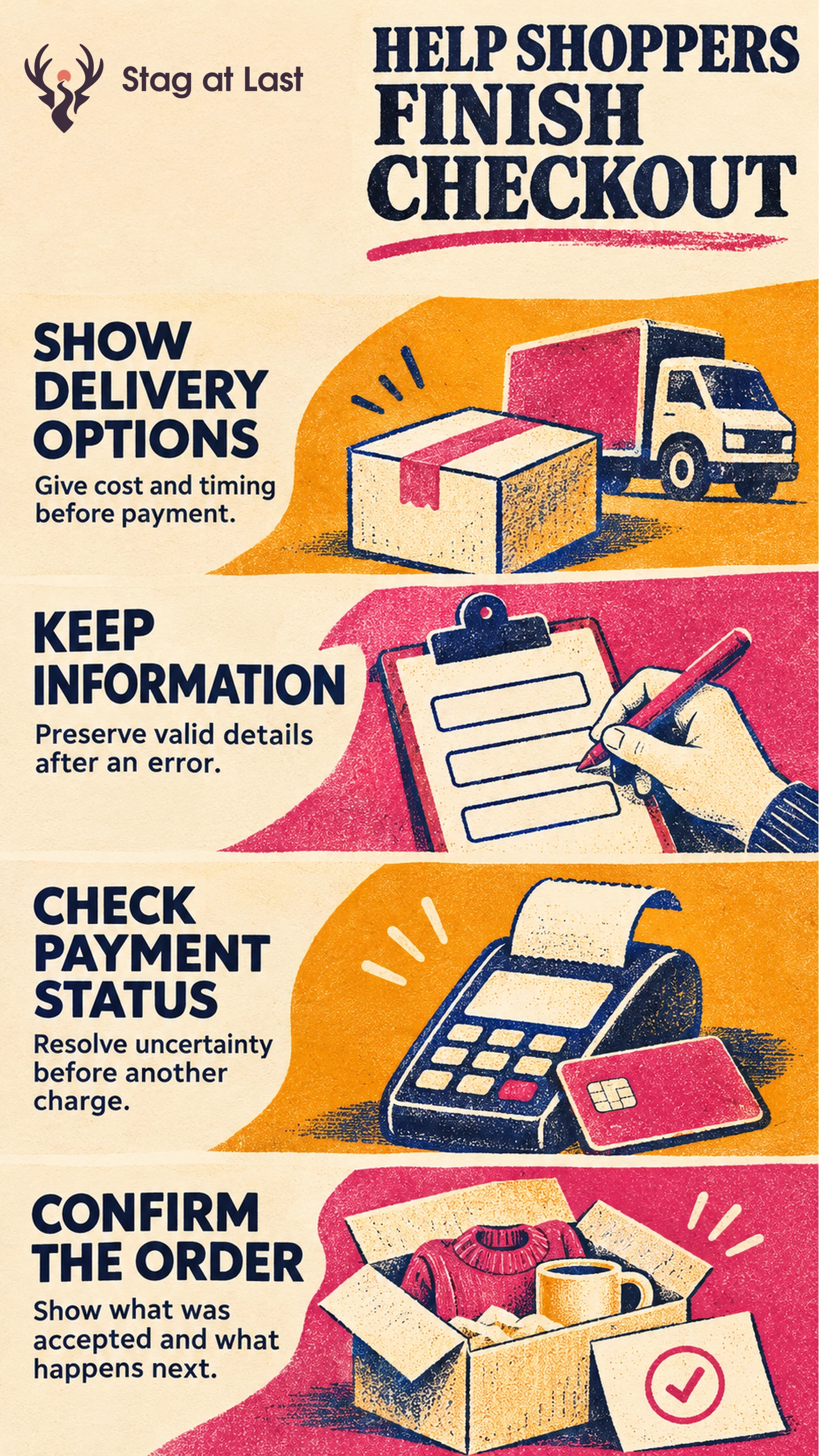
A buyer reaches checkout with the right item and a delivery deadline. Their remaining decisions are how to receive it, what they will pay and whether the order went through. A checkout should answer those questions and preserve the work when a problem occurs.
Make Delivery and Cost Clear Before Payment
Show the actual delivery choices for the selected items and address. Baymard’s checkout research describes how delivery dates or ranges help users compare options without calculating arrival from transit speeds. [1] Base the arrival estimate on stock, handling time, the order cutoff and the carrier service for that address. Recalculate when the address or delivery method changes. Label dates as estimates unless you can honor a specific guarantee. Explain pickup when available and give separate dates if items ship in multiple parcels.
Carry the cart’s items and known amounts forward. Show any changes after entering the address, choosing shipping or applying a discount. Use the same delivery cost terms through the journey so the final amount has an understandable explanation.
Keep Each Input Necessary and Recoverable
Allow guest checkout when the order can be fulfilled without an account. Ask for only the contact and billing details the chosen method needs. When an input fails validation, identify it and preserve other information you are allowed to keep. WCAG 2.2 calls for known correction suggestions when an automatically detected error occurs unless that would undermine security or the content’s purpose. [2] Explain any field the customer must re-enter and give a clear correction where possible.
Test the address and payment path on a phone and with a keyboard. Use the form error recovery guide to verify that a customer can find the error, correct it and continue.
Resolve Payment Status Before Retrying
Distinguish a declined payment from one whose outcome is unknown. An illustrative timeout after bank authentication may leave the browser without a response even if the provider processed payment. Show that confirmation is pending and check the trusted payment status on the server before offering another attempt. If payment succeeded but the order record is missing, reconcile the two records and tell the customer how to get help.
For direct Stripe PaymentIntents integrations, Stripe recommends trying to reuse the existing PaymentIntent when a checkout resumes. [3] Use the provider-supported flow and maintain one order record for the purchase. If a payment is declined, offer a valid retry or supported alternative without asking for card details through a help message.
Verify Orders and Measure Completion
In test mode, try a successful payment, a decline and a return after an interrupted authentication. Check that one accepted purchase creates one intended order and that the confirmation state matches the verified outcome. Include the items and expected delivery, and say whether the amount was charged, authorized or remains payable. Keep payment status and fulfilment status distinct.
Measure the share of distinct eligible checkout starts that reach a verified, accepted order within a fixed window. Include only starts with a full observation window and treat retries for the same checkout as one start. Separate delivery failures, field errors, declines and unresolved payment states. Track the order system and payment provider alongside analytics so a browser event does not stand in for an accepted order.
Review Checkout Explanations Across Languages
If your WordPress store serves customers in several languages, evaluate StagLingo on representative buying pages. Check delivery choices, validation instructions and confirmation copy in the actual checkout flow.
FAQs About Checkout Optimization
Should checkout require an account?
Use guest checkout when the business can fulfill and support the purchase without an account. Explain the need if an account is essential to the service.
What should you do when payment status is unknown?
Show that the result is pending or unconfirmed and check provider status before asking the customer to pay again. Give a support route if the state does not resolve.
What counts as a successful checkout?
Use a verified, accepted order with the payment state expected for the selected method. A clicked button or unloaded confirmation page is insufficient on its own.
Sources
[1] Baymard Institute. Checkout UX Best Practices
[2] W3C Web Accessibility Initiative. Understanding Success Criterion 3.3.3: Error Suggestion
[3] Stripe. The Payment Intents API