
Quick Answer: What should a product page answer before shoppers buy?
A product page should tell shoppers whether the product fits, what their selected variant costs and what happens after purchase. Put the facts needed to decide near the selection and purchase controls.
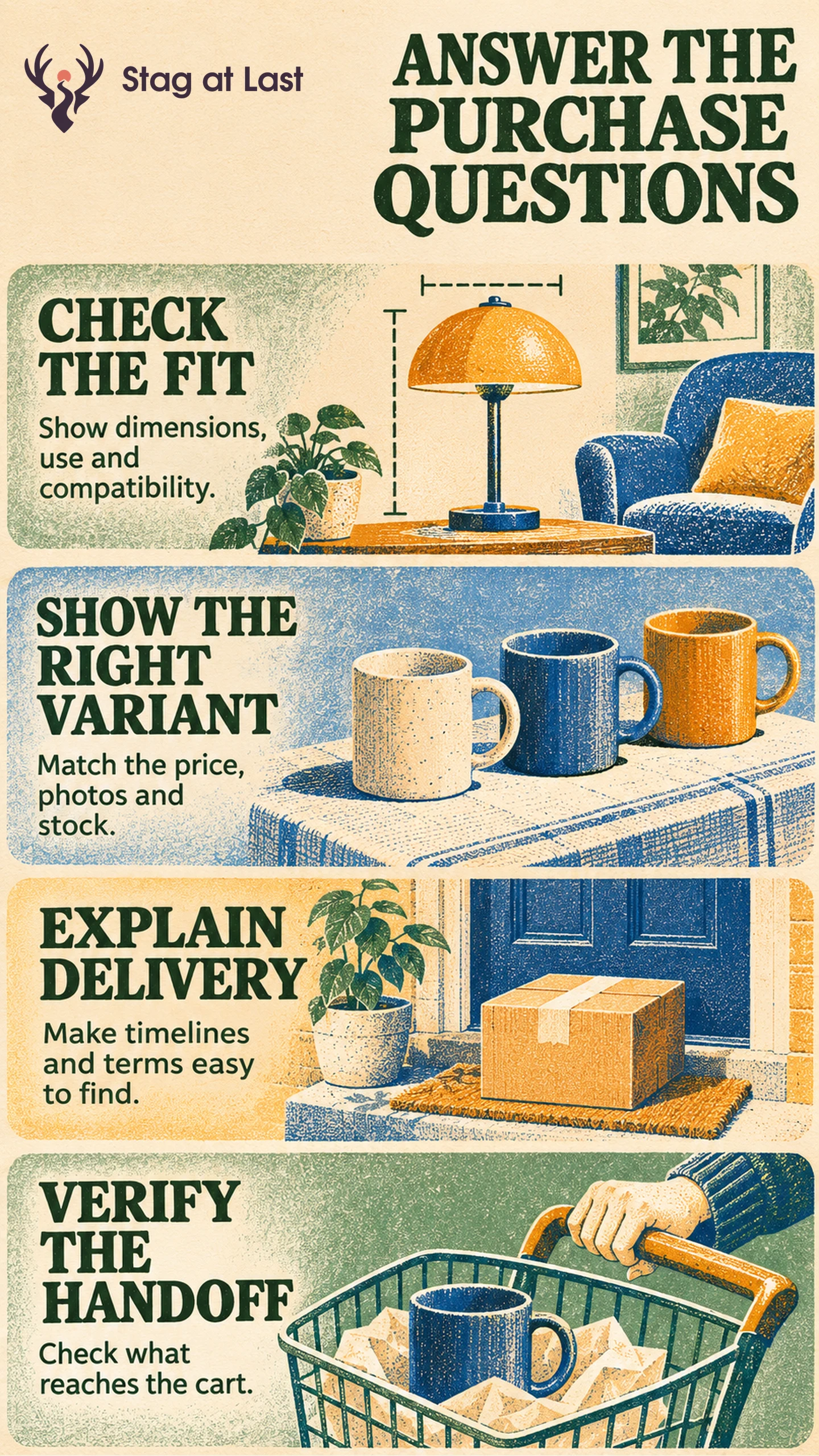
- Explain intended use, dimensions and compatibility.
- Keep the images, price and stock aligned with the selected variant.
- Show relevant evidence, shipping expectations and return conditions.
- Verify that the chosen item and quantity reach the cart.
If an item is unavailable, offer a truthful next step or a relevant alternative.
Someone shopping for a travel backpack may need to fit a specific laptop and understand whether the bag works for their trip. A polished page still leaves that shopper guessing if the dimensions mix two sizes or the images show a variant they cannot buy. Give people consistent facts at each decision point.
Start With the Questions That Decide Fit
Identify what buyers compare in the category listing and what they still need to check on the product page. Show material, dimensions, capacity and what is included. If fit depends on a measurement, explain where to measure instead of listing a size alone.
For an illustrative backpack, distinguish external size from laptop sleeve dimensions. Include an image that shows what fits and a photograph of the opening and strap attachments. Use product images that show scale and relevant details rather than repeating angles that add little.
Keep the Selected Variant Consistent
When a shopper changes size or color, confirm that the label, price, photos and availability match the selected variant. Update the size information when it changes. Provide a clear message if a chosen combination is unavailable and explain any preorder conditions.
Google Merchant Center says availability in the product data should match the same variant on its landing page. [1] If you submit a feed, check the variant you actually promote. Compare fulfillment and stock fields with the maintained product record after updates.
Show Proof and the Purchase Terms
Place evidence where a buyer needs it. A clear close-up can show texture or construction. Use an approved specification or label to support claims about composition. A review may help with a fit question when its product and variant context is clear. Baymard’s product-page research describes shoppers looking for return information during evaluation. [2] Keep purchase conditions visible and link to the full return policy when buyers need the details.
Give an estimate for delivery or explain what determines it. Avoid turning related products into a competing choice at the purchase control. Offer relevant alternatives when the selected product does not fit or cannot be ordered.
Check the Product-to-Cart Handoff
Start with two variants that differ in price or stock. Open the promoted variant’s URL and verify that the correct option is selected. Switch variants and check the name, price, image and availability. Try adding the available variant and verify its identifier and quantity in the shopping cart. Check that the unavailable variant gives a clear alternative instead of silently adding a different product. Carry the available variant through a test order and verify its identifier, price and delivery terms in checkout and confirmation.
Track the share of eligible product-page visits with at least one successful addition. Review purchase completion and support questions, and compare return reasons only for orders with a complete return window. A high add-to-cart rate can coexist with missed expectations later. Inspect the checkout handoff if the chosen item is correct but delivery or payment stops shoppers.
Review Your Product Pages in Each Language
If your WordPress store serves several languages, evaluate StagLingo on a handful of product pages. Check that dimensions, variant names and purchase terms agree with the actual product and checkout.
FAQs About Product Page Conversion
What information belongs near Add to Cart?
Show the selected variant, price, stock state and any condition that changes the purchase decision. Keep sizing and delivery details reachable from that area.
Should all variants share the same information?
Share details only when they apply across variants. Use variant-specific photos, measurements or fulfillment terms whenever a choice changes what the shopper receives.
When should you show alternative products?
Show alternatives when they solve the same task, especially if the chosen item is unavailable. Explain what differs so the shopper can decide whether to switch.
Sources
[1] Google Merchant Center Help. Availability [availability]
[2] Baymard Institute. Product Page UX Best Practices