
Quick Answer: When Should Product Usage Trigger Human Help?
Use product-led sales when product activity helps a person offer relevant assistance. Pair the usage signal with an account that fits the offer and evidence of a buying decision. Send product problems to support and direct sales requests to the appropriate owner.
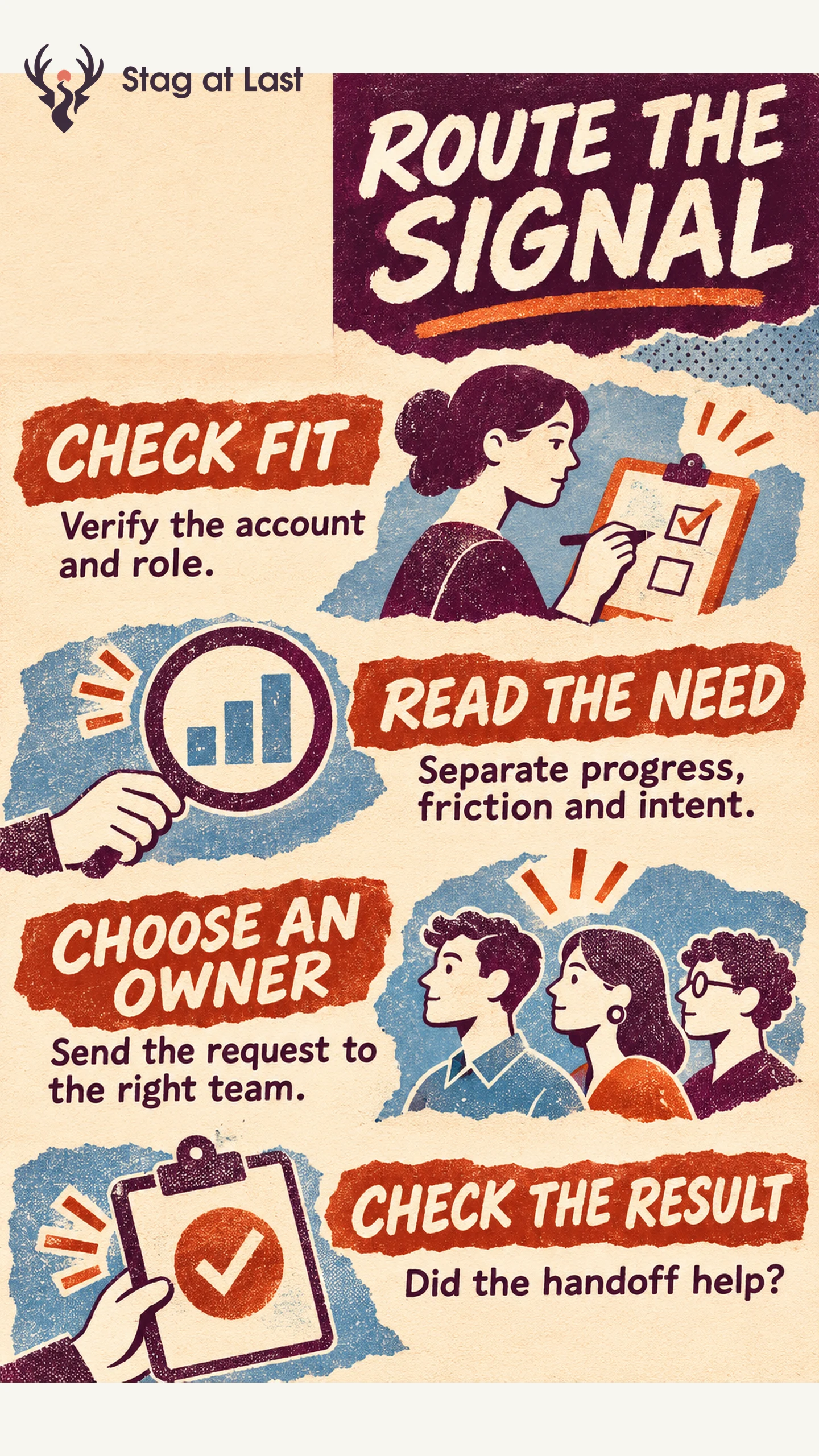
- Identify the account. Verify where the activity happened and who is allowed to act on it.
- Read the context. Separate completed work, setup friction and buying intent.
- Route the request. Pick the owner, timing and contact channel based on the user’s likely need.
- Limit repeat outreach. Respect preferences and suppress stale signals, duplicate tasks and open support cases.
Treat inferred signals as reasons to check context. Direct requests deserve a response even when usage is low.
A workspace that adds three teammates may be preparing a rollout. It could also be testing permissions or replacing colleagues who left. Product-led sales turns that ambiguity into a routing decision. The objective is to help with the next real task, whether it calls for support, an account conversation or no outreach.
Separate Product Progress From Buying Intent
Product-led sales uses product experience to inform human help in a product-led growth model. A product-qualified lead, or PQL, is a person who meets a team’s defined qualification rule. A product-qualified account applies the rule at the account level. Pocus’s framework separates customer fit, product usage and buying intent. [1] Keep those signals distinct in your records even if you later combine them in a score.
Fit describes whom the product can serve. Progress shows what happened in the workflow, such as a team successfully publishing a report. Intent concerns a buying or rollout decision. A request for a security review is more specific than a pricing-page visit. For workspaces where several people share the job, check which person requested help and whether a different person controls procurement. Use the activation definition to distinguish completed work from clicks and retries.
Decide Who Should Receive Each Signal
Write a rule for the smallest action the team can take. Set an observation window, valid account ID, required evidence, routing owner and suppression conditions. Treat direct requests as their own queue so someone who asks for help is visible before any score is calculated.
| Example signal | What to check | Route |
|---|---|---|
| Repeated setup errors | Active support case or known incident | Support investigates the blocker and keeps the account owner informed. |
| Shared reports in a fit account | Actual collaboration and whether the user wants help | Offer a relevant self-serve guide or optional setup help. |
| Explicit request to plan a rollout | Who asked, their role and existing account ownership | Route to the sales or account owner to discuss the requested decision. |
| One anonymous visit to pricing | Whether the activity can be connected to a real request | Keep it as aggregate evidence and leave individual outreach off. |
Suppose an analyst in a hypothetical report builder invites colleagues and then opens a ticket because an export failed. Pause unsolicited sales prompts for that account while support fixes the issue. If an administrator has separately asked about organization-wide permissions, have the account owner respond to that request and coordinate with support.
Give the Owner Context and a Clear Next Step
Send the assigned person the account, the signal category, when it happened and the next relevant action. Avoid sending customer content or unnecessary event-level details. Verify that the account mapping is current and that the contact channel is permitted. If the account is already in an active sales conversation, attach the useful context to that record so it reaches the current owner.
A suitable reply to an administrator’s request might say, “You asked about giving the finance team access. I can walk through the available roles and help you check which people need editing permissions.” For inferred behavior, offer a general resource or a choice to ask for help. Use your in-app messaging rules to manage timing, dismissal and repeat prompts.
Test Whether the Handoff Helps
Pilot one rule on a narrow account segment and inspect routed cases before automating. Confirm that each task had a valid owner, a current reason and the right contact. Track accepted help, resolved blockers, relevant replies and opt-outs alongside later sales outcomes. For account-level rates, use distinct eligible accounts over a fixed follow-up period.
To estimate the effect of optional outreach, randomly assign eligible accounts to receive it or continue self-serve where feasible. Compare outcomes by assigned group over the same follow-up period. Respond to explicit help requests in both groups. A rule is worth keeping when owners can act on it and the response helps with the task it was designed to address. Retire or narrow rules that repeatedly send the wrong team to the wrong person.
Check the Request for Help Across Site Languages
If product users reach support or sales through a multilingual WordPress site, evaluate StagLingo on those pages. Check that each language makes it clear which form to use and what happens after submission.
FAQs About Product-Led Sales
Does a product-qualified lead have to be a buyer?
No. An active user may need implementation help while an administrator or buyer makes the purchase decision. Ask about roles before treating the user’s activity as a buying commitment.
What if the account cannot be matched reliably?
Leave the signal out of individual routing until you can verify the match. Keep a direct support or sales request available so the person can supply the relevant context.
When should a sales signal expire?
Tie the expiry to the reason for reaching out. A recent access problem or time-sensitive procurement question can go stale quickly. Review current ownership, open cases and the user’s preferences before acting.