
Quick Answer: What Customer Context Should Follow an Omnichannel Handoff?
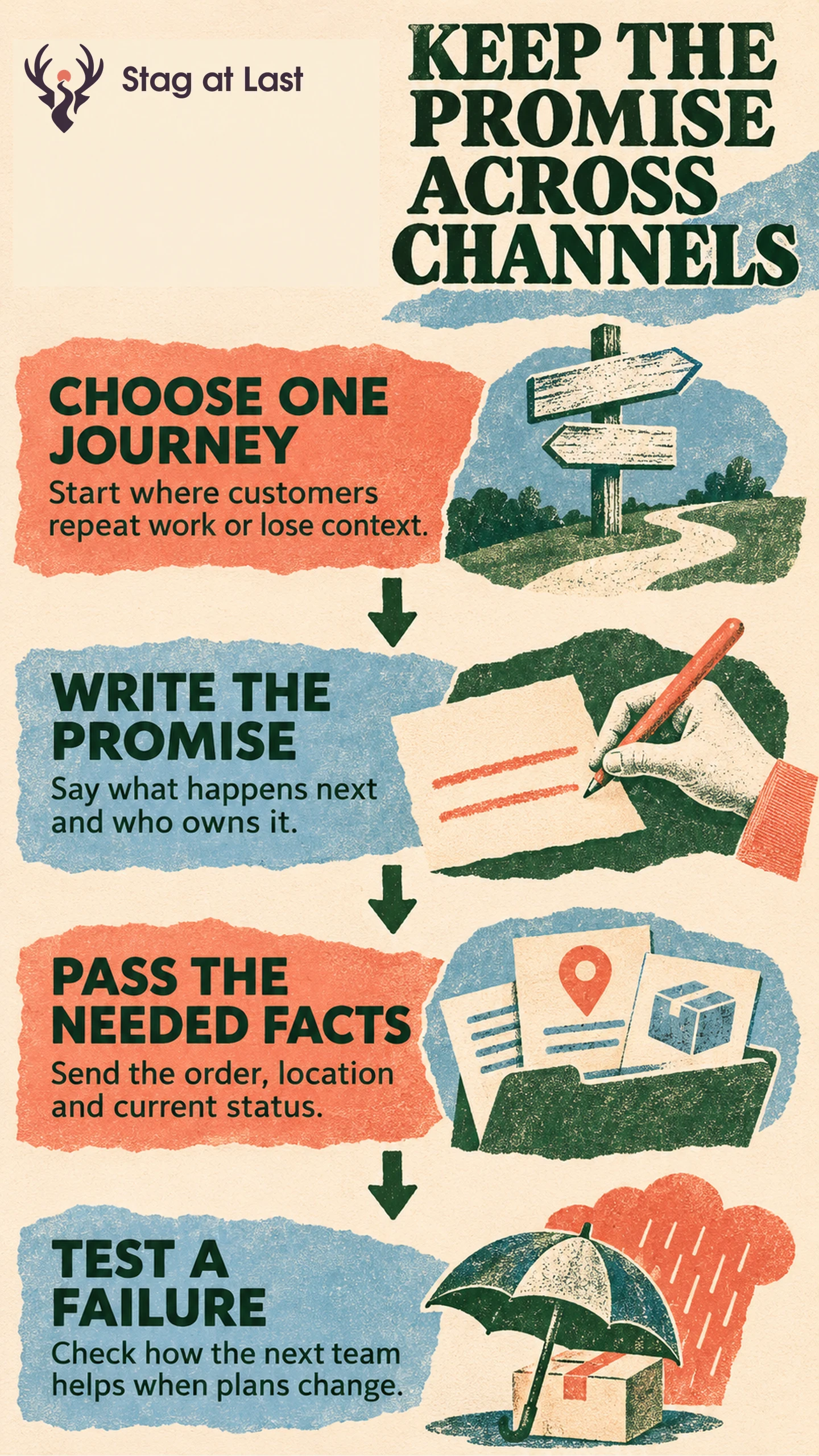
Connect channels where the customer needs to continue a task. The receiving team should know what was promised, what has happened and what it can do next.
- Pick a journey with a costly or frustrating handoff.
- Define the customer promise and the status that permits it.
- Pass the relevant context to the team taking over.
- Rehearse a failure and measure whether customers get the promised outcome.
Start with one journey and a few locations before expanding the connection.
A shopper buys a lamp online for afternoon pickup. An email confirms the order, so the shopper heads to the store. The item is still in transit from another location. The website, email and store each played a role, but the handoff failed because the customer and the store understood “confirmed” differently.
Choose One Journey Worth Connecting
Omnichannel marketing coordinates a customer journey across channels so the next interaction can act on relevant context from the previous one. That may mean a store receives an online order, a support agent locates a return request, or a product detail page reflects the local stock shown in an ad.
Choose one costly break first. Read support contacts, failed pickup logs or customer interviews to identify people who had to repeat information or travel unnecessarily. Compare the task with the cost of deeper channel coordination. Several independent channels can serve shoppers well when no handoff matters.
Write the Handoff as a Customer Promise
Write what the customer expects, a system state that supports it, the receiving owner and a fallback. For the lamp journey, separate order acceptance from the moment a store worker has set aside the correct item. Shopify documents that the checkout estimate can account for a required store transfer in its pickup workflow. [1] Test what your own checkout and notifications communicate at each state.
| What the customer sees | Condition for showing it | Receiving owner |
|---|---|---|
| Your order is confirmed | The order was accepted | Ecommerce order team |
| Your order is ready | Staff verified and set aside the right item | Pickup store |
| Your pickup is delayed | The original ready estimate cannot be met | Store or designated support team |
If an order will be late, notify the shopper before the original ready time with a revised estimate or an option such as cancellation. Use the click-and-collect planning guide to verify the deadlines, availability and pickup instructions behind those messages.
Carry Only the Context the Next Team Needs
Map the minimum context for each transition. For pickup, the receiving store may need an order reference, selected location, item and quantity, current state and relevant instructions. Restrict access to the people who perform the task. A handoff can work for a guest shopper using an order reference and the store’s verification process.
Use consistent item and location identifiers. Keep current availability and the approval rules for customer contact in their appropriate systems. See connecting store and ecommerce customer records for occasions when a recognized customer helps, along with the risks of matching the wrong record.
Test Exceptions and Measure Promise Fulfillment
Before promoting the journey, place controlled test orders for one ready item, one delayed item and one cancellation. Check whether each shopper message matches what the receiving team sees. Verify whether a store employee can act on the order when the usual workflow fails. Give support one documented route to find the order and escalate.
In a live pilot, measure the share of accepted pickup orders made ready by the original promised time among orders whose promise window has elapsed. Count store-caused cancellations as missed promises. Set a rule for customer-initiated cancellations before the pilot and report them separately. Track early arrivals and repeat contacts alongside the readiness measure. Review exceptions with the people who handled them. If the process misses the promise repeatedly, narrow the eligible locations or extend the stated timing before the next campaign.
Verify the Handoff in Each Website Language
If the journey begins on multilingual WordPress, evaluate StagLingo on the entry page and its pickup or support instructions. Verify that the translated copy matches what the receiving team can do.
FAQs About Omnichannel Marketing
Does omnichannel marketing require a single platform?
A shared platform can simplify coordination. Connected systems can also support a handoff when identifiers, status updates and ownership are reliable.
Can the experience work for a guest shopper?
Yes. Pick a reference the customer already has and define a suitable verification check. Require a shared customer profile only if the promised task depends on one.
Sources
[1] Shopify. Setting up pickup in store for online orders