
Quick Answer: What does a first-click test show about navigation and page cues?
A first-click test shows where people try to start a task on a particular page. A pattern of clicks on the wrong control or on a noninteractive element can reveal a confusing cue.
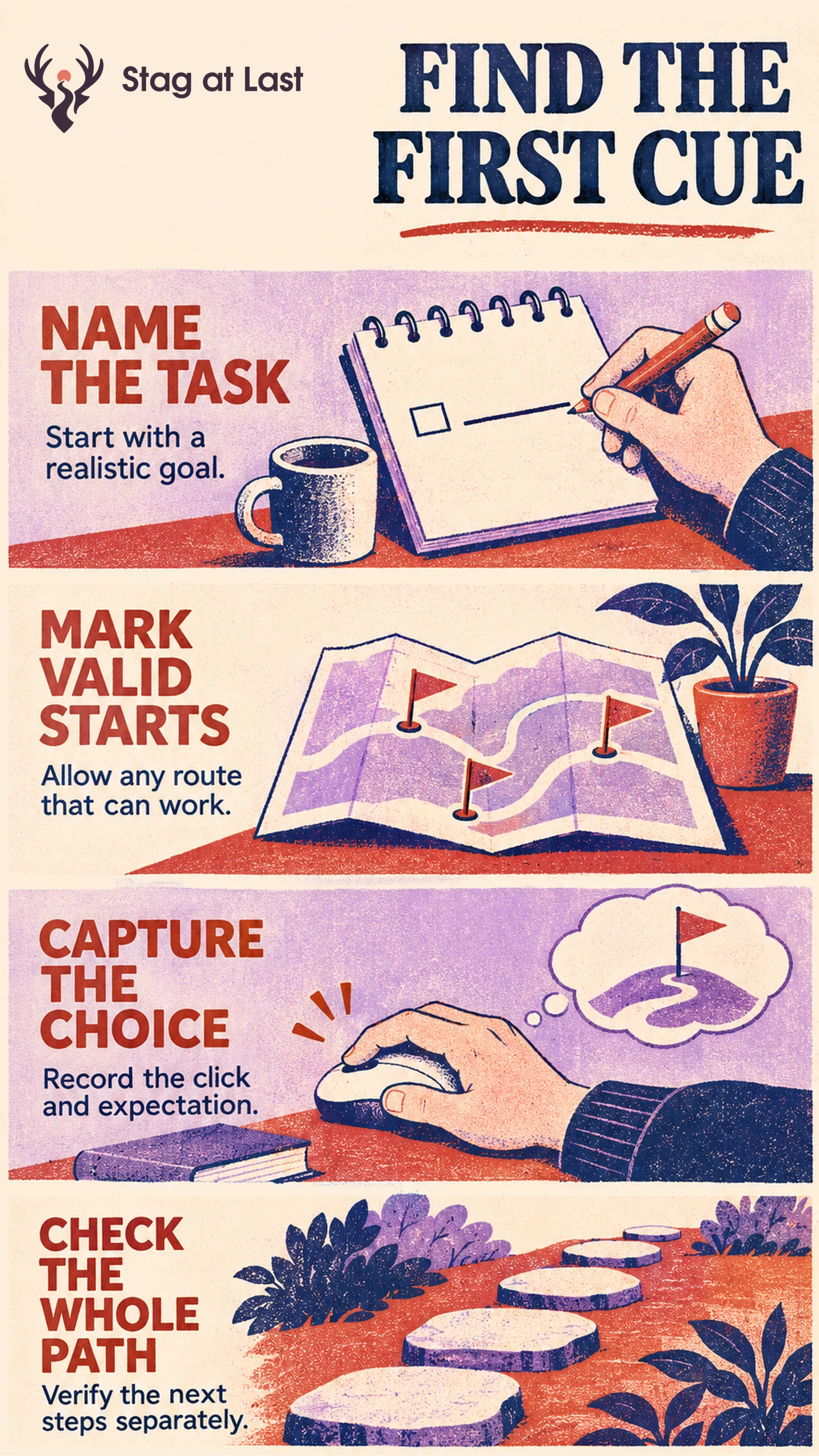
- Give participants a realistic goal and a defined starting page.
- Mark all first actions that can lead to the goal.
- Record where people click and what they expect.
- Verify what happens after the first click in a working experience.
The result concerns the first action on the tested design. It does not measure task completion.
Suppose customers cannot find a delivery estimate on a product page. Some tap the product image, others open their cart and others look for delivery information in the footer. A first-click test helps you investigate which cues invite each of those choices.
Choose a Start Page and One Real Goal
Use the screen your target audience plausibly sees before starting. Record whether it is a screenshot, static wireframe or interactive prototype. Nielsen Norman Group describes screenshot click tests as a way to assess navigation cues and distinguishes them from tests of actual interaction. [1] Use real mobile sizing for a mobile task, and state whether scrolling is possible in the study. For a fixed screenshot, record the viewport and any relevant controls below it. Offer a way to report that the participant would scroll or could not find a starting action.
Write instructions in the customer’s language. Optimal Workshop advises avoiding words copied from the target control. [2] For the delivery example, ask, “You need this item by Friday. Where would you start to find out if it can arrive in time?” Supply a sample delivery postcode, the exact Friday date and the same cart state to each participant. Keep interface instructions out of the task.
Define All Valid First Actions in Advance
List each target region that launches a viable path. A postcode estimator may count. Going to the cart can also count if the shopper already has the item in the cart and can check the delivery estimate there. If it does not lead to a usable estimate for that starting state, classify it separately. Apply the same viability rule to a footer link.
Draw the location of each valid region from what is actually interactive. Record taps near the target separately when the limit itself could be the problem. Keep blank-space clicks, mistaken targets and no-click attempts visible rather than dropping them from the results.
Read the Click Together With the Expectation
After the click, ask what the participant expected to find. If several tap a noninteractive truck icon expecting a postcode calculator, check whether its placement or appearance suggests an action. If taps cluster just outside a small text link, examine target size and alignment. A click map helps locate the pattern but cannot by itself tell you what participants thought.
Compare the share of attempts that start with a valid action, using the same task, viewport and scoring on each design. Keep would-scroll and no-click attempts in the denominator, and report them separately from wrong taps. Report counts and show other clusters. With a small qualitative study, use those patterns to identify issues to investigate, not to estimate how often the entire audience will succeed.
Test the Rest of the Task Separately
Use tree testing if the suspected issue is how categories are named and organized. Use task-based navigation testing on an interactive site to see whether the estimator opens, accepts the postcode and shows the expected information. Include keyboard and assistive-technology checks where needed.
Check the First Action in Each Language
If navigation is multilingual on WordPress, evaluate StagLingo on a few sample pages and test the rendered labels and cues with people who use each language.
FAQs About First-Click Testing FAQs
Can two first clicks both be valid?
Yes. Count each predefined region that starts a viable route in the supplied page state.
Does a correct click prove the task is easy?
No. It shows the first action was appropriate. A working follow-up task reveals what happens after that.
Should you test mobile and desktop separately?
Treat them separately when layout, visible controls or input methods differ. A desktop screenshot cannot represent a touch experience.
Sources
[1] Nielsen Norman Group. Low Findability and Discoverability: Four Testing Methods to Identify the Causes
[2] Optimal Workshop. Add Tasks to Your First-Click Test