
Quick Answer: What Belongs in a Seasonal Ecommerce Calendar?
Use one row per seasonal offer in each market. Start with the date the customer needs the item, then work backward through transit, packing, inventory and campaign approvals.
- Choose a buyer task and a date that matters to the audience.
- Fill in the product, offer, stock check and shipping cutoff.
- Name an owner, approval deadline and backup for the campaign.
- Record the outcome and the next decision after returns and late orders can be assessed.
Keep a short list of campaigns your team can fulfill and review.
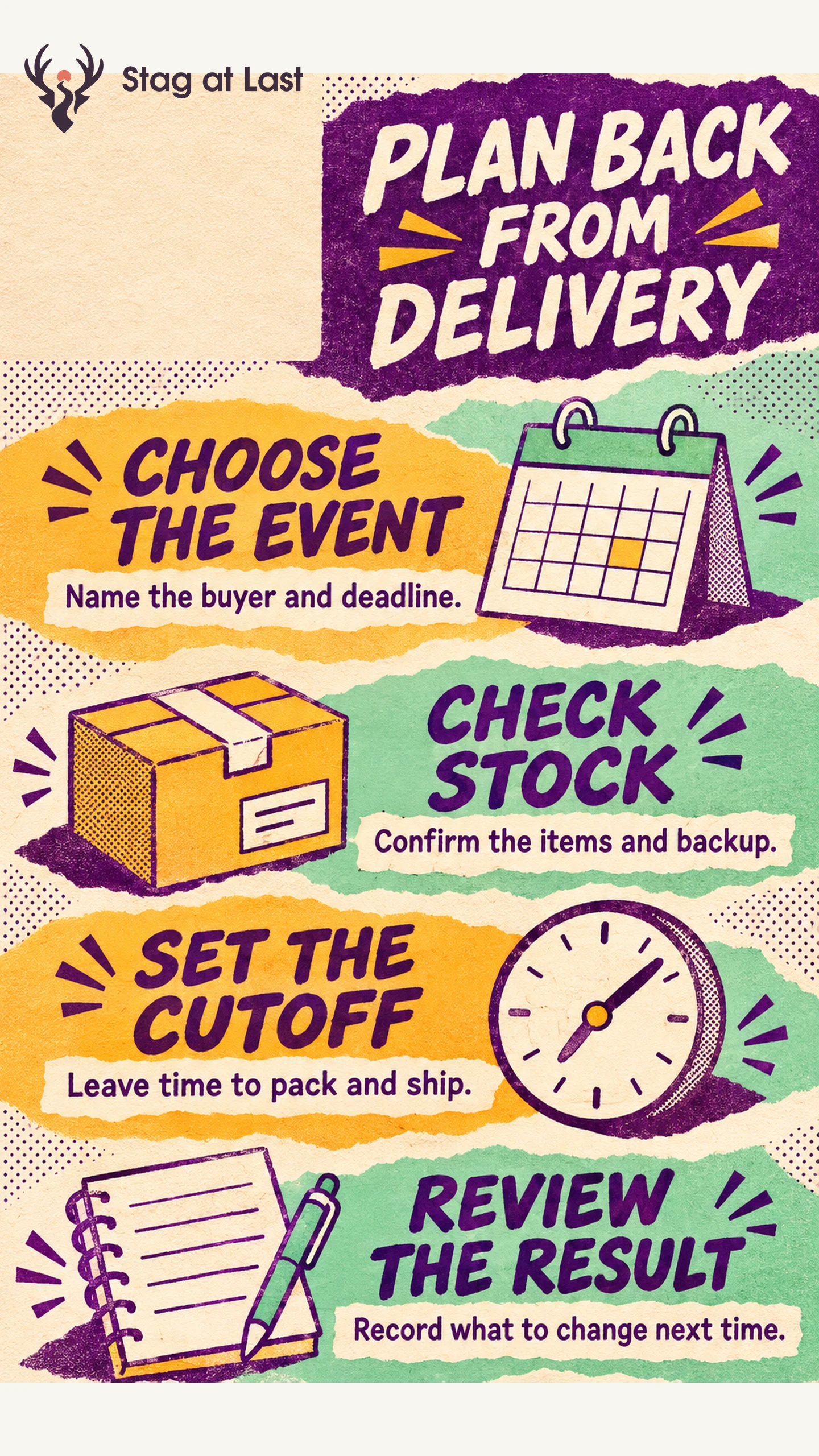
An event date alone cannot tell a retailer when to launch. A gift campaign needs a date when the buyer expects the item, a cutoff by delivery zone and a moment when the team checks stock and checkout. Put those decisions in the calendar so they travel with the creative brief.
Choose Events That Match a Buying Task
List periods when shoppers need something specific, such as a gift that arrives before a celebration or supplies for a term that starts locally. Check past orders, site searches, support questions and supplier capacity by market. Google Trends reports relative search interest using a normalized scale. [1] Use it as a timing clue alongside your own order history and demand evidence.
Choose an outcome for each event. A first order, a set of compatible products and the sale of aging inventory need different measures. Use the promotion strategy guide to choose the offer. Plan a separate clearance offer if the goal is to move older variants.
Copy the Seasonal Campaign Template
Copy one record for each offer and market. Put the same fields into your planning tool as columns if you manage several campaigns together.
| Field | Enter this | Illustrative gift campaign |
|---|---|---|
| Event and market | Buying task, location and time zone | Local gift delivery by the day before the event |
| Audience and offer | Buyer, product and eligibility | Gift shoppers, in-stock mug set |
| Stock check | Variant, available units and backup | Green set, blue set if it meets the same terms |
| Customer deadline | When the buyer needs delivery | Day before the event, defined as Day 0 |
| Order cutoff | Time, zone and shipping service | Seven working days before Day 0, noon local time, eligible standard service |
| Launch approval | Owner, conditions and due date | Merchandising confirms stock and cart 15 working days before Day 0 |
| Live window and closeout | Launch, stop point and expiry updates | 14 working days before Day 0 through the cutoff, then remove arrival promise |
| Outcome and review | Measure, comparison and review date | On-time arrivals and contribution, reviewed after returns mature |
Record the link to the product page and creative, plus who updates each one. If the campaign depends on a supplier delivery, add the date by which inventory must be received and released for sale.
Work Back From the Customer Deadline
For the example, assume four working days for carrier transit, two for packing and one as a buffer. With no intervening holidays, the illustrative noon cutoff is seven working days before Day 0. Confirm the actual date, holidays and service calendar before publishing. If one region needs more time, split the row rather than using one promise across all regions.
Allow time before launch for product photos, offer terms, checkout testing and delivery messaging. Use the sellable stock check to decide whether the lead item or backup can go live. If you intend to take orders before stock arrives, treat them as a separate preorder campaign with its own shipment terms.
Run the Launch Check and Record the Result
At the approval date, check stock, links, eligible carts, dispatch capacity and support instructions. If the conditions fail, delay the offer, limit it to a supported zone or use the approved backup. Name the person who can make that decision. When the cutoff passes, remove the original delivery promise wherever shoppers can still encounter it.
Review eligible orders, contribution and delivery outcomes against the intended measure. Note stockouts and changes in traffic that complicate comparisons. Write one decision for next season, such as moving the launch earlier, changing the assortment or keeping the offer but narrowing its audience.
Review Seasonal Terms in Each Market Language
If your seasonal pages run on multilingual WordPress, verify dates, time zones, delivery cutoffs and exclusions in each language. Use the calendar’s launch check when evaluating a translation workflow.
FAQs About Ecommerce Seasonal Calendars
How early should an ecommerce team plan a seasonal campaign?
Start from the customer deadline and work backward through your actual supplier, content, approval and delivery lead times. Add lead times for tasks that must happen in sequence. When tasks can run in parallel, use the longest of those timelines.
Should I plan every retail holiday?
Choose events that match your products and buyer needs. A shorter calendar gives the team time to check fulfillment and learn from each campaign.
When should a seasonal campaign be reviewed?
Check inventory and delivery soon after the offer closes. Review returns and contribution once the relevant order cohorts have had time to mature.
Sources
[1] Google. FAQ about Google Trends data