
Quick Answer: When Is a Preorder Ready to Promote?
Promote a preorder once you can support the number of orders, the payment terms and the advertised shipment window. Use a clearly labeled waitlist when you still need evidence of interest or cannot responsibly commit to dispatch.
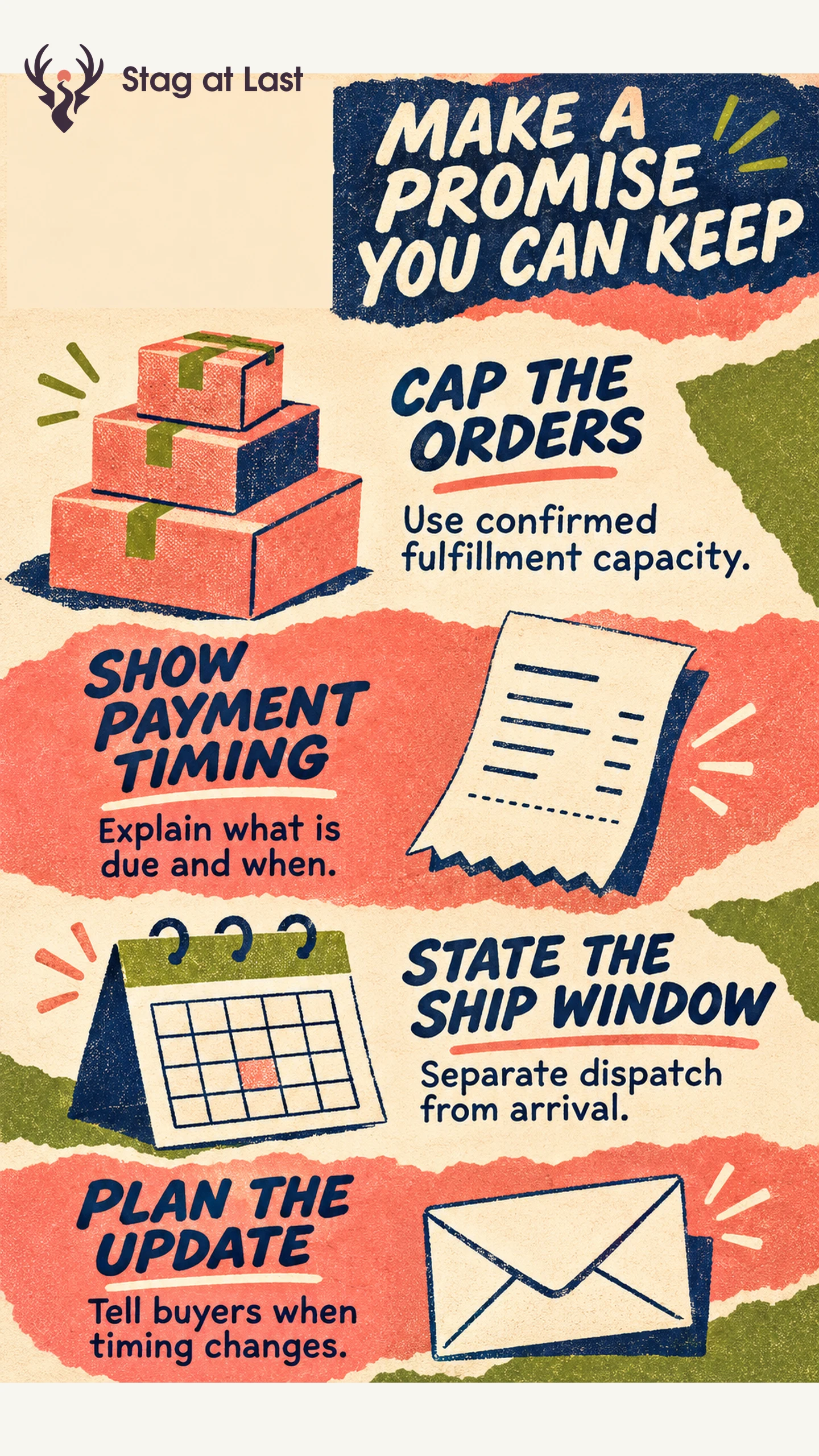
- Confirm the inventory and fulfillment limit for the offer.
- Show the amount due now, any later charge and when you expect to dispatch.
- Explain cancellation and refund options before checkout.
- Assign someone to monitor the window and notify affected buyers if it changes.
Count paid orders, unpaid reservations and waitlist signups separately.
A desk organizer preorder can help a store see how many customers will commit at a stated price. It also creates a promise. The buyer needs to know whether money will be taken now and whether the item can ship in time for the intended use.
Choose a Waitlist or an Order Based on Readiness
Use a waitlist to measure requests for an update while you finish the product or verify supply. Make clear that joining does not place an order or hold stock unless that is how the offer actually works. A paid preorder gives stronger evidence of commitment, with a payment and fulfillment obligation. Use a smaller demand test if the open question is whether buyers want the proposed product at all.
Choose an order cap based on confirmed supplier capacity, quality checks, packing time and the stock you need to protect for replacements or other channels. If those inputs are unsettled, keep the offer at the interest stage. Set the point at which you pause orders and check how the cart behaves when that limit is reached.
Base the Shipment Promise on Capacity
Work backward from dispatch. Include inbound transit, inspection, packing and a buffer for foreseeable delays. Decide who confirms each dependency and how often you update it. If a delivery carrier controls the last leg, distinguish your dispatch window from the estimated arrival.
For covered U.S. merchandise orders, the FTC rule requires a reasonable basis to expect shipment within the advertised time, or generally within 30 days after a properly completed order if no clear timeframe is stated. [1] If the seller cannot ship on time, the rule requires offering the buyer the option of consenting to a delay or canceling for a prompt refund. [2] For covered U.S. orders, send that option within a reasonable time after learning about the delay and by the applicable shipment deadline at the latest. [2] Check the rule text for notice, consent and refund requirements that apply to the order.
Show Payment and Fulfillment Terms Before Checkout
| Buyer question | What to show |
|---|---|
| Is this in stock now? | A preorder label on the product, cart and confirmation |
| What will I pay and when? | Amount due now, any remaining amount and when it is due |
| When does it ship? | A supported dispatch window and any relevant arrival estimate |
| Can I change my mind? | Cancellation, refund and contact instructions |
For example, if your operation can support it, an offer might say, “Preorder. $15 charged today. The $30 balance is due before dispatch. Expected dispatch March 10–14. See cancellation and refund terms.” Replace the example with your real terms and put the relevant year and contact route on the page. Test a preorder-only cart and a mixed cart. If items ship separately, make that visible before payment.
Prepare for Delays and Measure Demand by Cohort
Assign an owner to compare open orders with the dispatch plan. When a delay becomes likely, pause promotion if you can no longer support its promise. Identify the affected cohort and send an update with the changed timing and the applicable options. Test whether support can record the buyer’s decision and process a cancellation or refund. Keep the next review date in your campaign calendar.
At the same elapsed point in each cohort, report paid orders that had not been canceled, including orders already shipped. Track cancellations, shipments within the stated window and support contacts separately. Feed confirmed orders and remaining capacity back into your inventory allocation plan. A large waitlist is useful for planning follow-up, while shipped orders show what your team actually fulfilled.
Keep Preorder Terms Consistent Across Languages
If your preorder uses multilingual WordPress pages, verify the payment timing and dispatch window in the offer, cart and confirmation. Include the delay message when evaluating a translation workflow.
FAQs About Preorder Marketing
Does a waitlist count as preorder demand?
It shows interest in an update. Report it separately from unpaid reservations and orders with payment.
Can an in-stock item and a preorder share a cart?
It depends on the store setup and fulfillment policy. Explain whether the items ship together or separately, which charges apply and when each item is expected to dispatch.
When should I stop taking preorders?
Pause when confirmed capacity or the supported shipment window is at risk. Update the campaign, page and checkout together before reopening.
Sources
[1] U.S. Federal Trade Commission. Mail, Internet, or Telephone Order Merchandise Rule
[2] Electronic Code of Federal Regulations. 16 CFR Part 435, Mail, Internet, or Telephone Order Merchandise