
Quick Answer: How Do You Diagnose an Activation Funnel Drop?
Diagnose an activation drop by checking what the funnel counts, then comparing like cohorts before changing the product. Trace the largest meaningful loss to an observable event or workflow problem.
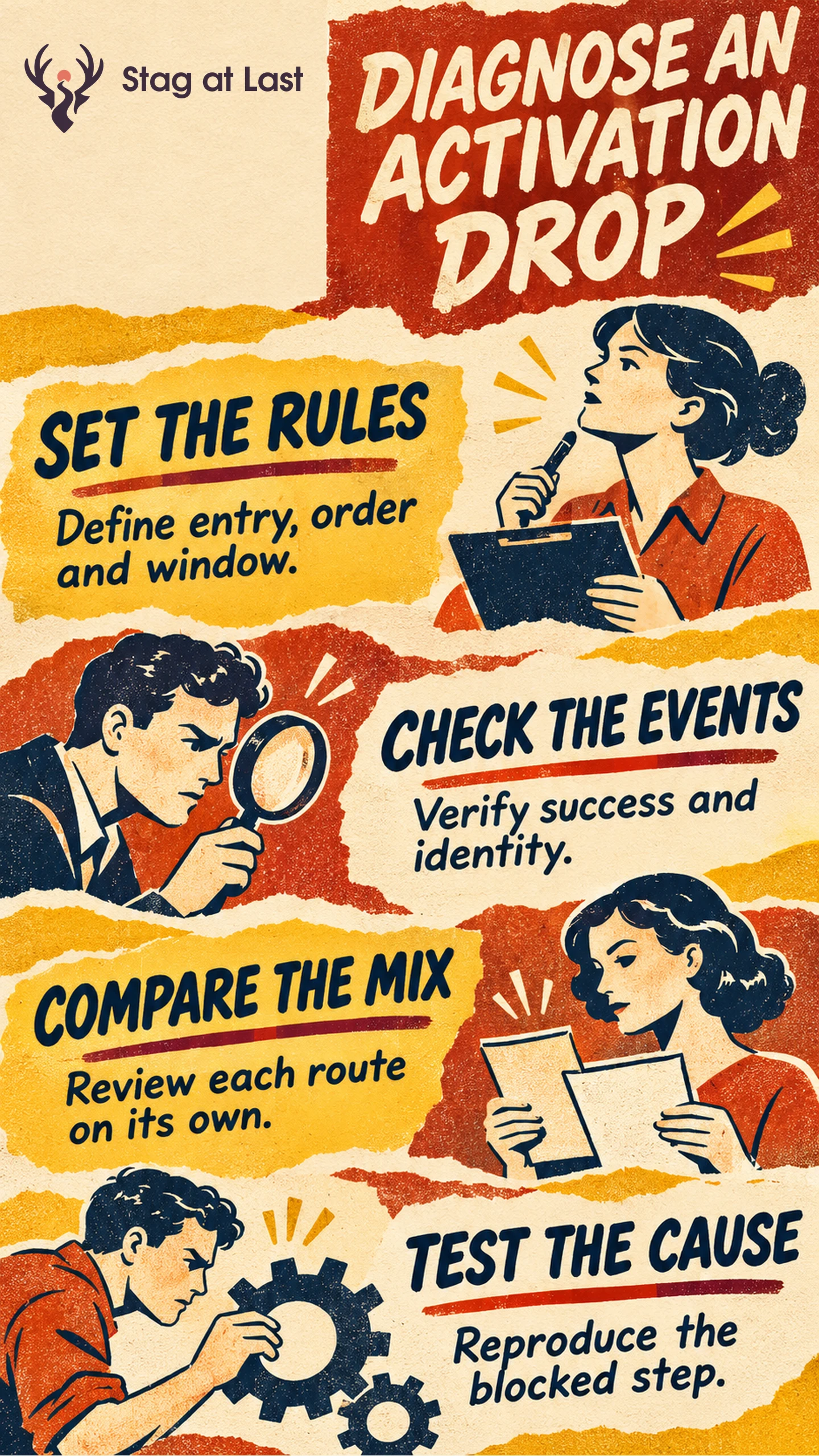
- Fix the definition. Use a consistent entry, unit, ordered steps and follow-up window.
- Verify the events. Check identities, timestamps, retries and alternate paths.
- Break down the mix. Compare eligible segments at the same age before interpreting the total.
- Inspect and test. Reproduce the blockage and verify a fix against the same outcome.
A funnel shows where recorded progress stops. Use other evidence to explain why.
A dashboard can show a sharp activation decline the day a new audience starts using the product. It can show the same pattern when a release stops recording an event. Before rewriting onboarding, find out which customers changed behavior and which part of the measurement changed.
Set the Funnel Entry and Success Rules
Choose a unit, such as a new workspace, and define the first event and follow-up period. Order the steps required for the specific path. In a hypothetical document tool, a workspace gains access, imports a file and sends its first document for approval. Define the end event using the activation specification, including what makes the send successful.
A closed funnel is useful for following people from a common entry. Google’s Funnel Exploration documentation says that a closed funnel requires entry at the first step and an open funnel permits entry at any step. [1] If some customers can send a document without importing a file, use a separate route or a step definition that reflects both paths. Keep the entry cohort constant when calculating overall completion.
Check the Events Before Fixing the Product
Use approved test records to check that success and failure emit distinct events and that the same identity links the steps. Look for a change in event names, timestamp source, release version or identity mapping. Confirm that repeat attempts do not create additional workspaces in the count. Compare a small sample with the underlying product records.
Use complete follow-up for the main comparison. If you report seven-day activation, a workspace admitted yesterday is still being observed. Keep those workspaces visible in a provisional view. Compare elapsed time as well if users are arriving at the step later.
Compare Like Cohorts and Their Mix
Segment first by conditions that can change the workflow, such as role, access, route or plan. Use the segment value at entry when you need a like-for-like comparison. Avoid defining the segment by whether someone later completed the task.
In the following hypothetical example, two cohorts contain 100 eligible workspaces each and have seven full days of observation from first access. The numerator counts workspaces that finished the required route within seven days. The planned route was recorded at entry.
| Route | Earlier completed out of eligible | Later completed out of eligible |
|---|---|---|
| Self-serve | 10 of 25 | 30 of 75 |
| Assisted | 60 of 75 | 20 of 25 |
| All workspaces | 70 of 100 | 50 of 100 |
Overall completion fell from 70% to 50%. Each route kept the same completion rate. The later cohort had more self-serve workspaces, which had a lower completion rate in both periods. Investigate the self-serve route on its own before attributing the overall change to a regression.
Trace the Drop-Off to a Testable Cause
To measure step completion, start with distinct units that reached the current step in the ordered cohort. Divide the number that subsequently reached the next step within the defined window by that starting count. Also look at lost units. A large percentage change in a tiny segment may affect fewer customers than a smaller change on a busy path.
Inspect accounts that reached the step and stopped. Compare access rules, error logs and support cases with a few accounts that progressed. If the import screen shows attempts without valid files, test a clearer template. If accepted files disappear from the dashboard but appear in product records, repair the event mapping. If users postpone the task until a later date, measure the natural waiting period.
Choose one diagnosis and a check that would disprove it. After making a targeted change, compare the same segment and mature window, and verify both step completion and the first useful task. Use a credible comparison before assigning the improvement to the change.
Check Funnel Entry Pages in Each Site Language
If the product funnel starts on a multilingual WordPress site, evaluate StagLingo on the entry and help pages. Confirm that each language explains the same prerequisites and sends people to the intended next step.
FAQs About Activation Funnel Analysis
Should you use an open or closed funnel?
Use a closed funnel when everyone should start at a common event and the question is progress from that event. Use an open view to explore later entry when paths can legitimately start at different steps.
What denominator should you use for a step?
For overall activation, use all eligible entrants with complete observation. For progression from one step to the next, use eligible entrants who reached the earlier step in the defined sequence.
How can you tell whether a fix worked?
Verify the original failure path with a representative account, then compare the same event definitions and window for subsequent cohorts. Check the end outcome as well as the step you changed.
Sources
[1] Google Analytics Help. Funnel Exploration