
Quick Answer: How Do You Find What Slows Time to Value?
Time to value is elapsed time from a defined start to a customer’s first useful result. Report how long successful customers took and how many eligible customers reached the result within the window. Then break the wait into steps the team can investigate.
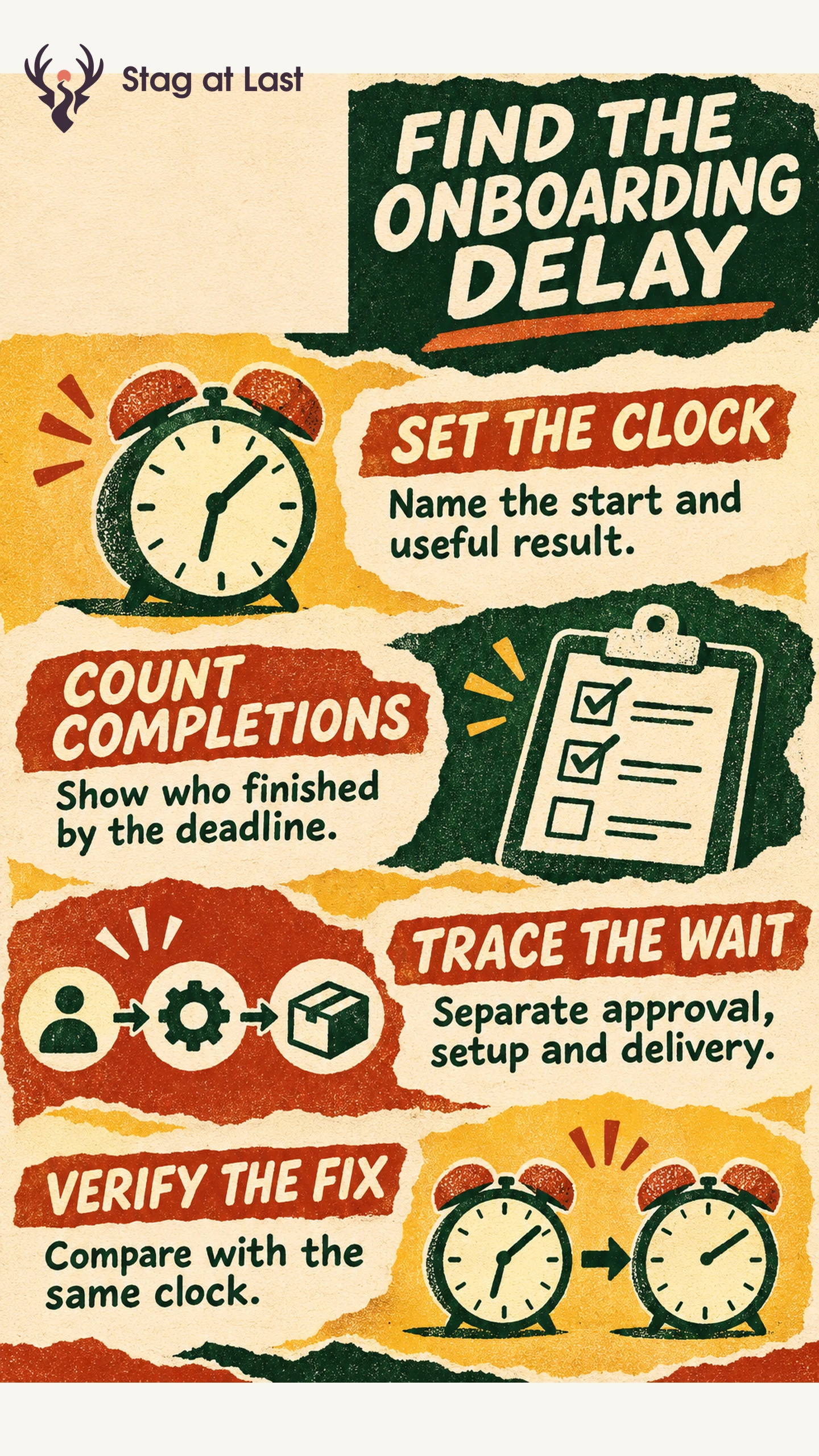
- Set the clock. Name the entry event and the success event for one customer segment.
- Keep non-completers visible. Pair time among completers with the share that completes by a fixed age.
- Trace waits. Separate approval, setup, processing and the next chance to do the task.
- Verify a fix. Compare equivalent cohorts with the same clock and follow-up.
If a tool measures time to first recorded use, check that its start and end represent the value you want to measure.
A shorter onboarding tour can save clicks without changing the customer’s wait for a result. To find the delay that matters, put timestamps on the route from access to the first useful outcome. Keep the customer journey and the time spent inside your product visible as separate views.
Choose the Start and the First Useful Result
A start event can be signup, access granted or implementation kickoff. Choose the one that matches the question. Signup-to-value shows the full customer wait after signup. Access-to-value isolates the time after access is available. Use both when you need to separate provisioning from product friction.
The end should be a confirmed result, such as a first invoice received by a customer, rather than a button click or a completed tour. Use the activation definition to agree on what success looks like and whether tests or assisted completions count. Pendo’s Time to First Use widget times the gap between a visitor’s first recorded event in Pendo and first use of the selected event, with both occurring in the selected date range. [1] Check this kind of reporting rule before substituting a tool’s number for your own definition.
Report Speed Alongside Completion
Calculate the median elapsed time among units that reached value within the fixed follow-up window. Report completion over that same window for all eligible units with complete follow-up. Label the unit and period explicitly. A cohort that entered yesterday cannot yet answer a seven-day question.
Suppose two hypothetical cohorts each contain 100 new workspaces with seven full days of follow-up. In the first, 60 workspaces reach value and the median among completers is three days. In the second, 35 reach value and the median among completers is one day. The second cohort had a shorter median among its successful workspaces while fewer workspaces reached value by day seven. Check who disappeared from the successful group before calling the change an improvement.
Find the Wait That the Team Can Remove
Build a timeline for representative customers, including ones who did not finish. For an invoicing product, mark access, permission granted, template ready, invoice sent and delivery confirmed. Measure each interval on the same customer record. Adding the medians of separate stages can mix different customers and gives no reliable end-to-end time.
| Where the wait occurs | What to inspect | Change to test |
|---|---|---|
| Access to permission | Pending approvals and role requirements | Give the administrator a clear approval task before setup. |
| Permission to first attempt | Missing inputs, unclear directions or no invoice due | Provide a sample or checklist and record when a real task becomes possible. |
| Attempt to result | Failed validation, processing time or delivery status | Expose the error or status and verify delivery. |
Use onboarding guidance for steps that are confusing. For missing access, help the right person make the decision. For an asynchronous job, distinguish an actual processing delay from a slow or missing event.
Verify the Change on the Same Clock
Pick one intervention and document the expected effect. For example, advance the admin approval request and check whether the access-to-permission interval shrinks. Keep the original start, success and observation window. Compare completion by the fixed age, time among completers and the unresolved waits. Check that support effort or failed attempts did not increase as a side effect.
If the measurement identifies a step with many people dropping out, use activation funnel analysis to investigate which segment and prerequisite explain the gap. Keep a timeline sample in the review so a faster-looking dashboard can be checked against real workflow evidence.
Check Where Readers Start the Journey
If onboarding begins on a multilingual WordPress site, evaluate StagLingo on the welcome and setup pages. Check that visitors in each language can find the prerequisites before starting the workflow.
FAQs About Time to Value
What is a good time to value?
Use the time a customer reasonably has for the task and the product’s prerequisites. Compare similar workflows at the same age and keep completion beside elapsed time.
Should you count time spent waiting for approval?
Count approval time in the full customer wait if the clock starts before approval. Track a second interval after approval to show how long the part controlled by the product takes.
Is time to first use the same as time to value?
They can be the same when the first recorded use confirms a useful result. If it records an attempt, login or demo, name that milestone separately.
Sources
[1] Pendo Help Center. Measure Time to First Use