
Quick Answer: How Should You Explain Product Packages and Limits?
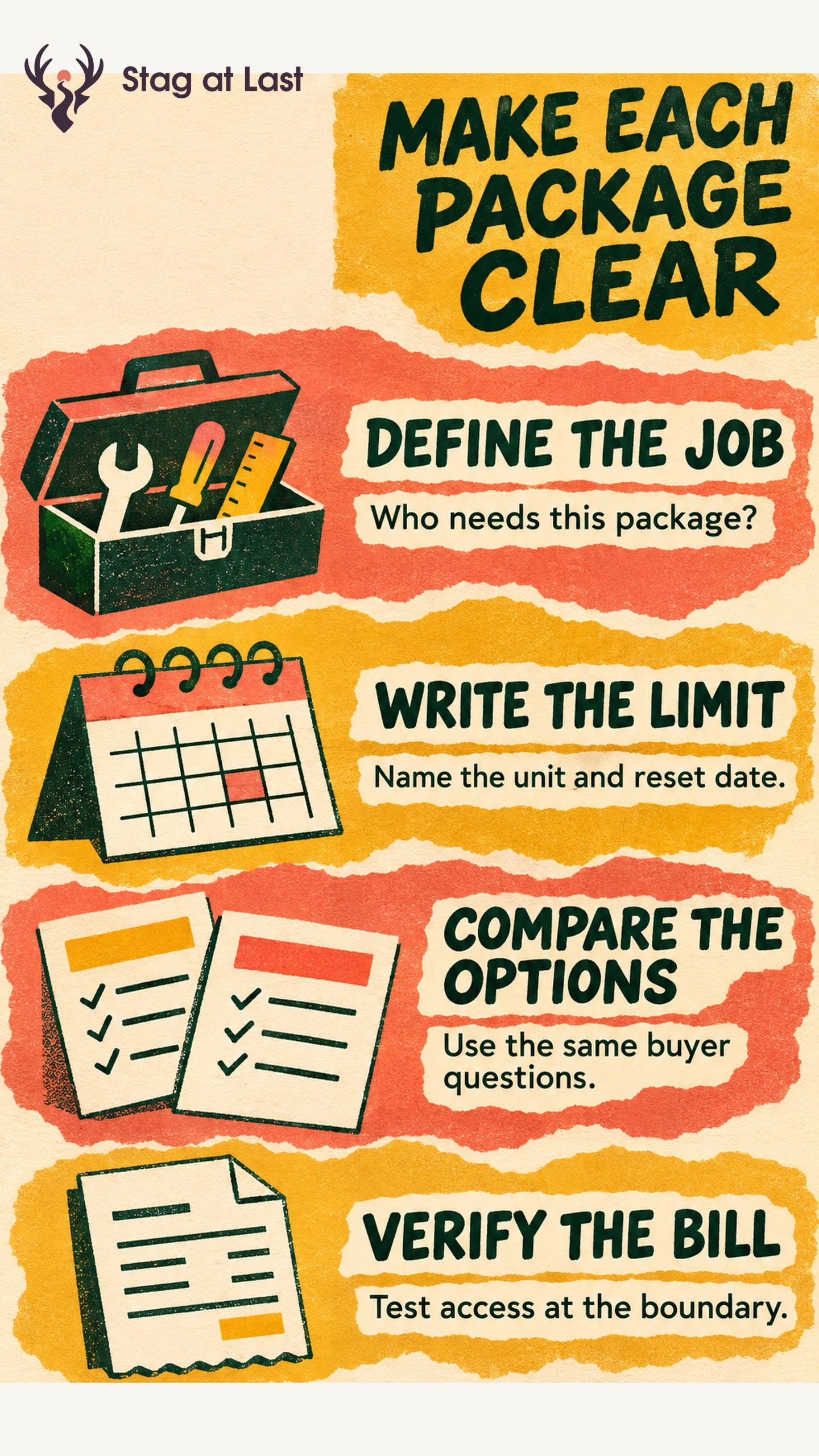
Build each package around a distinct buyer task. Explain who can use its features, what is included and what happens at each limit. Check the published comparison against checkout and actual product access.
- Define the job. Give each plan a customer scenario it can serve.
- Write usable limits. Name the unit, scope, reset date and behavior above the allowance.
- Compare the same criteria. Show the capabilities and tradeoffs buyers need to choose.
- Verify the transition. Test what changes after upgrade, downgrade and renewal.
A buyer should be able to choose a plan and explain their first bill using the information on the page.
“Advanced exports” and “up to 500” are easy to fit on a pricing card. They leave buyers guessing whether a particular export works and what the number counts. Pricing and packaging become clearer when the public offer and the product describe the same boundaries.
Start With the Work Each Plan Supports
Packaging describes the combination of features, capacity and support a customer gets. Stripe Atlas describes how low-touch SaaS plans often vary feature access or usage limits and present those differences in a pricing grid. [1] Start with the user’s work before arranging the grid.
For a hypothetical approval tool, a single team needs to send documents and collect feedback. A multi-team buyer also needs shared templates and ownership controls. Package the capabilities that let each customer finish the work. If you charge more for a higher plan, make clear whether the difference is additional capability, capacity, service or a combination.
Keep the billing unit separate from the feature list. A package may include editors and guests while charging per editor, per workspace or by document volume. Compare seat-based pricing and usage-based pricing on how customers understand and control the charge.
Write Every Limit as a Buyer Can Use It
For each important limit, record what counts, who shares the allowance, when it resets and what happens at the boundary. Explain whether a failed or canceled action counts and whether extra units carry over. State whether crossing the limit blocks the next action, starts paid overage or requires a plan change.
For example, replace “500 approvals” with “500 completed approval requests per workspace per billing month. Requests canceled before approval do not count. The count resets at the start of your next billing period.” If the next request is blocked, say so and explain how users can check remaining capacity. If extra requests are billed instead, put the rate and a representative bill beside the offer.
Build a Comparison That Answers Real Choices
| Buyer question | Useful comparison row | What to verify |
|---|---|---|
| Can reviewers join without editing rights? | Which roles can edit, review or administer | A buyer can count who needs each role. |
| Can we approve the number of documents we expect? | Allowance and action at the limit | A buyer can predict when charges or restrictions begin. |
| What happens if our needs shrink? | Downgrade timing and effects on existing work | A buyer can tell what remains readable or exportable. |
Put the main distinctions where a buyer can see them before checkout. Use a linked detail page for exceptions. If the research shows that only a subset wants an extra capability, test an add-on against a higher tier using the same buyer scenario. Use buyer research to check which differences matter.
Check That Access and Billing Match the Offer
Give a prospective buyer a sample scenario and ask them to choose a plan, estimate the bill and explain what happens at the next limit. Watch for uncertainty around shared allowances, guest access and what “per month” means. Fix the description or plan rule that caused the misunderstanding.
In a safe test environment, verify checkout and access with normal usage, usage at the limit, usage just over the limit and a lower plan. Compare the published terms with what the customer can do and the invoice the system would generate. Test an upgrade, a downgrade and a billing-period reset. Confirm when the new limits take effect, what happens to existing work and what appears on the next invoice. Use plan transition checks when access or stored work changes. Assign one owner to keep the plan page, product, support answers and billing in agreement.
Verify Plan Details Across Site Languages
If you maintain pricing on a multilingual WordPress site, evaluate StagLingo on the comparison and plan-detail pages. Verify units, reset dates and exceptions in each language.
FAQs About Pricing and Packaging
How many plans should you show?
Show as many plans as you can distinguish by customer task and buying criteria. If buyers cannot explain why two plans differ, revisit their scope before adding another.
When is an add-on clearer than a higher tier?
An add-on can fit an optional need shared by customers across several tiers. A higher tier can fit a group of capabilities buyers usually need together. Check the total cost and the extra choice each option creates.
Where should you explain overage or downgrade behavior?
Put the essential effect near the price or the limit. Link to details for how charges, retained work or timing are handled and repeat the important terms before the buyer confirms.
Sources
[1] Stripe Atlas. Pricing Low-Touch SaaS