
Quick Answer: When should a form use one step or several?
Use one step when users can see the whole task and answer a small group of related questions. Use multiple steps when the task has distinct stages or earlier answers determine what comes next.
| Task feature | Single step | Multiple steps |
|---|---|---|
| Question dependencies | The same questions apply to most people | Earlier choices change the next questions |
| Preparation | All information is ready | Users may need to find documents or check details |
| Recovery | Review and edit in one view | Preserve relevant answers when users go back |
Try both structures on a realistic task before changing the number of steps.
A quick request for a callback can fit on one screen. A request for a custom installation may need information about the site, product fit and preferred appointment. The choice depends on what the visitor needs to think about, fetch or correct along the way.
Choose a Structure After Mapping the Task
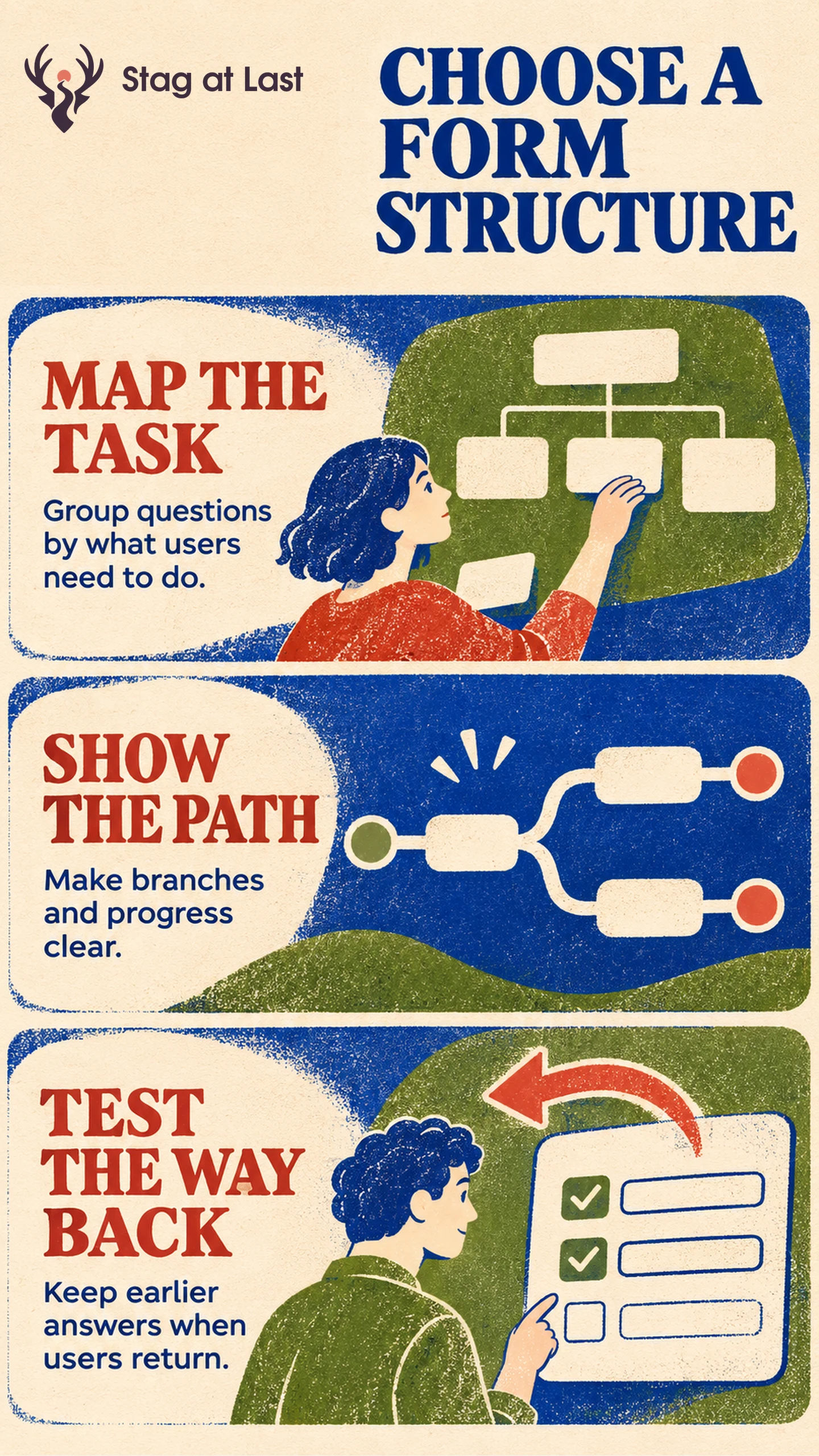
Write down the required questions before choosing screens. Group related information by purpose and mark which answers determine eligibility or expose further questions. Decide which fields are required before stretching the same form across more pages.
The GOV.UK Service Manual recommends starting with one thing per page for public services and merging pages when user research supports it. [1] Consider separate steps for questions that change the path. Group closely related inputs, such as name and preferred contact method, where seeing them together helps.
Baymard’s checkout research reports that the fields users have to manage can matter more than how many steps the checkout has. [2] A shorter-looking form can still ask for too much. Count the required decisions, lookups and edits on each route as well as the number of screens.
Make Branches and Back Navigation Predictable
In a hypothetical installation enquiry, the first step asks whether the space is owned or leased. The leased route asks whether the customer already has landlord approval. The owned route skips that question. If the visitor changes their answer to owned, remove the now-irrelevant approval answer from the submitted record while preserving the project details that still apply. Validate the submission against the current branch on the server and check that a stale answer cannot change how the enquiry is routed.
Give each step a descriptive heading and a visible way back. Preview the path or preparation requirements before users begin. If routes have different lengths, use stage labels when a fixed step count would mislead. Confirm final acceptance once through the submission confirmation.
If visitors need to pause, explain whether their progress is saved and how long it remains available. Test field corrections without losing valid data. Avoid requiring a new account just to finish a short enquiry unless the task depends on one.
Test Complete and Interrupted Paths
Compare prototypes with the same offer and question purpose. Ask someone to complete the common path, change an earlier answer and return from an interruption if saving is promised. Check that a person using a keyboard can find the next field or the first error after moving steps.
For a live test, compare the proportion of eligible assigned visitors in each version who have an accepted submission. Use completion among unique starts and abandonment by branch to locate friction. Give each start the same time to finish before counting it as abandoned. If you move questions as well as change the number of screens, describe the result as a comparison of the two form designs. Review lead quality after submission before deciding that a simpler-looking experience is better for the business.
Review the Form Journey in Each Language
If your WordPress form serves several languages, evaluate StagLingo on one representative journey. Check step names, branch labels and confirmation text from start to finish.
FAQs About Single-Step and Multi-Step Forms
Does a multi-step form need a progress bar?
Use progress cues if they tell users something reliable about what remains. When answers change the length, name the stages or describe the next task.
Should the first step ask for an email address?
Ask early if the address is genuinely needed to continue or save a session. Explain how it will be used and ask for it later if the earlier steps can work without it.
Can a single page still reveal questions conditionally?
Yes. A short conditional question can fit naturally within one view. Check that it appears in a predictable place, can be reached by keyboard and is cleared from the submission when it no longer applies.
Sources
[1] GOV.UK Service Manual. Structuring forms
[2] Baymard Institute. Checkout Optimization: Minimize Form Fields