
Quick Answer: How can you improve a lead form without sacrificing lead quality?
Optimize a lead form for accepted submissions and qualified enquiries together. Keep questions that change the response or routing, then inspect where legitimate visitors have trouble completing them.
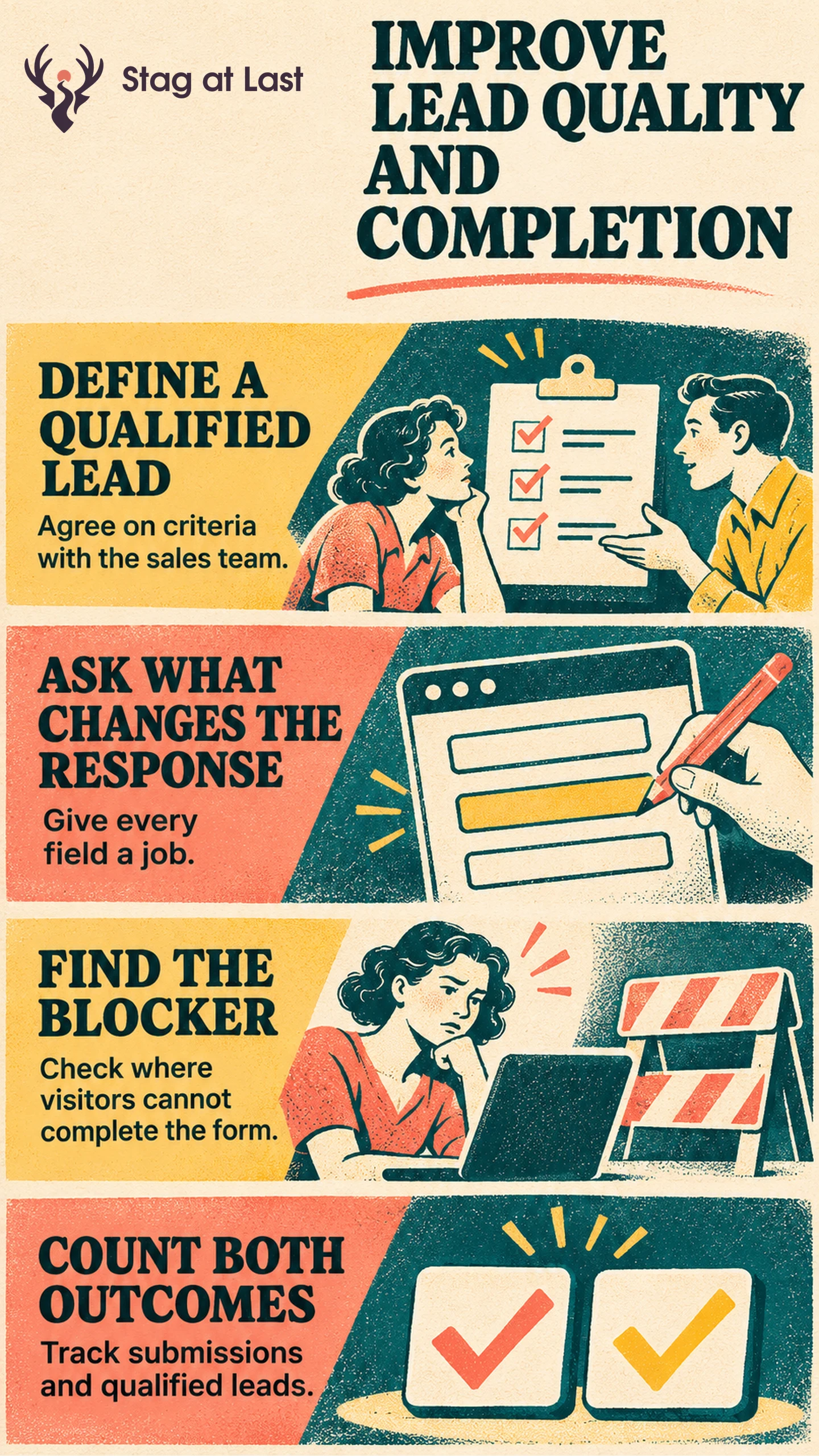
- Define qualification with the team that receives the lead.
- Review who uses each answer and when they need it.
- Check form starts, submission errors and successful records.
- Compare qualified enquiries and follow-up workload before choosing a version.
If a shorter form produces more requests but fewer qualified enquiries, investigate the missing context and the work it creates.
A sales team gets more forms after removing a question about project scope. It also spends more time replying to enquiries it cannot serve. Whether the change helped depends on the outcomes the business wanted from the form and what it took to achieve them.
Define Qualification Before Changing the Form
Agree on observable criteria with the team that receives each enquiry. A service business might use a supported location, an eligible project and a reachable contact. Distinguish a submitted form, a genuine enquiry and one that meets the criteria. Use the same reasons and review window when evaluating every version.
Draw the path from an eligible visitor to a saved submission, a routed enquiry and a qualification decision. Check where each record lives. One system may confirm a successful submission while a sales team later marks the lead qualified.
Give Each Field a Job
Write down who uses the answer, which decision it changes and whether it is needed before replying. The GOV.UK Design System recommends asking only for information the service needs and knowing why each question exists. [1] Apply that discipline to questions that route a lead, check fit or let the team respond.
Review required and optional fields individually. If the service is local, a simple service-area question may help both parties decide. If the sales team can ask about budget later, make it optional or remove it. For complex projects, use an RFQ form to collect practical estimating inputs. Explain unusual questions and offer a usable option for buyers who do not know an answer.
Find Where Real Visitors Stop
Track each step in a way that distinguishes attempted from accepted submissions. If using Google Analytics 4, its documentation defines generate_lead for lead generation and separate events for later lead stages. [2] Compare accepted records with captured analytics events over a common window. Do not send form answers to analytics.
Test common mistakes and recoveries on a phone, with a keyboard, and with someone representative of the audience. Verify that partial input stays available after an error and that the confirmation reflects a successful submission. If users struggle with unrelated questions, move information to later steps only after checking the tradeoffs of single-step and multi-step forms.
Judge Completion and Quality Together
In a hypothetical two-week test, 1,000 eligible visitors are randomly assigned to each version. Keep each visitor in their original group. The original gets 80 accepted forms and the shorter version gets 100. Its accepted form rate rises from 8% to 10%. The sales team qualifies 32 original enquiries and 25 shorter-form enquiries within ten business days of each submission, applying the same criteria. Wait for the final cohort’s full follow-up window before comparing. Those are 3.2% and 2.5% of eligible assigned visitors.
Count one successful or qualified outcome per eligible assigned visitor for these example rates. With so few outcomes, the difference alone cannot establish a winner. Investigate which enquiries became harder to qualify and whether follow-up time increased. Compare qualified outcomes against all eligible assigned visitors, and read the qualification rate among submissions separately so you can tell where the change occurred.
Review Lead Forms in Each Language
If your WordPress site receives enquiries in multiple languages, evaluate StagLingo on one important form. Check the labels, error messages and confirmation in each version.
FAQs About Lead Generation Form Optimization
How many fields should a lead form have?
Use the number of questions needed to handle the request. Give each field a purpose, check the time and effort it asks of the visitor, and move details that can wait to follow-up.
What should you track after form completion?
Record whether the submission was accepted, routed, reviewed and qualified. Align deadlines and definitions so versions receive comparable follow-up.
Should a contact form require a work email?
Require one only if the business needs it to serve or verify the request and the rule fits its audience. A buyer acting for a small business may use another email address, so test legitimate cases before restricting access.
Sources
[1] GOV.UK Design System. Question pages
[2] Google for Developers. Recommended events