
Quick Answer: What should a pricing page help buyers compare?
A pricing page should help buyers compare what they get, what they pay and what they commit to. Use the same scope, currency and time period when showing alternatives.
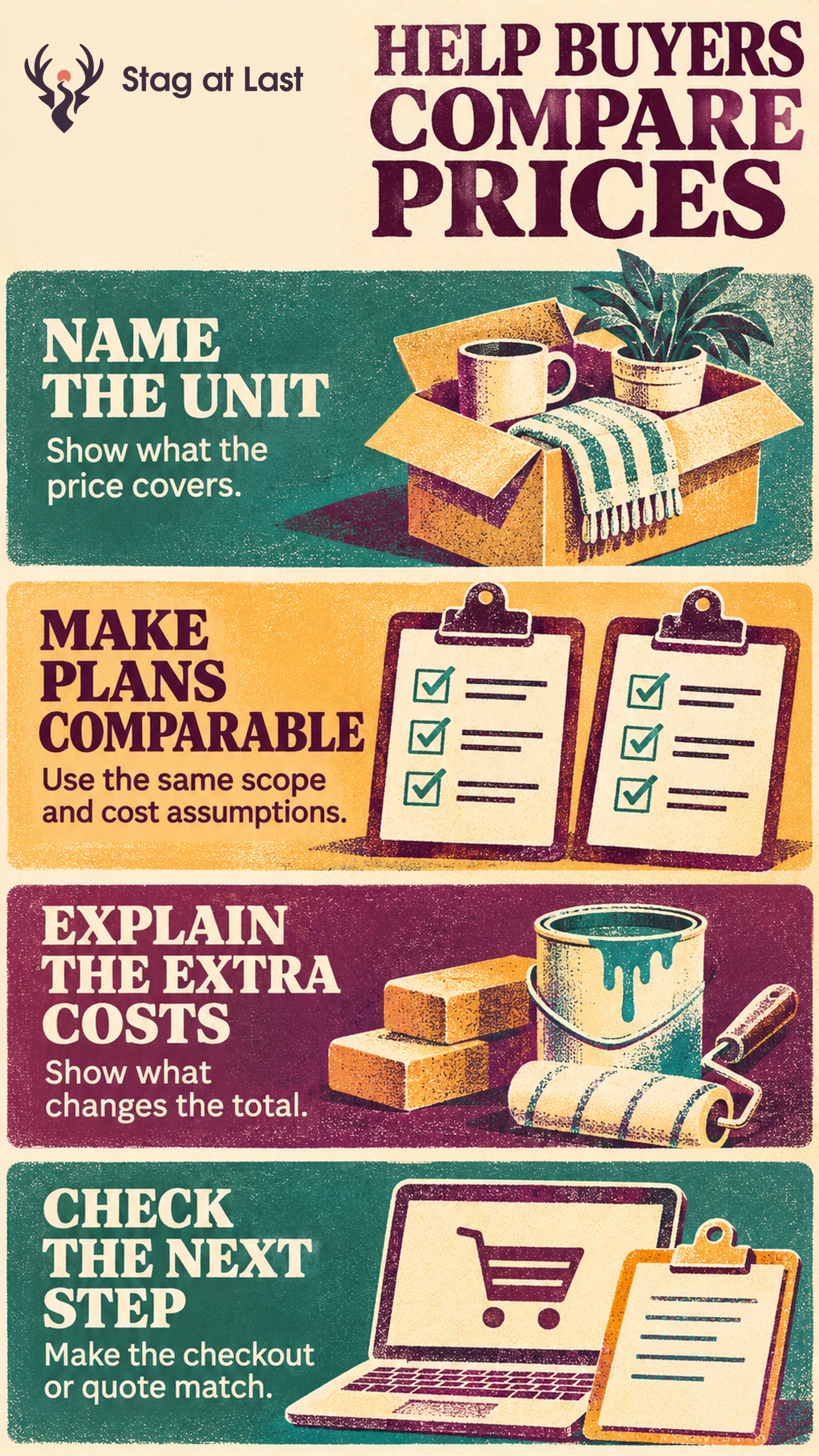
- Define the billing unit and renewal interval.
- Explain included usage, important limits and extra charges.
- Show how the price changes in a realistic buyer scenario.
- Tell buyers what happens if they purchase or request pricing.
Check the public page against the checkout, estimate or first invoice for that scenario.
A buyer sees two plans priced per month, but one requires a full year upfront and the other adds a fee for extra users. The buyer needs to compare cost and scope as well as the price displayed on each card. Build the page around that decision.
Explain the Unit and the Commitment
State what is billed, in what currency and on which schedule. Stripe’s documentation distinguishes flat-rate, per-seat, tiered and usage-based subscriptions. [1] Translate the billing model into plain language. Explain whether a seat represents every invited user or only a certain role, and what happens when usage exceeds the included amount.
If a price is displayed as a monthly equivalent but billed yearly, show the actual yearly charge and collection timing. State the renewal and cancellation terms that matter to the decision. Make one-time setup costs and variable fees visible. When a firm price requires a quote, explain which inputs affect it and what the buyer receives after requesting one.
Compare Plans Using One Buyer Scenario
Use rows that matter to purchase, such as support, data limits or number of locations. Give the same definition to each row. A plan that includes “priority support” should explain the service that name describes.
In a hypothetical comparison, a team needs eight billable seats, with no discounts, proration or other fees. Plan A costs $160 per month for ten seats. Plan B costs $18 per seat per month, with a $60 one-time setup fee. Before tax, Plan A’s first invoice is $160 and Plan B’s is $204. Later months cost $160 and $144 respectively if seat counts and terms stay the same. Over 12 months on those assumptions, the pre-tax cost is $1,920 for Plan A and $1,788 for Plan B. Show cost and included scope together so buyers can tell whether that price difference matters.
Answer Questions That Change the Choice
Use actual sales and support questions to decide what to explain. If buyers frequently ask whether implementation is included, put the answer near the plan and use an FAQ only for the follow-up details. A customer should see a decisive fee before selecting a plan.
Check how any reference price or savings claim is derived. For plans that require a sales step, use the right action for the buyer’s question. A quote fits a request for scoped pricing. A demo fits someone who needs to see a workflow before they choose.
Verify the Price Against Checkout or Quote
Ask someone to price a realistic scenario using the page alone. Then compare their answer with a checkout preview or sample quote. Check the currency, billing interval, number of seats, first charge and recurring amount. In the example, checkout for Plan B should show “$204 before tax today, including a $60 one-time setup fee. Then $144 per month before tax for eight seats.” Fix mismatches before promoting the page.
For an updated pricing page, track completed purchases or qualified quote requests by eligible visitor, alongside confusion about scope or unexpected charges. If more visitors select a plan but fewer complete checkout, inspect price and terms across the handoff before changing the page design.
Review Pricing Terms Across Languages
If your WordPress site has several language versions, evaluate StagLingo on a few pricing pages. Check that billing units, renewal terms and regional prices describe the actual offer.
FAQs About Pricing Page Optimization
When should pricing say “Contact sales”?
Use it when a price genuinely depends on scope, volume or service conditions the buyer has to share. Explain those inputs and the process for getting a quote.
Where should you show an annual billing total?
Show it alongside an annual plan’s monthly equivalent and state when the total is charged. Repeat the terms before payment.
Should every pricing page include a plan comparison table?
Use a table when buyers need to compare the same limits or features across options. A single plan can use a compact description of what is included and what costs extra.
Sources
[1] Stripe. Recurring pricing models