
Quick Answer: How do you choose a lead magnet buyers will actually use?
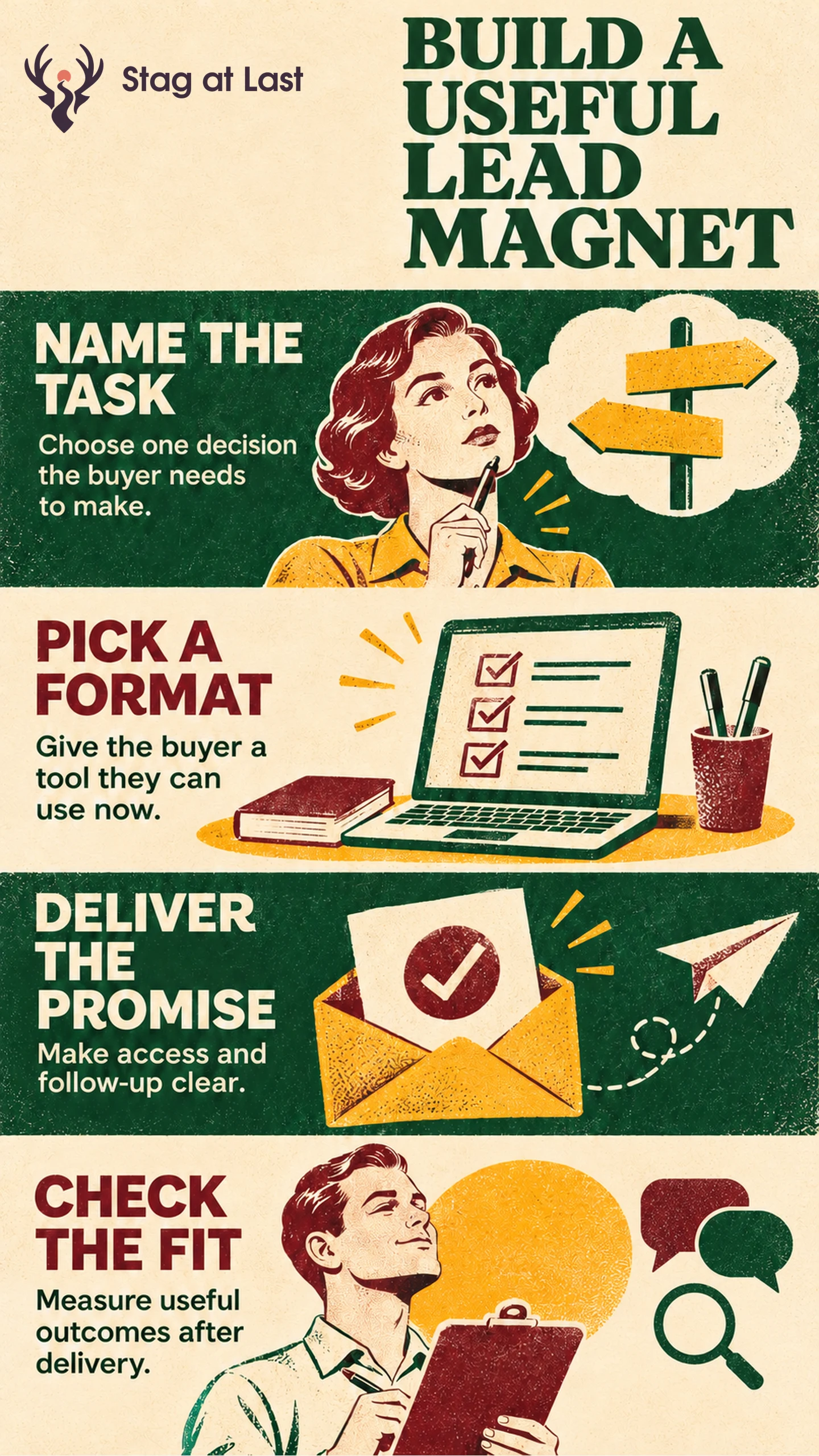
Choose a lead magnet that helps a specific buyer complete a task, such as comparing options, estimating effort or preparing a request. Select the format after you know what the buyer needs to do.
- Name the intended reader, decision and result.
- Choose a template, calculator, checklist or guide that supports the work.
- Show a preview, describe access and ask for only the details you need.
- Test whether the buyer can use the asset and what happens afterward.
Publish the resource openly when collecting a contact does not serve a clear purpose.
A lead magnet is a resource offered to prospective customers, often in exchange for a way to contact them. It works as a practical offer when someone would value using it even without talking to sales. Begin with the decision the resource helps them make.
Choose a Task the Buyer Already Has
List questions buyers ask before they are ready to speak to you. Choose an issue that one resource can address. HubSpot’s lead magnet planning worksheet starts with the intended audience and the problem that brings them to the business. [1] Use customer research to check whether your chosen problem is real for this group.
In an illustrative example, a warehouse manager compares how long different vendors would take to implement inventory software. A vendor-comparison worksheet can record stock import work, training hours and who owns each task. For example, a completed row could record “Import stock records | 4 hours estimated | Vendor and warehouse lead | Who resolves duplicate stock codes?” A general inventory trends report might attract more readers while leaving the decision unresolved.
Match the Format to the Work
Use a checklist when the task is verifying requirements. Use a worksheet when buyers need to enter details and compare options. Use a calculator when a clear formula can turn a few known inputs into a bounded estimate. Explain assumptions and show enough of the calculation that the buyer can question the result.
Use a guide when the buyer needs background, examples or instructions they can consult later. Test a draft with someone who has the real task. Ask them to enter their own inputs and explain the choice they can make. Give them a worked example where an empty template would leave them guessing.
Deliver the Asset and Set Expectations
In the landing page opening, name the file or tool, what it does and any software the buyer needs. Show a sample row or preview. Decide whether to request an email by naming what it enables, such as sending a reusable file. Keep form questions proportionate to that purpose.
HubSpot’s campaign guide describes using confirmation to give the visitor access to the offered resource. [2] Use a confirmation page to deliver the file or explain when it will arrive and what to do if it is missing. Offer ongoing marketing as a distinct choice from delivery and handle it under the applicable rules and preferences.
Measure Use and Buyer Fit
Separate accepted requests from delivery or access. If people request the worksheet but rarely reach the file, fix delivery before changing the content. Where feasible, ask a sample of recipients what decision the asset helped them make. Report how many people responded out of those invited. Treat clicks and downloads as access signals.
If lead generation is the goal, review qualified follow-up among the same eligible traffic over a common window. An open resource may work better when distribution or trust is the main objective. Record which task the offer serves and retire an asset when its assumptions or examples become misleading.
Review the Offer in Each Language
If you offer downloads on a multilingual WordPress site, try StagLingo on a small page set. Check that the form, confirmation and asset language match what the visitor was promised.
FAQs About Lead Magnets
Should every lead magnet be gated?
No. Keep the asset open when reach or ease of access serves the task and you have no clear need for an email address. Explain the exchange clearly when a form is useful.
What makes a lead magnet useful for B2B buyers?
It should make a real decision easier. Include the inputs, instructions and output the buyer needs, such as a completed comparison row that shows how to use the worksheet.
Should a high download count decide which asset to keep?
Use downloads to see whether people can reach the asset. Assess usefulness, audience fit and follow-up separately before deciding to invest in it.
Sources
[1] HubSpot. Lead Magnet Offer Outline
[2] HubSpot. How to Run an Inbound Marketing Campaign