
Quick Answer: Should a landing page keep website navigation?
Keep the navigation a visitor needs to understand the offer, complete the task or get help. A focused campaign may only need a minimal header. A page serving several buying or support tasks may need a fuller menu.
| Arrival | Navigation to consider | Keep reachable |
|---|---|---|
| Specific campaign offer | Minimal header and relevant help links | Terms, privacy and a way back |
| Several questions about one offer | Focused links or section anchors | Price, compatibility and proof |
| Mixed discovery and comparison | Full site menu where useful | Product groups, support and account routes |
Treat the header, footer and links inside the page as separate choices.
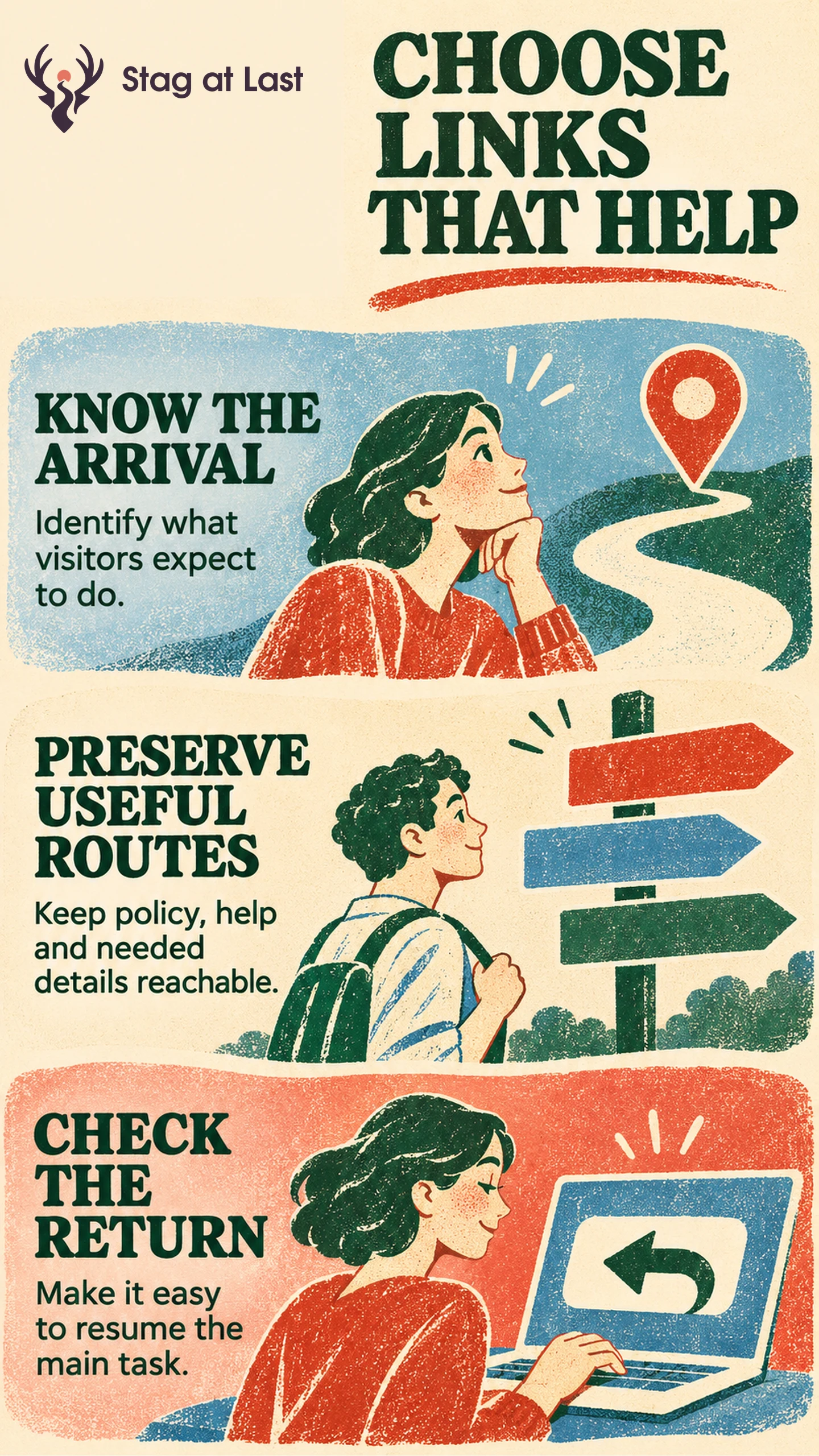
A visitor who came to download a promised guide has a different job from a visitor trying to compare three products. A full menu can help the second visitor find a missing piece. On the guide page, a small set of links may give the first visitor everything they need.
Choose Navigation by the Visitor’s Task
Map the most common arrivals to their immediate goals. For an ad promising a specific resource, make the offer and primary action easy to find. Google Ads asks advertisers to make it easy for users to navigate the landing page and complete the desired action. [1] Select the links that support that task and give each a descriptive label.
For a product overview that also serves organic visitors, people may arrive without knowing the product range. A full menu can help them browse categories or reach support. On a long page with a single offer, section links to pricing, proof and frequently asked questions may be enough. The difference is whether the visitor needs another page or just another part of the same page.
Preserve the Routes Needed to Decide and Recover
Read the page as a first-time visitor. Mark links needed to verify the offer, read applicable terms or find contact and privacy information. On a hypothetical software demo page, buyers may need a compatibility page before booking. A visible link to that page can answer the objection. Give them a clear route back to the demo, and check what happens to any form details they already entered.
Place secondary links where a question arises. A link labelled “Supported integrations” next to the compatibility claim tells the reader when to use it. Keep essential policies and help reachable when trying a minimal header. Check keyboard and mobile behavior, including whether a sticky menu covers the first field or an anchor heading.
Test One Change to the Header
HubSpot reported testing five of its own landing pages by removing all external links from its test variant, including header navigation, footer navigation and social sharing. [2] That comparison cannot isolate the effect of the header. Keep the footer, page content and form steady when your question is whether the header menu helps.
Use representative navigation tasks to see whether visitors can find details and complete the main action. If you have enough traffic, randomly assign eligible visitors to concurrent versions and keep repeat visitors on their assigned version where feasible. Define qualification in advance and count visitors with a qualified outcome out of all assigned eligible visitors, using the same follow-up window. Report useful detours separately, such as visits to compatibility information followed by a return to the form. Restore a missing link if visitors lose the route to complete or recover their task.
Check Navigation Across Language Versions
If your WordPress landing page has multiple language versions, evaluate StagLingo on a small set. Check the essential help links, landing-page anchors and return routes in each version.
FAQs About Landing Page Navigation
Should the logo link to the homepage?
A linked logo can give visitors a way back to the main site. Decide how useful that route is on the campaign page and give the link a clear accessible name if you use it.
Can a landing page keep its footer with a minimal header?
Yes. Preserve footer links that visitors need for policies, verification or help. You can reduce the top menu independently.
When are jump links useful?
They help when people need to inspect distinct sections of a longer page, such as eligibility, price or examples. Use labels that describe the destination and check that anchored headings remain visible on mobile.
Sources
[1] Google Ads Help. Optimize your ads and landing pages
[2] HubSpot. Should You Remove Navigation From Your Landing Pages? Data Reveals the Answer