
Quick Answer: What Should an Amazon Listing Help Buyers Verify?
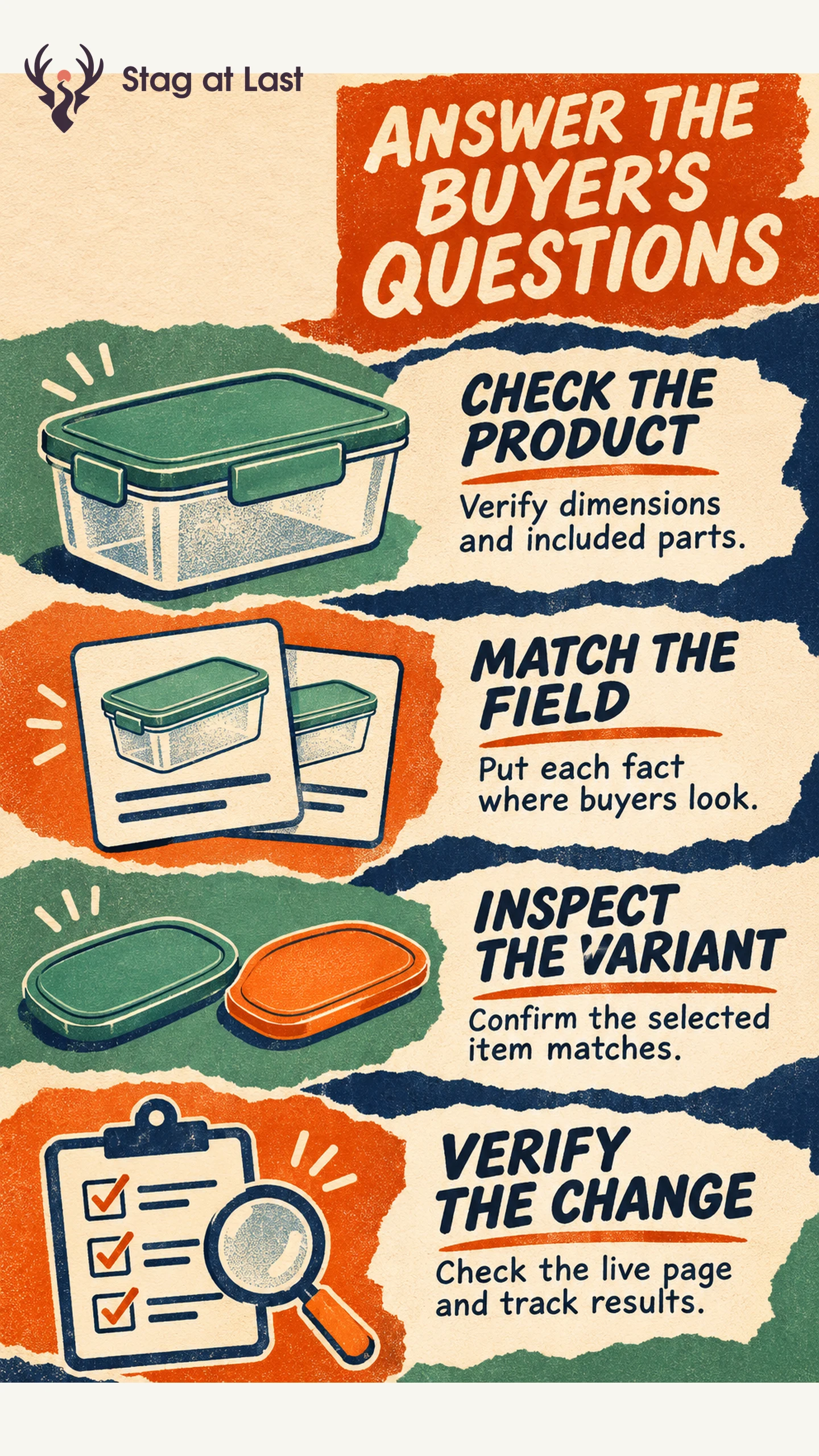
Make it easy for a buyer to identify the item, confirm fit and see what will arrive. Verify the physical product first, then put each fact where shoppers can find it on the detail page.
- Check the exact variant, measurements, materials and included parts.
- Use the title for identification and the images and bullets for verified detail.
- Review the selected variant and the published page on a phone.
- Measure the change against a clear buyer question and a stable offer.
Use the current Seller Central requirements for the listing’s category and marketplace.
A shopper looking at a food storage container needs to know whether the lid is included and whether the item fits a particular shelf. A photo with two sizes and a title that says only “large” can leave both questions unanswered. Start with the item that will actually ship and use the listing to resolve that uncertainty.
Start With the Product Record
Collect the product identifier, variant, dimensions, material, contents and instructions from the current product and packaging. Label what is measured. For example, give the outside height with the lid fitted if that is what determines shelf fit. Check differences in pack count and accessories rather than copying the previous listing.
Make a short question log using support requests, returns and relevant buyer feedback. Separate product faults from listing confusion. For an uncertain fit, use the shopper’s actual comparison task to decide which measurement or photo helps. Verify the answer against the SKU before editing.
Put the Answer in the Right Listing Field
| Buyer question | Best place to answer it |
|---|---|
| Which item is this? | Title and structured identity attributes |
| What is included? | Bullet points and an allowed supporting image |
| Will it fit? | Exact dimensions in attributes and a labeled supporting image if permitted |
| Which size or color am I selecting? | Valid variation options and variant-specific information |
Amazon’s listing guide describes core detail-page fields and variation relationships for products with attributes such as size or color. [1] Check the permitted variation theme and field rules for the product. A variant should identify a real difference the buyer can choose.
In its U.S. Seller Central announcement for July 27, 2026, Amazon said non-media titles would be capped at 75 characters including spaces. [2] The announcement also described Item Highlights as an additional place to convey details such as materials or recommended uses. [2] Amazon said it would update existing over-limit titles gradually. [2] Check the current requirements for your listing before updating it. Move lower-priority details to the appropriate field while keeping the title useful for identifying the item.
Check the Page as a Shopper
Inspect the live detail page for the intended marketplace and selected variant. Compare its title, first image, size label, pack count and bullet points with the product record. Try a second variant to see what changes. Inspect how the first image and title appear on a phone. If you need a richer family comparison, use Amazon brand content where available and keep the core facts on the detail page.
Keep a record of what you submitted, what is visible, which identifier is affected and when you checked. If a correction has not appeared, check listing status and the marketplace’s documented support route. Avoid promising what buyers will see based on the submitted copy alone.
Measure the Effect of a Content Change
Choose a question and outcome before editing. A clearer pack-count image should help buyers distinguish one container from a two-pack. Check questions and relevant return reasons over a defined period. If conversion moves, compare inventory, price, traffic and offer conditions before drawing conclusions.
Amazon’s Manage Your Experiments offers listing content tests for eligible products. [3] Amazon says access requires a Professional selling account and a Brand Representative role for a registered brand. [3] An eligible product must belong to the enrolled brand and have sufficient recent traffic. [3] Use that option where available to compare a specific change. If you also sell directly, reconcile the product facts across channels as part of your channel operating plan.
Keep Marketplace Facts Aligned With Your Website
If your brand runs a multilingual WordPress site, compare its dimensions, included items and variant descriptions with your marketplace product record. Include that reconciliation when evaluating a translation workflow.
FAQs About Amazon Listing Content
Should I put every keyword in the title?
Use the terms needed to identify the product clearly within current title rules. Place verified secondary details in the appropriate listing fields.
How do I choose which buyer question to answer first?
Start with an unanswered question that can cause a wrong purchase or return. Verify it against the item, then add the answer where the shopper is likely to look.
What if the page still shows old product information?
Confirm the marketplace, variant and affected field. Check the listing status and follow the relevant correction or support route with evidence of the accurate information.
Sources
[1] Amazon. How to create Amazon product listings
[2] Amazon Seller Central. Updates to improve your product titles begin on July 27
[3] Amazon. Test listing content with Manage Your Experiments