
Quick Answer: Which FAQs help buyers make a decision?
Use FAQs for recurring buyer questions that need an answer beyond the main page. Put facts that change the price, eligibility or purchase commitment directly in the flow where the visitor decides.
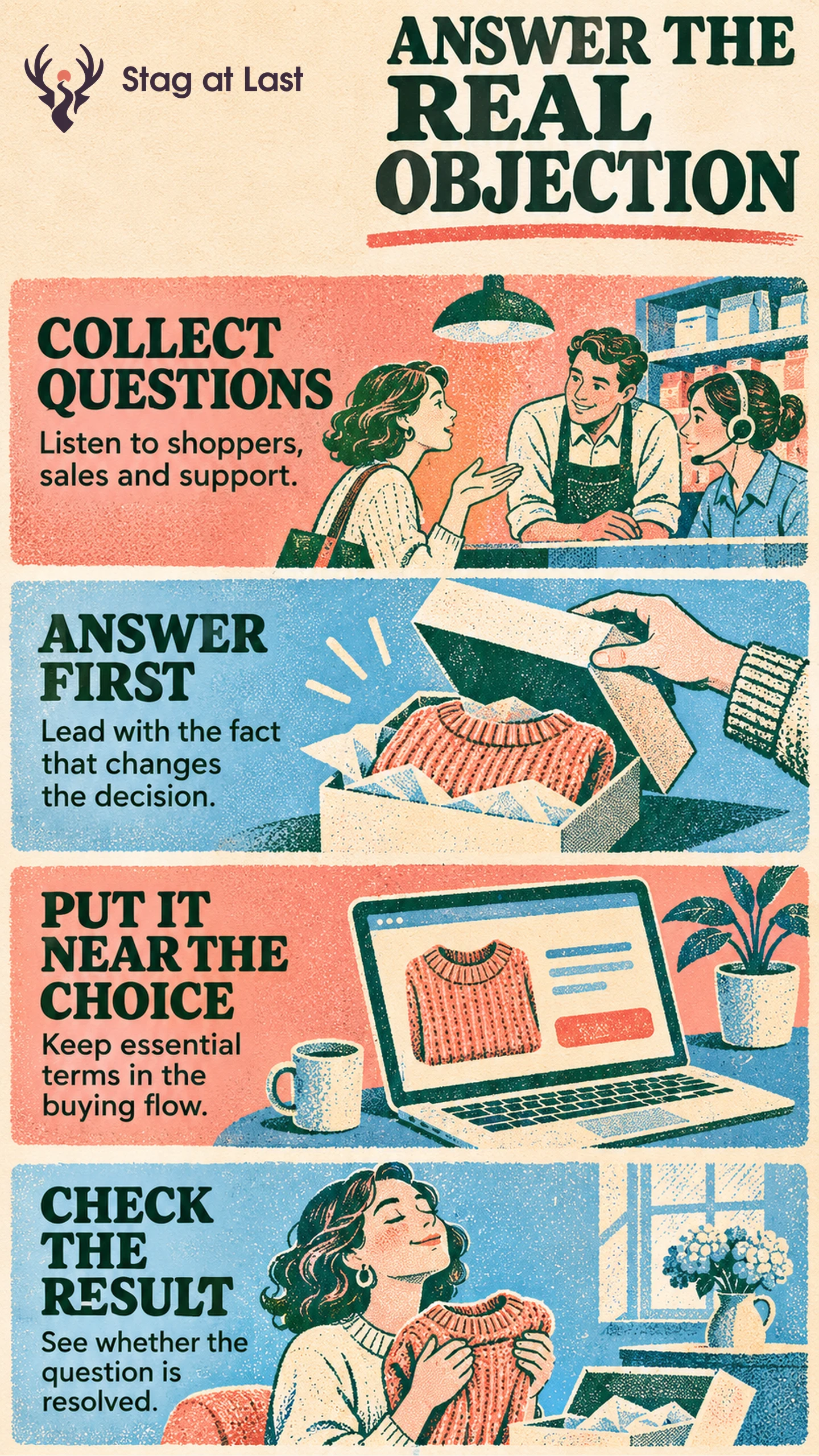
- Collect questions from sales, support and buyer research.
- Move decisive terms near the relevant product, price or action.
- Lead each short answer with the fact the buyer needs.
- Assign an owner and test whether buyers can find and explain it.
Remove repeated questions after the main page answers them clearly.
A buyer asking whether installation is included needs to know before choosing a plan. They might use an FAQ to check what to prepare for installation after purchase. Both questions matter, and each belongs beside the decision it affects.
Find Questions That Delay a Decision
Review sales conversations, customer messages, site search and usability sessions. Record the exact question, where it arose and what the person needed to do. Prioritize a question when it is common or when missing the answer would have a significant consequence.
Digital.gov’s plain-language guidance recommends using real customer feedback and keeping FAQs supplementary to the main content. [1] Look for missing or hard-to-find information before writing another question. A shopper asking for delivery fees may need a clearer product or shipping cost section.
Decide Where Each Answer Belongs
Use the page section where the choice happens. A hypothetical scheduling service might receive repeated questions about whether its monthly rate requires a yearly contract. Put the billing interval and commitment on the pricing page beside the amount, such as “$40 per month, billed $480 annually.” Keep a brief follow-up question about where to find an invoice if it still helps buyers plan the switch.
On a product page, show compatibility near the variant selector and the essential product information. Use FAQs for edge cases, preparation and follow-up questions. Link to the maintained policy when an answer needs more detail. Preserve the condition or boundary in the short answer so visitors can act without following every link.
Write and Maintain the Answer
Lead with a concrete yes, no, date, limit or next action when one applies. Say which products, regions or dates the answer covers. Explain unfamiliar terms. Record the source and set an owner to update the answer when the policy or offer changes.
If using an accordion, follow a tested component. The W3C accordion pattern describes keyboard behavior and a way to expose the expanded state. [2] Check that the actual controls support opening and closing, and keep essential purchase conditions visible beside the decision.
Check Whether Buyers Find It
Give shoppers the hypothetical plan and ask them to state the first charge and billing commitment without coaching. Ask them to show the source of their answer and describe what they would do next. Count correct explanations out of everyone who attempted the task. Look at recurring sales questions and wrong selections alongside interaction counts. An accordion opening confirms someone reached the question and tells you little about whether they understood the answer.
If shoppers still miss a condition, move it closer to the price or selection rather than adding another FAQ. If they find the answer but cannot use it, rewrite the first sentence or make the policy boundary more specific.
Review FAQ Answers Across Languages
If your WordPress site has several language versions, evaluate StagLingo on a small set of buying pages. Check that localized answers keep the same terms and direct people to the right policy.
FAQs About FAQs for Conversion
How many questions should an FAQ include?
Keep the questions that answer real follow-up needs and have current, distinct answers. Put a complex cluster on a clear help page if several questions need the same context.
Should FAQs use accordions?
An accordion can help people scan secondary questions on a small screen. Keep important conditions visible and verify keyboard access before hiding answers behind controls.
Can FAQ markup still create a Google FAQ rich result?
Google Search says it stopped showing FAQ rich results in May 2026. [3] Make the visible answers worthwhile for visitors and keep any structured description consistent with them.
Sources
[1] Digital.gov. Special cases
[2] W3C Web Accessibility Initiative. Accordion Pattern
[3] Google Search Central. Latest Google Search Documentation Updates