
Quick Answer: How should a website set expectations for live chat?
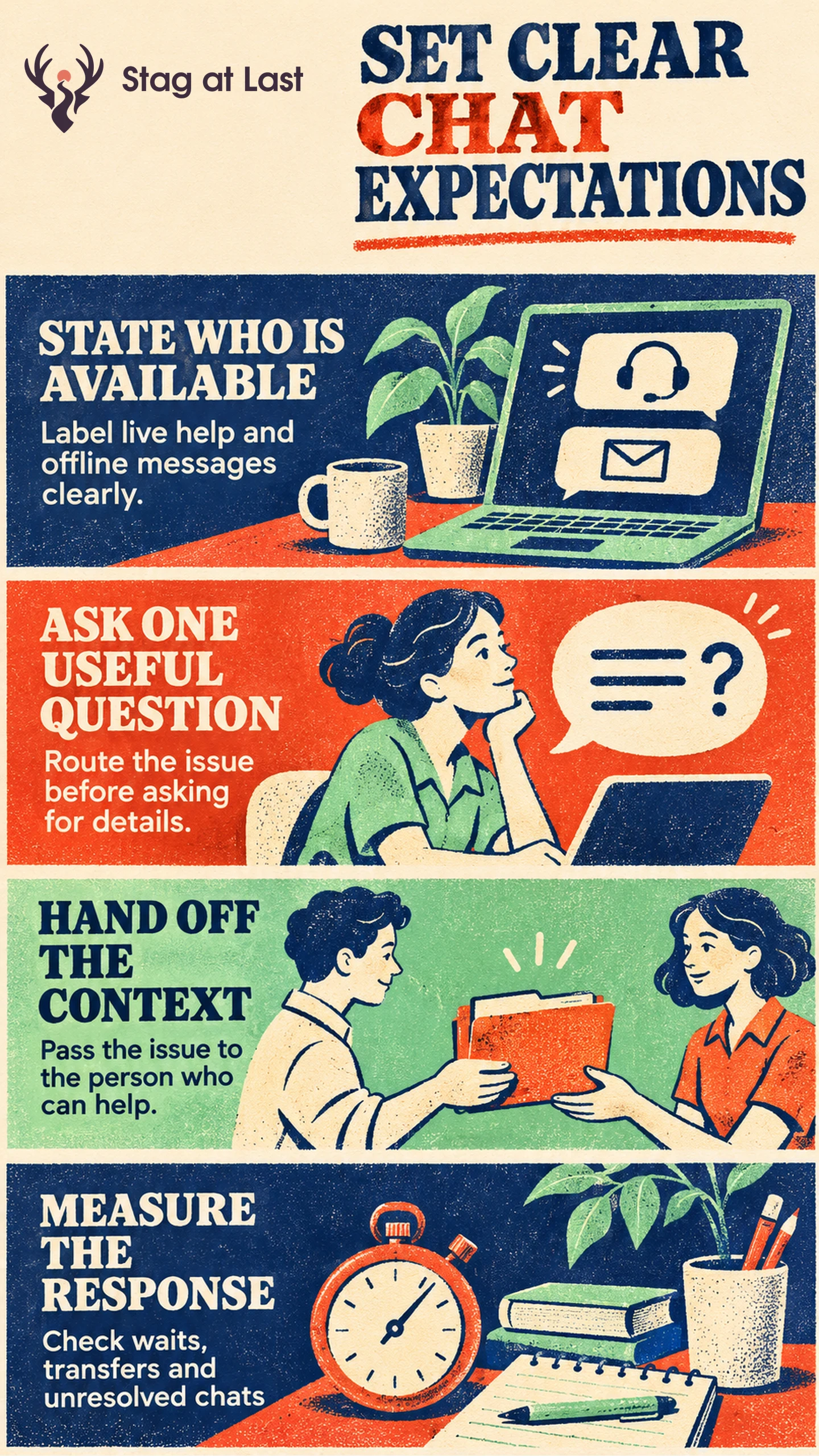
Offer website live chat when a staffed team can answer the visitor’s likely question. Label automation, waiting and offline messaging clearly so people know whether a reply will happen now or later.
- Match coverage to the topic and actual team hours.
- Ask one question that routes the issue.
- Hand off the issue and relevant context so the visitor can avoid repeating it.
- Track wait, abandonment, resolution and qualified opportunities.
When no appropriate team is available, offer a monitored message or another contact route.
A visitor opens a chat widget to ask whether a part fits their model. A bot replies instantly, but the specialist who can verify compatibility is offline. The status should tell the visitor what help they can get now and what has to wait.
Match the Widget to Actual Staff Coverage
List which teams handle sales, orders and technical support, and when each is available. Intercom’s Messenger supports team-specific office hours and uses assignment rules to help set reply expectations after a conversation starts. [1] Check the equivalent configuration for your tool and distinguish a scheduled team from staff actually able to take a chat.
In a hypothetical supplier setup, sales can answer general buying questions in the afternoon while the technical desk closes earlier. Keep live sales available and label technical requests as messages for later review. When visitors have a time-sensitive problem, direct them to a staffed channel that handles it if one exists.
Ask the Minimum Needed to Route the Chat
Start with the issue the visitor wants resolved, such as product fit, delivery or an existing order. Ask for model number or order reference when it helps the team act. Use the same test you use for required form fields before collecting contact or account information.
Tell visitors when they are interacting with an automated assistant. Give them space to describe an issue in their own words and a path to someone who can answer it. Ask for a reply address when a follow-up is needed, and explain where the response will arrive. Send sensitive account matters to the established verification process.
Transfer the Context and Give a Fallback
Pass the issue summary, source page and relevant answers to the receiving agent when appropriate. Tell the visitor where they are being transferred and update the estimated wait if it changes. If the receiving team cannot take the chat, switch to a monitored message with a named owner and realistic reply window.
Test the widget on a phone and with keyboard navigation. Check that it is easy to close and that it leaves checkout or form controls reachable. Simulate a transfer with sales online and technical support offline. Verify that the technical reply window appears before submission and the receiving queue retains the issue summary. Confirm that a real person can retrieve the request and reply through the channel the visitor expects.
Measure Waits, Resolution and Qualified Leads
Separate a widget open, a request for live help and an agent response. Zendesk describes its standard first reply time as the time from ticket creation to the first public agent reply and documents variations for some live conversations. [2] If your goal is to measure the visitor’s wait, capture when they ask for human help and when they receive it.
Measure the share of requests for a human that receive an agent reply within the stated window, including unanswered requests whose window has elapsed. Report abandonment and time to first reply among answered chats separately. Define resolution as an answered question or a completed next step, and define qualification with sales if that is the goal. Evaluate the same set of staffed periods and causes of transfer so changes in case mix do not look like better coverage.
Review Chat Expectations Across Languages
If your WordPress site displays chat on localized pages, evaluate StagLingo on a small set of pages. Verify what each page promises and check the chat provider’s own instructions separately.
FAQs About Website Live Chat
Should visitors fill out a form before chatting?
Ask only for information needed to begin or route the chat. You can request an email later if the visitor chooses follow-up.
What should a widget show outside staffed hours?
Show when replies resume and let people leave a message if a team monitors it. Give a real alternative when the request cannot wait.
What counts as a useful live chat outcome?
Choose the outcome for the conversation’s purpose. Support may track a resolved issue. Sales may track a qualified enquiry. Widget opens and first replies show activity rather than completion.
Sources
[1] Intercom Help. Set custom office hours and reply times for your teams
[2] Zendesk Help. Understanding ticket reply time