
Quick Answer: Which spam controls should a website form use?
Choose the least disruptive spam control that keeps abuse manageable. Compare viable controls on genuine submissions, delivery of junk to staff and the effort to recover blocked requests.
| Control | Useful for | Check before relying on it |
|---|---|---|
| Rate limits | Bursts of repeated submissions | Shared networks and busy periods |
| Managed verification | Suspicious requests that need more scrutiny | Failed checks, outage handling and server validation |
| Interactive CAPTCHA | Additional verification where justified | Accessibility barriers and a usable help route |
Review suspected spam before discarding it when the cost of losing a genuine enquiry is high.
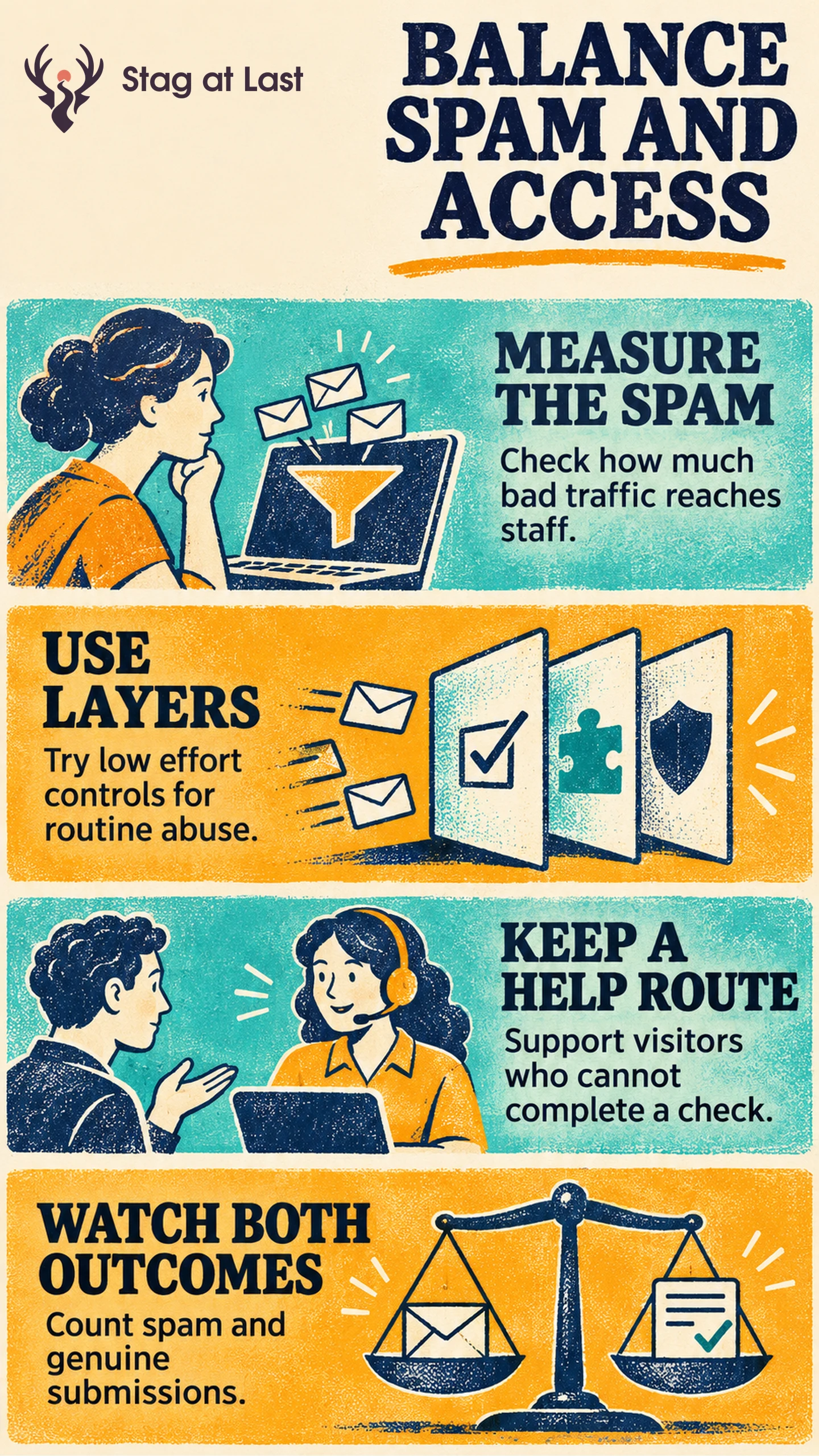
A form that blocks every suspicious request can also stop a real buyer. One that accepts everything pushes the filtering work onto the sales team. Choose a combination that fits the volume and cost of abuse, then measure the effect on the people trying to contact you.
Find the Cost of the Spam Problem
Start with accepted submissions and review a sample by source, time and receiving team. Separate spam, internal tests, duplicates and real enquiries using written definitions. Note how much time staff spend reviewing the queue and how many legitimate requests are difficult to recover.
Some spam can be contained through conservative server-side validation, moderation and reasonable limits on repeated requests. Apply rules to all supported submission paths and confirm what happens at busy times. Treat restrictions as a site-specific choice. A burst from a company or school network can contain many legitimate visitors.
Choose a Control With a Recovery Route
An interactive CAPTCHA asks a user to complete a challenge. The W3C note on CAPTCHA accessibility describes barriers from challenges that depend on visual or auditory abilities and particular cognitive tasks. [1] Test the actual form with people who use assistive technology and provide a practical contact route for someone who cannot pass.
Managed verification can reduce the need for a visible puzzle, but the integration still has to handle failed or unavailable checks. Cloudflare requires server-side token validation for Turnstile. [2] Check the provider requirements and your integration on staging. Keep the failure message and recovery path specific enough that a genuine visitor knows what to do.
Define what happens when a provider is unavailable. Test unavailability separately from a failed check. Preserve safe inputs and, where appropriate, use an accessible, staff-reviewed contact route with an owner and a response window. Verify the route during a simulated outage. Give the team access to review suspected spam and recover misclassified requests. Avoid silently dropping a buyer’s enquiry.
Test Abuse Filtering and Genuine Access Together
Make one controlled change after documenting how the current setup behaves. Verify in staging that genuine test submissions arrive once, rejected checks stay separate from accepted records, and the alternative route reaches its owner. Try the form on a phone, with a keyboard, and with supported assistive technology before making the control widely available.
In a hypothetical pilot, a filter removes much of the junk reaching a sales team but support starts receiving credible reports of blocked enquiries. Review the filter outcomes and the affected traffic before declaring the test successful. Count genuine enquiries per eligible visit across the form and fallback where you can match them reliably, and count each enquiry once. Report staff review time, junk that reaches staff and confirmed false blocks separately. Some visitors who cannot submit may leave without reporting a problem. Incorporate lead qualification if routing and sales capacity also matter.
If blocked visitors cannot recover or the system cannot reliably accept genuine requests, restore the last tested configuration or invoke the approved fallback. Keep an owner for both complaints and the spam queue.
Check Spam-Control Messages in Each Language
If your WordPress forms serve several languages, evaluate StagLingo on a few pages. Verify that a visitor can understand the verification message and find the help route in each version.
FAQs About CAPTCHA and Alternative Spam Controls
Is removing a visible CAPTCHA the same as removing spam protection?
No. A form can use server checks, rate limits, moderation or other managed verification without showing most visitors a puzzle. Verify protection and recovery in the actual setup.
Should rate limits reject every submission above a threshold?
That depends on the service, abuse pattern and recovery options. Start with limits that allow ordinary peaks. Review potentially legitimate traffic affected by the rule before tightening it.
What if a legitimate visitor cannot finish verification?
Give them a clear explanation and a working support or review route. Test that the alternative reaches a team able to handle the original enquiry.
Sources
[1] W3C. Inaccessibility of CAPTCHA
[2] Cloudflare. Validate the token