
Quick Answer: Which form fields should be required or optional?
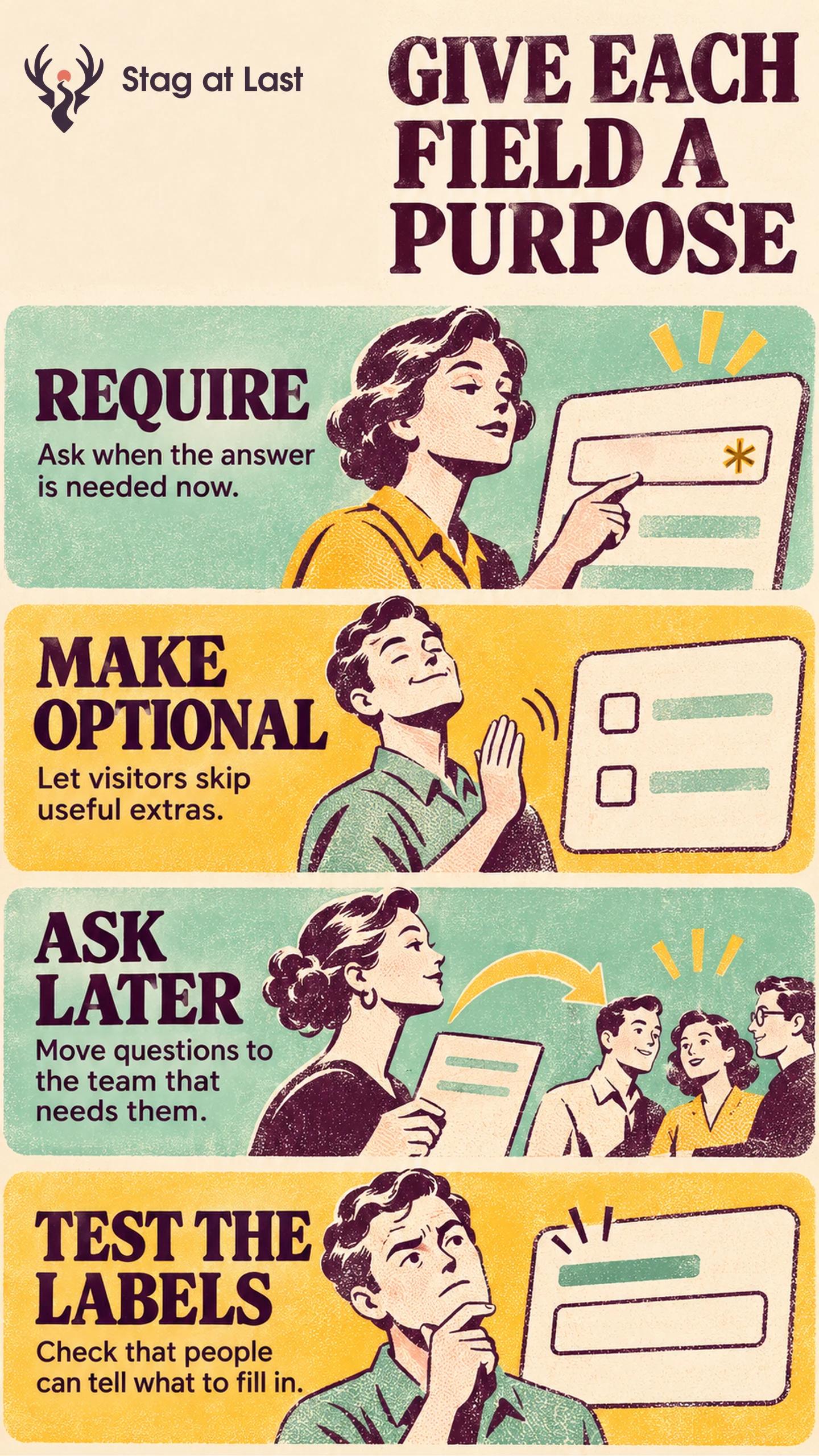
Require a field when the answer is essential to accepting, routing or responding to the request. Make it optional when the team can still act without it. Ask later or remove the question if its answer has no immediate use.
| Choice | Use when | Example |
|---|---|---|
| Required | A missing answer prevents the promised action | Phone number for a callback request |
| Optional | An answer helps but the request still works without it | Preferred contact time |
| Ask later or remove | The answer does not affect the initial response | Purchasing timeline for a general enquiry |
Check that the system handles a blank optional field without inventing an answer or blocking the request.
A phone number is essential if the site promises a callback. The same field may add work for a visitor who asked a question by email. Judge the field against the service the visitor chose and the information the receiving team actually uses.
Connect Each Required Answer to a Decision
For each field, record who reads it, what they do with it and whether the decision happens before the first reply. The GOV.UK Design System asks service owners to know why they ask each question and to identify optional inputs. [1] Apply the same audit to lead forms before adding a validation rule.
For an illustrative service-area enquiry, the team assigns jobs by postcode. Requiring an approximate location can be reasonable when it determines which team replies. If a postcode is too specific for the first contact, a town or region may be enough. Give visitors a way to say they are unsure when a person can still handle the request.
Keep conditional fields tied to the customer’s choice. If the person selects “Call me,” ask for a phone number and explain why. If they select email, let them continue with an email address. Help visitors identify the fields that apply before they try to submit. Switch from callback to email in a test. Confirm that the browser and server both accept the request without a number and that any previous phone value no longer determines routing.
Make Optional Mean Skippable
Use persistent visible labels and associate them with their form controls as described by the W3C Web Accessibility Initiative. [2] Show optional and required status in words where the distinction is easy to miss. Baymard’s ecommerce checkout research observed confusion and errors when requiredness was unclear. [3] Check how your audience reads the actual labels and validation instructions.
Test a submission with all optional fields empty. Check the saved record and the team’s routing queue. A blank budget means the visitor did not provide a value. It should not become a budget of zero or silently send the request to a lower-priority queue. A blank budget should pass and remain unset. An entered value should still be checked and receive a specific correction if needed. Check any downstream counts or classifications that consume that field.
Test a Field Change Against Routing and Completion
Start with one field people abandon or ask about. Try the new version with an empty answer, a valid answer and an ambiguous answer. Check the message shown when that answer needs correction. Ask a teammate who receives the enquiry whether they can route or respond to it using the remaining information.
In a live comparison, count the proportion of eligible assigned visitors who submit and the proportion whose enquiries are qualified within the same window. Watch missing-context follow-ups and assignment delays. If the field is moved to a later step, account for how that change affects the customer and sales team before calling it an improvement.
Review Field Labels in Each Language
If your WordPress site accepts enquiries in several languages, evaluate StagLingo on a small form sample. Check that required labels, optional hints and error instructions agree in each version.
FAQs About Required and Optional Form Fields
Should a phone number be required?
It is justified when a callback is the requested service or there is another specific need for a number. If email is enough to handle an enquiry, give the visitor a clear email route.
Is a required marker enough on its own?
Use visible wording or a clearly explained convention, then verify that the label and required state are available to assistive technology. Check what users see when they skip a required field.
When should you remove an optional field?
Remove it when no one uses the answer or when asking later is easier for the visitor and team. Check whether any routing or reporting rules rely on it before deleting the field.
Sources
[1] GOV.UK Design System. Question pages
[2] W3C Web Accessibility Initiative. Labeling Controls
[3] Baymard Institute. E-Commerce Checkouts Need to Mark Both Required Fields and Optional Fields Explicitly