
Quick Answer: What should a thank-you page confirm and measure?
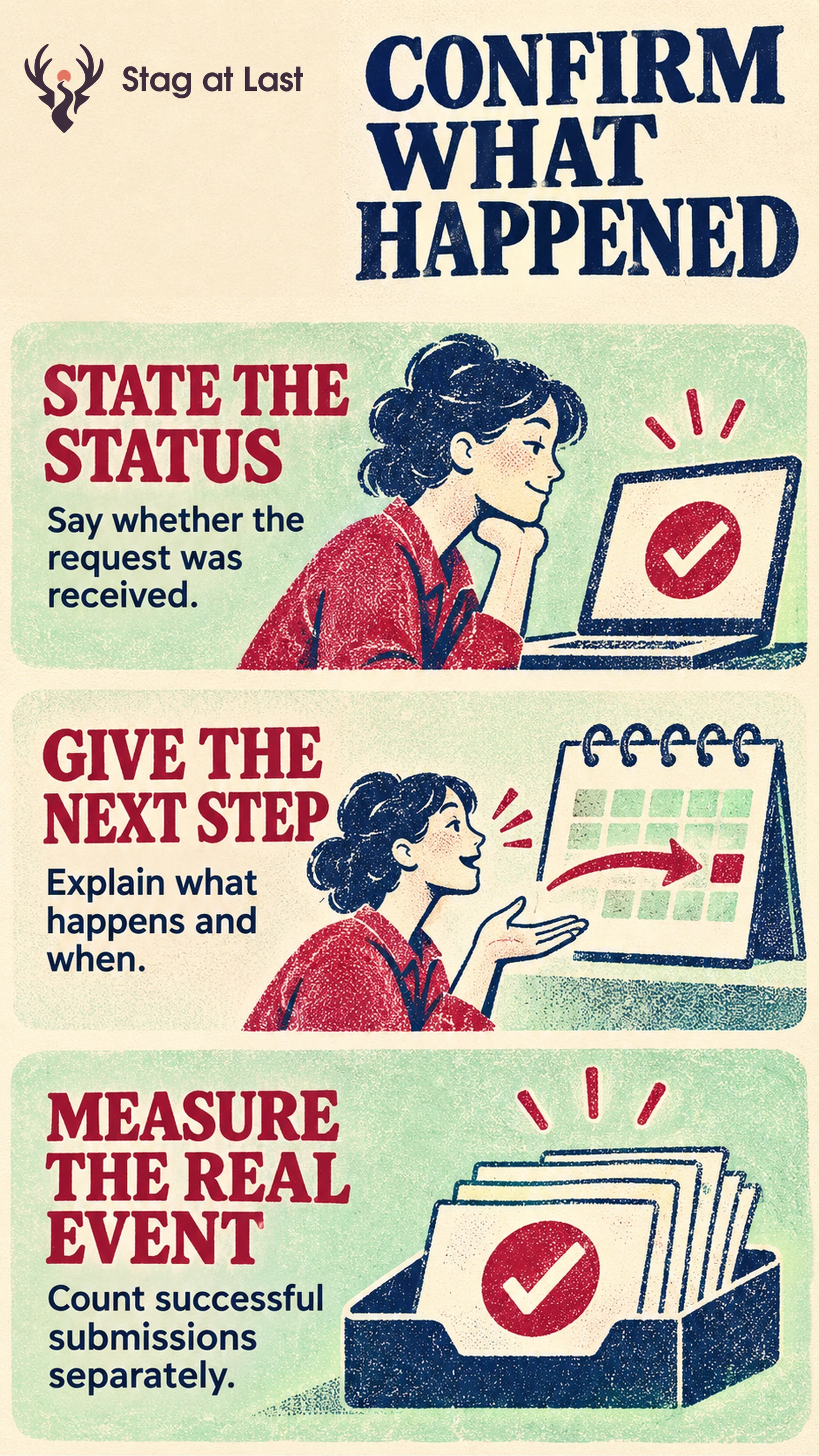
A thank-you page should confirm what the website accepted, explain what will happen next and give the visitor a way to get help. Measure the successful action independently of visits to the confirmation page.
- Show the exact status, such as enquiry received or appointment confirmed.
- Give the reference and next step when they exist.
- Record the accepted action once using its stable identifier.
- Test the page after success, failure, refresh and return.
Add a secondary offer only after the original action has a clear result.
A visitor has just sent a quote request. Their next questions are whether it arrived and when they will hear back. Answer those first. The confirmation page is also a useful place to verify that the accepted request and the resulting measurement describe the same action.
Use a Status the System Can Confirm
Bind the message to the application state. The GOV.UK Design System uses confirmation pages to show that a transaction is complete, with a reference when available and an explanation of what happens next. [1] Reserve a success state for requests the system has accepted. If a booking still needs approval, say the request was received and when a confirmation will follow.
For an illustrative example, an industrial supplier could write “Quote request received” when its system saves the request. It could then say “Our estimating team will reply within two business days” if the team can consistently meet that time. Keep the confirmation private where it contains order details. Avoid putting email addresses or other personal data in URLs or analytics payloads.
Tell the Visitor What to Do Next
If the offer was a file, deliver it or explain how and when it will arrive. If the visitor booked an appointment, show the time, time zone, location and rescheduling route. For a sales enquiry, identify the team or channel that will respond and how the customer can request help if needed. Keep the language consistent with the original call to action.
Offer links that help the visitor finish the job, such as adding a confirmed appointment to a calendar or reviewing a reference. Put unrelated promotions below the confirmation and next action. A well-designed lead form sets expectations before submission so the confirmation can be short.
Count the Accepted Action Once
Use the system’s accepted submission or order record as the basis for tracking. Assign one stable internal ID per accepted record and deduplicate repeat tracking attempts at the point you control. Count a page view separately, since an existing visitor may refresh or revisit the page without sending another enquiry.
For Google Analytics purchases, its documentation describes deduplicating purchase events from the same user that carry the same transaction_id. [2] Send a unique, nonempty and non-identifying ID per order, and keep that ID consistent for retries for the same order. For leads, confirm how your event integration handles repeat delivery independently. Compare captured events with accepted records over the same period while allowing for differences in tracking coverage.
Test the Page Beyond the Happy Path
Submit a test enquiry, then verify the reference and response message against the stored record. Refresh and return later to confirm those visits do not create another accepted event. Try an invalid submission and confirm it stays in the error recovery flow. Simulate a timeout after the request is saved but before the browser gets the response. Confirm that retrying the same attempt returns the existing reference and records one accepted request. If a visitor opens the confirmation URL without a verified record, show a neutral message and record no submission.
Check a genuine success, one retry and one failed submission before releasing the change. If confirmation or accounting disagrees with the stored outcome, fix the trigger before using the engagement data to make campaign decisions.
Verify Confirmation Copy in Each Language
If your WordPress forms serve visitors in different languages, try StagLingo on a small set of confirmation pages. Check response times, dates, support links and the distinction between received and confirmed.
FAQs About Thank-You Pages
Does a form need a separate thank-you page?
No. An inline confirmation can work when it clearly announces the result and provides the next action. A separate page is useful when the visitor needs a reference or instructions they can revisit.
Can you use a thank-you page view as a conversion?
A page view can act as a proxy when exact success tracking is unavailable. Document that limitation and check how direct visits and refreshes affect the count before using it in decisions.
Does a confirmation page need a sales offer?
No. Put delivery, response time and support first. Add a secondary offer only if it helps the visitor with the next likely task.
Sources
[1] GOV.UK Design System. Confirmation pages
[2] Google Analytics Help. Minimize duplicate key events with transaction IDs