
Quick Answer: What belongs in a landing page hero?
A landing page hero should tell visitors what they can get, whether it fits their needs and what happens when they take the next step. Put those answers in text and use imagery to clarify the offer.
- Name the product, service or resource in the headline.
- Use the supporting line for an audience, important condition or concrete benefit.
- Label the primary button with the action it actually starts.
- Choose a visual that helps visitors judge the offer.
Check the hero and its next step together on a small screen.
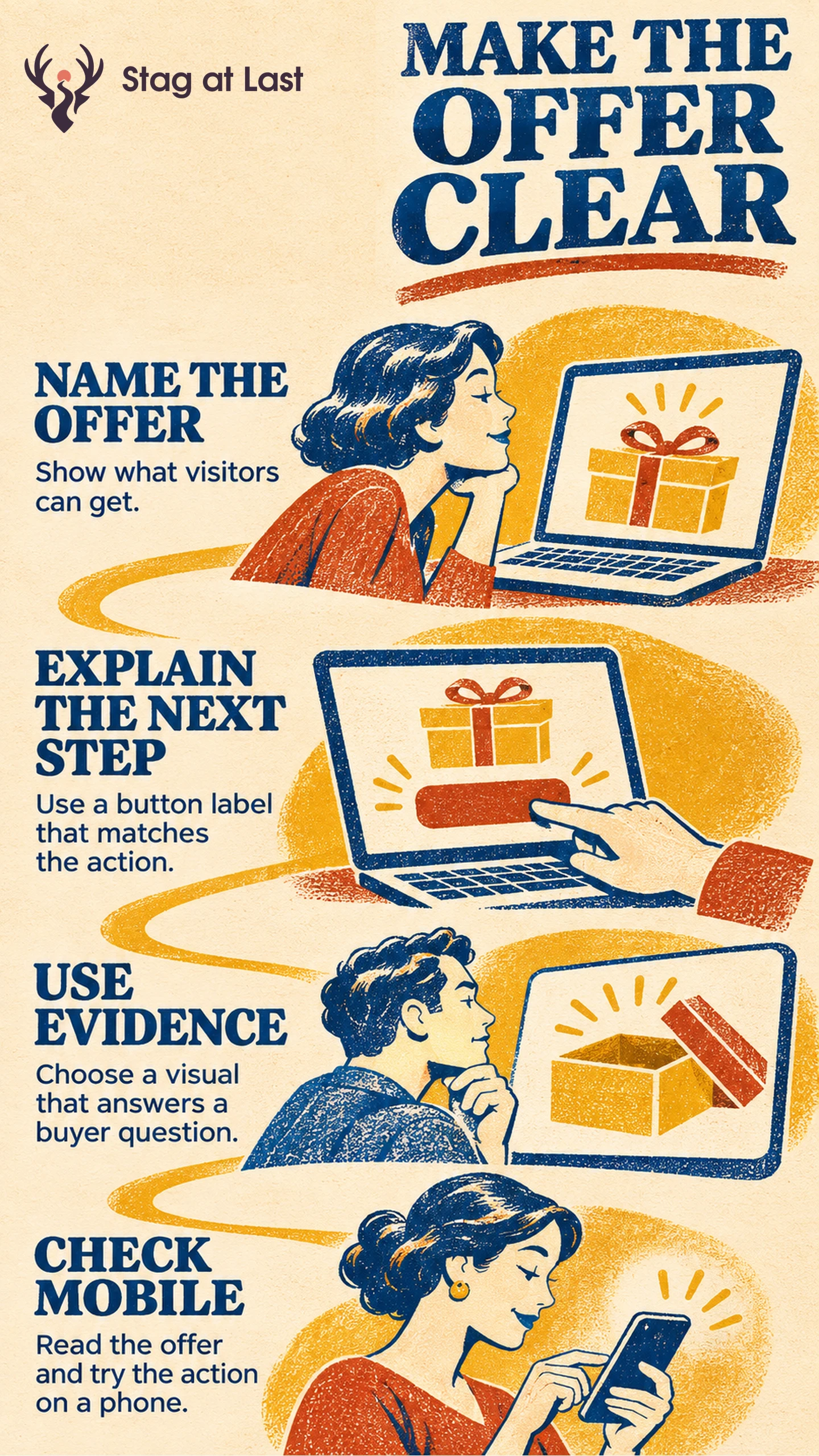
The hero is the opening section of a landing page. It gives someone arriving from an ad, email or referral enough context to decide whether to continue. A good hero starts with the question the visitor brought to the page. Design the headline, copy, image and button around that question.
Write the Offer in the Words a Visitor Expects
Read the ad or email that sends people to the page. Highlight what it promises and the action it invites. Google Ads recommends aligning the landing page with the ad and keywords, including its call to action. [1] If an ad offers a template, preserve the resource name and format in the hero. If it advertises a price, show the applicable terms near that price.
Consider a hypothetical ad that says “Download an inventory count spreadsheet.” A matching hero reads “Inventory count spreadsheet for small shops,” followed by “Record quantities by shelf and compare them with stock records.” Use “Download spreadsheet” for a direct download. If the button opens an email form, “Get the spreadsheet by email” sets the right expectation. Use the same email-delivery promise in the ad and specify when the file will arrive on the confirmation page. Make any required step clear before the visitor starts.
Compare the action and button wording using the guide to matching a call to action to what happens next. Decide separately whether people need navigation or a route to supporting information before taking the action.
Use Visuals to Answer a Buyer Question
Give each visual a purpose. An image of the spreadsheet with recognizable column headings helps visitors judge whether it suits their counting process. A screenshot of a product feature can show how a task works. A generic office photo leaves both questions unanswered.
Place qualifications in visible text if they change who can use the offer. Include the compatible file format or eligible service area beside the relevant claim. Use the guide to choosing relevant, permitted social proof if buyers need a reason to trust the offer. Put detailed comparisons or supporting evidence later on the page where visitors can give them attention.
Preview the hero at the narrowest width you support. Make sure headline text stays legible, the supporting line can wrap and the image does not hide the next action. Tab to the real button, check that its focus is visible and activate it with the keyboard. Confirm that the destination or form remains usable with larger text. Preserve the offer in HTML so readers get it even if the image fails to load.
Check Comprehension Before Optimizing Clicks
Show a fresh visitor the ad and the first part of the page. Ask what they expect to receive, who it is for and what the button will do. Then let them follow the action without coaching. If they say “free download” and encounter an unexpected sales form, repair the promise before changing button color or spacing.
For a live campaign, choose the relevant outcome, such as completed downloads or qualified enquiries per eligible landing-page session. Count an outcome once per session for that rate and use the same definitions and observation window when comparing versions. Keep button clicks as a diagnostic. If more visitors click but completion stalls at the next step, inspect the form or destination before attributing the result to the headline.
Review the Hero in Each Website Language
If you are adapting a WordPress landing page for another language, evaluate StagLingo on a few representative pages. Check that the offer terms and button still describe the same next step in each version.
FAQs About Landing Page Hero Sections
Can a landing page hero work without a large image?
Yes. Use a clear headline, readable supporting copy and an obvious next action. Add an image when it demonstrates the offer or resolves a specific question.
Should the primary button always appear before the first scroll?
Place the action early when visitors can decide with the information already shown. Screen size and text settings change what appears before scrolling. Check that the reader can find and understand the action on the devices you support.
When should a hero include social proof?
Use a short piece of relevant proof when it helps resolve an early objection. Verify the claim and permission to display it. Move detailed proof below the hero if it interrupts the main offer.
Sources
[1] Google Ads Help. Optimize your ads and landing pages