
Quick Answer: How Do You Tell Customers About a Price Increase?
Tell each affected customer what they pay now, what they will pay and which bill changes first. Give a truthful reason and show the choices the customer can make before the new charge.
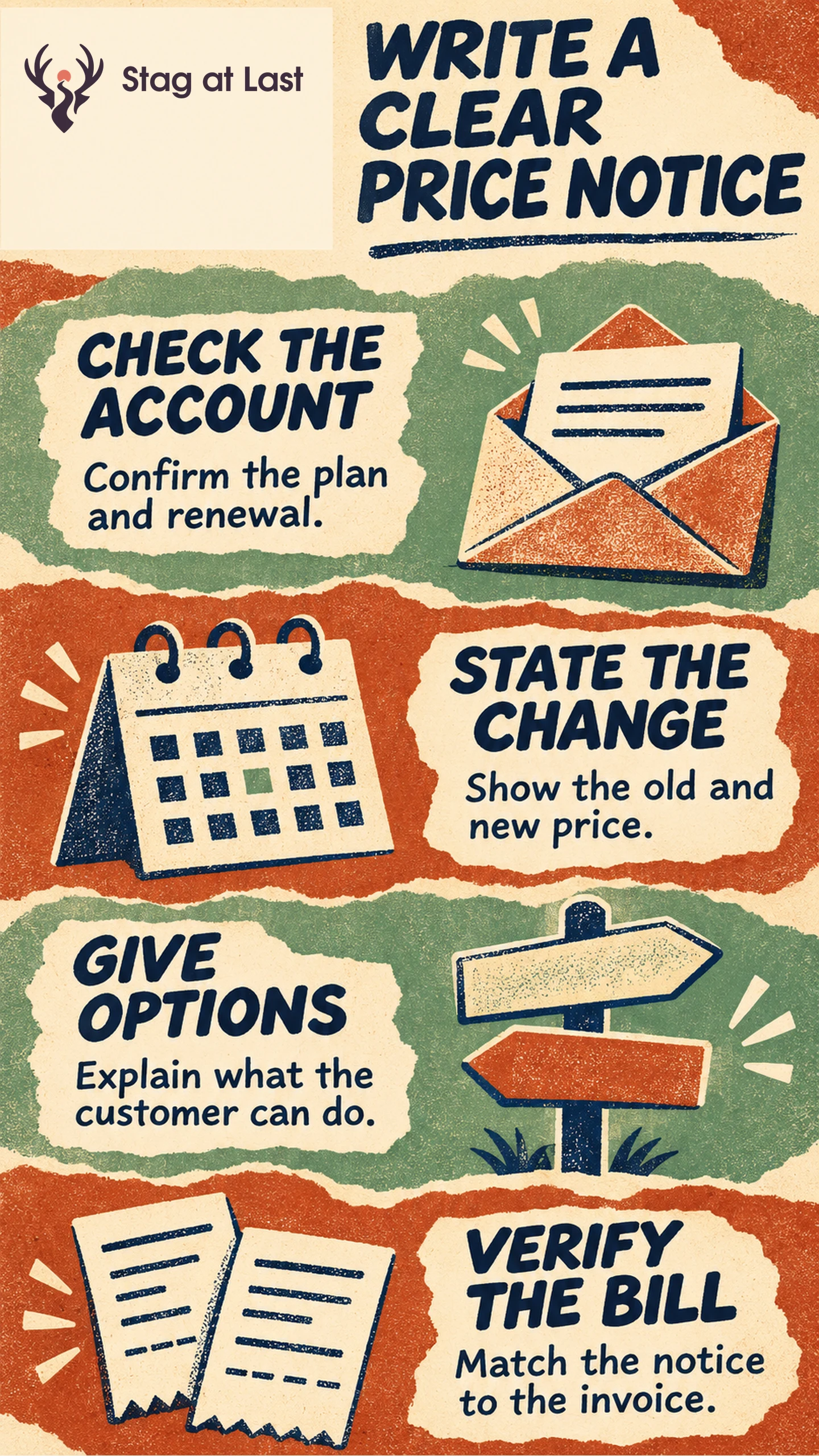
- Confirm the accounts. Match pricing, agreements, billing periods and exceptions.
- Write the notice. Put the old and new amounts, currency and renewal date near the top.
- Show the choices. Explain any action, approval or deadline and where to get help.
- Check billing. Compare notice details with the next invoice and test each promised option.
Use the notice timing and delivery requirements that apply to each account and purchase channel.
A customer who gets an email about a price change wants to know what will happen to their own bill. A general announcement can explain the reason. An account-specific notice gives them the information they need to approve a renewal or choose another plan.
Confirm Which Accounts Change and When
Create one record per account or billing group. Include current and new price, currency, billing interval, first affected renewal, discount treatment, agreement exceptions and a contact authorized to receive the notice. Identify whether the old price stays in place for an existing term or a defined group. Keep the date a new list price appears separate from the date it changes a customer’s invoice.
Have the responsible team verify contract, market and channel requirements before scheduling the notice. For an App Store example, Apple documents that App Store Connect indicates by country or region whether existing subscribers in the selected change need to consent or receive a notification. [1] Treat a marketplace rule as specific to that purchase route. Use your own approved notice and consent flow for other channels.
Write the Notice Around the Next Bill
Open with the plan and the price change. State whether the amount is per workspace, seat or unit of usage. If tax, discounts or variable charges affect the total, distinguish the base price from the customer’s invoice estimate. Explain the reason in one grounded sentence and connect to the details only if they help the reader choose.
For example, a hypothetical notice could read, “On your next renewal, 1 February 2027, the Team plan base price for your workspace will change from US$40 to US$46 per month, before tax. We are increasing the price to cover the cost of operating and supporting the plan. You can review your renewal details, compare plans or manage renewal in your billing settings.” Use the reason only if it accurately describes the decision. Name any action deadline and time zone if the renewal requires one.
Show the Options Customers Can Actually Choose
State whether the customer needs to accept, can continue under the terms, or can make another choice. Describe what a downgrade changes, when it takes effect and what happens to current access or stored work. If an exit option applies, provide the real route and any deadline. Avoid sending a customer to a plan that is unavailable to their account.
Use the plan transition guide to explain alternatives. A decision can be as simple as reviewing a price or as involved as asking a procurement team to approve it. Send the notice to the person who can act. Support should have the same account rules and know who can approve an exception.
Reconcile the Notice With Billing and Support
Check representative accounts before sending. Include a monthly renewal, an annual renewal, an account with a preserved price and an account with a discount. Compare the rendered notice with an approved billing preview for each case. Verify that the customer can open the renewal view or follow the promised change and that the owner sees undelivered notices.
If dates or prices change after sending, correct the same affected recipients. If a notice and a planned charge disagree, escalate to the billing owner before the charge. After the change takes effect, compare the first issued invoices in each affected group with the notices and approved previews. Route any discrepancy to the billing owner for correction. Track first affected renewals, questions, downgrades and cancellations by cohort, with the same follow-up. Keep the pricing decision separate from the evidence that the communication was understood.
Check Price Notices Across Site Languages
If a multilingual WordPress site hosts your price notice and help page, evaluate StagLingo on those pages. Check amounts, billing dates and the customer’s available options in each language.
FAQs About Communicating a Price Increase
How much advance notice should you give?
Confirm the agreement, market and purchase channel requirements first. Then allow time for the customer’s actual approval or plan change before the first affected bill.
Should you explain why the price changed?
Yes, if you can give an accurate explanation. Explain the reason plainly and avoid implying the customer will get features or service that the plan does not include.
What if a notice goes out with the wrong price?
Send a clear correction to the affected recipients and escalate the billing mismatch. Verify the revised amount, effective date and available actions before the next charge.
Sources
[1] Apple Developer. Manage Pricing for Auto-Renewable Subscriptions