
Quick Answer: What makes an appointment booking form reliable?
A reliable appointment booking form offers times the business can honor, explains what the visit involves and shows whether the booking is final. Treat availability and confirmation as two separate checks.
- Show the visit length, location or meeting method and time zone.
- Offer only times the selected service and staff can support.
- Ask for the information needed to confirm or prepare for the appointment.
- Provide rescheduling, cancellation and help instructions.
If approval is still pending, say when the visitor should expect a confirmation.
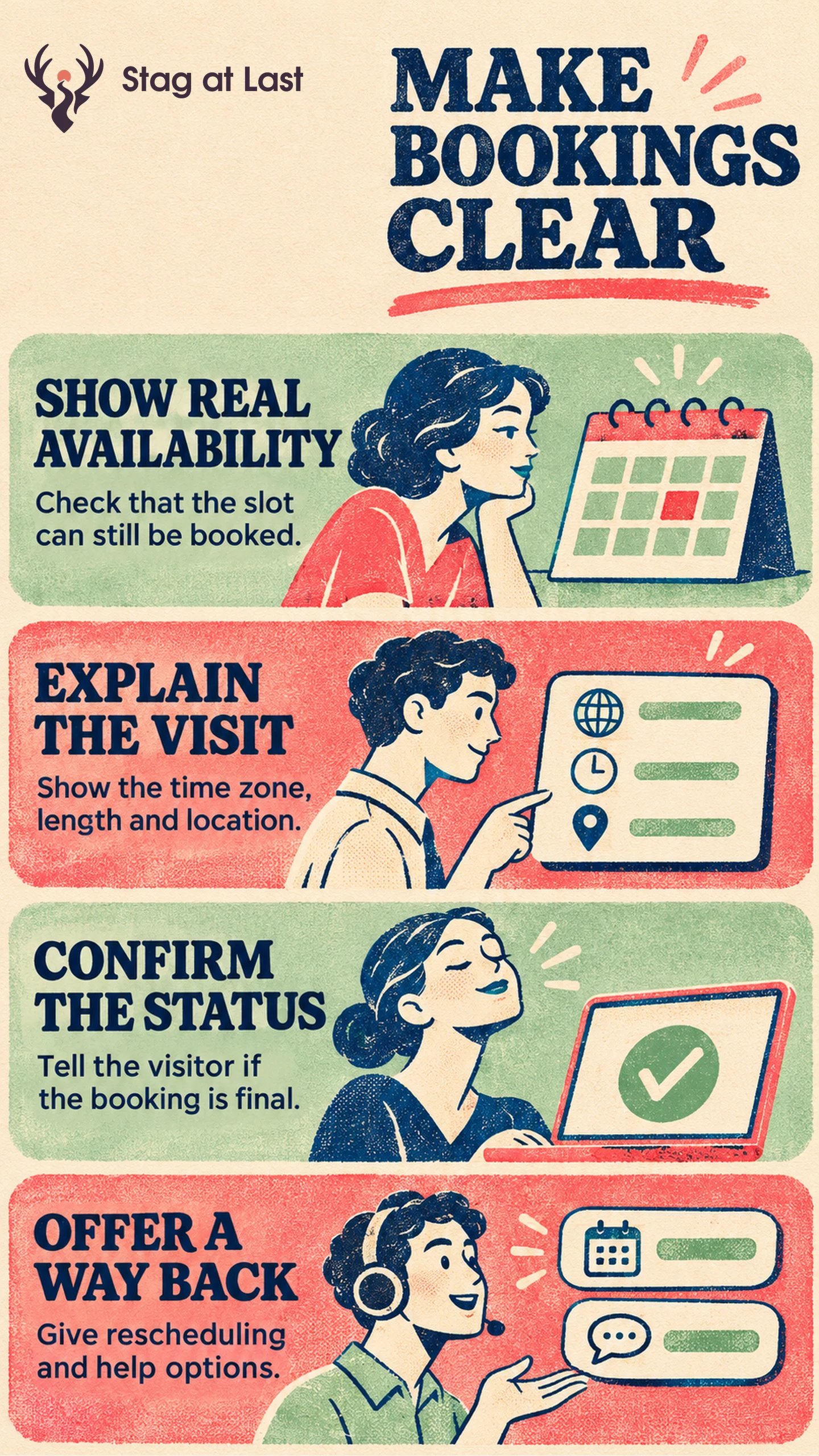
An agency can let a customer reserve a consultation instantly or ask them to propose a time for approval. Both flows are useful. Their buttons and confirmation messages should tell customers which type of commitment they have made.
Show Times the Service Can Honor
Start with the service duration, staff availability, locations and setup or travel time between appointments. Map every required calendar or resource. Google Calendar’s appointment scheduling documentation, for example, describes availability windows, buffer time and calendar checks. [1] In this setup, co-host calendars are unchecked by default and appointments cannot be added to resource calendars. Verify availability for each required room or piece of equipment separately.
Check and reserve the slot in one operation when the visitor submits so two simultaneous requests cannot both confirm it. In an illustrative test, two people see the same 2 p.m. consultation. One books it while the other is filling in details. The second visitor should see that the time is no longer available, keep valid contact details and be able to select another slot. Verify that only one confirmed booking reaches the calendar.
When nothing is available, say which range or service you checked. Offer the next set of dates, a relevant location or a contact option. If the calendar cannot load, explain the service error separately from a filled calendar.
Make the Appointment Clear Before Submission
Show the date, time zone, duration and location together at selection and review. For appointments across time zones, check that the confirmation and calendar invitation point to the same moment. Test dates around a clock change when the schedule serves regions that observe daylight saving time.
Explain what to bring, whether there is a fee and which changes can be made later. Ask only for contact or preparation details that someone will use. Apply the required-field test before requiring a phone number or a detailed description. Use specific labels, and check that keyboard users can choose a date and time.
Confirm What Is Actually Booked
Use “Book appointment” when submission secures the slot. Use “Request this time” when staff must approve it. In the pending version, say when the team will respond and whether the time is held. Keep the status consistent between the confirmation page and any email.
For a confirmed appointment, include the reference, time zone, access details and rescheduling or cancellation instructions. Check that changing the appointment updates the calendar and sends the correct new details. Keep the original booking until the new slot is secured. Then release the old slot according to the business rules.
Measure Bookings and Recovery
Separate selected times, accepted requests and confirmed bookings. Compare confirmed bookings among eligible visitors whose full confirmation window has elapsed, counting each visitor once. Track pending requests, conflicts, no-availability views and cancellations separately. Report attendance among appointments whose scheduled time has passed. If bookings fall, determine whether fewer visitors saw suitable times or more failed after choosing one.
Test a confirmed booking, a conflict and a cancellation before expanding promotion. If the booking tool cannot reliably reflect real capacity, use a clearly labelled request workflow until the calendar and confirmation agree.
Review Booking Details in Each Language
If your WordPress site serves more than one language, evaluate StagLingo on a small set of booking pages. Check that dates, time zones, locations and confirmation wording agree.
FAQs About Appointment Booking Forms
What should a booking page show when no slots are available?
Show which service and date range have no available times. Offer another date range, another eligible location or a way to contact the business.
Should you require a phone number?
Require it when the appointment depends on a call or essential coordination that needs a number. Explain the use and leave it optional if the service can run through email.
Does selecting a time mean the appointment is confirmed?
No. A selection presents a candidate time. The booking is final when the system confirms it or staff approve it, depending on the workflow.
Sources
[1] Google Calendar Help. Create an appointment schedule