
Quick Answer: How Do You Design a Useful Upgrade Path?
Design an upgrade path around what the customer needs to do next. Show the smallest eligible change that solves the problem, preview its effect on price and access, and verify the result after confirmation.
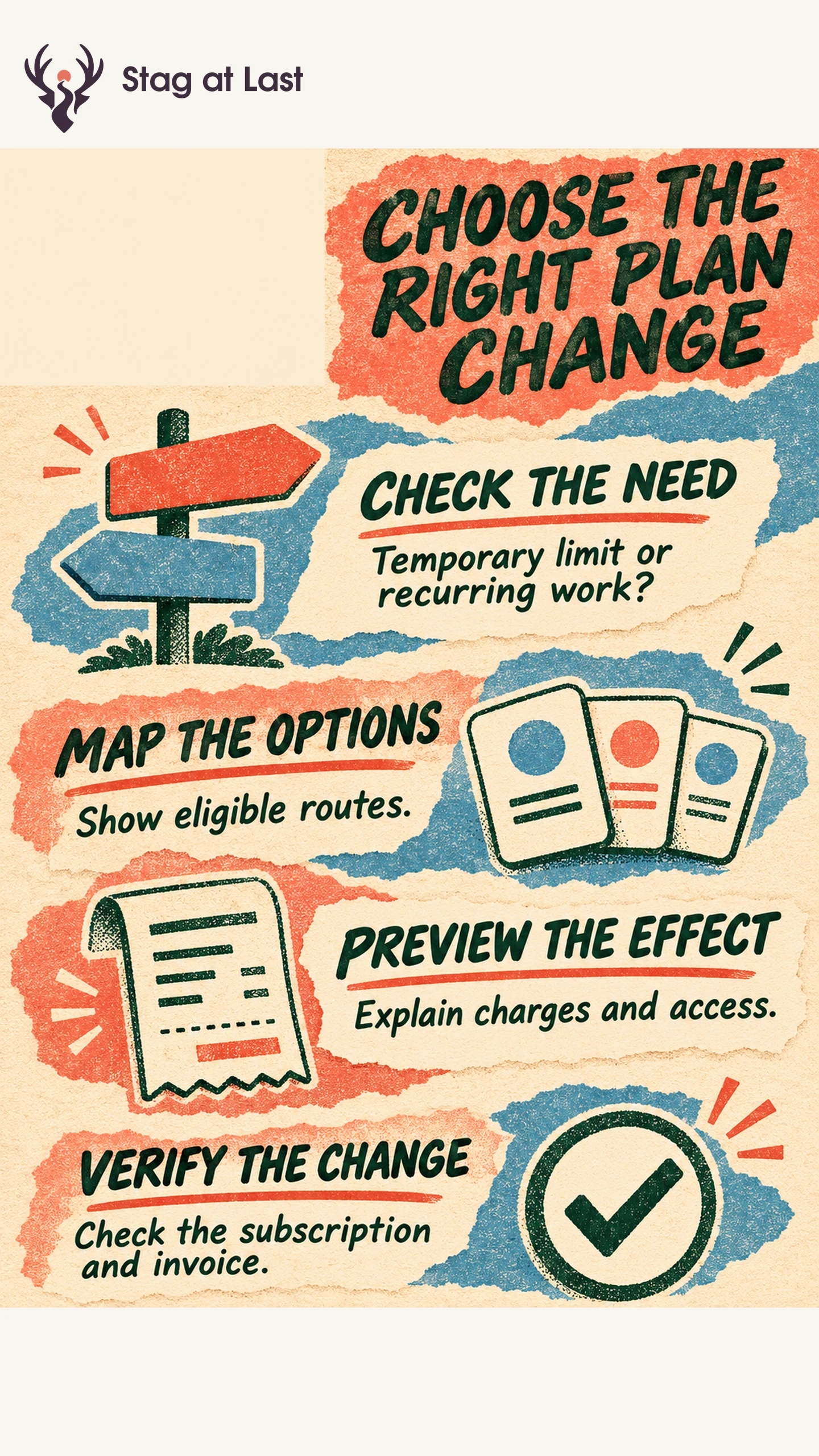
- Check the need. Distinguish a temporary limit, recurring demand and a missing capability.
- Show the choices. Include staying put, an add-on or another eligible plan when each fits.
- Preview the change. Give the effective date, immediate charge or credit, next bill and access effects.
- Verify completion. Confirm one correct subscription change and the intended new access.
Let the right account owner approve charges and give other users a way to request a change.
A user who reaches a storage limit may need another week to finish one project. They may also need more capacity every month. An upgrade prompt should help the person tell those cases apart and understand what a plan change would mean.
Start With the Need Behind the Prompt
Start with the event and the job it interrupts. Check if the account is temporarily above an allowance, has repeated demand or needs a capability that the current plan lacks. Show the usage period or permission that explains the prompt. A capacity alert can offer ways to free space or check the next reset alongside a paid choice when those routes are available.
Consider a hypothetical proofing app. One agency needs an extra archive for a seasonal campaign. A temporary storage add-on could meet that need. Another agency needs shared ownership and review controls across teams. A higher package may fit the repeated workflow. Use package details to make clear which changes provide capacity and which unlock new capabilities.
Map Which Plan Changes Are Allowed
Create a transition table with the current and destination plan, eligible role, prerequisites and effective date. Include trial, legacy and contracted plans if they have different rules. Use it to decide what the customer can select and which cases need a person to review.
| Customer situation | Route to show | What to verify |
|---|---|---|
| One-time capacity need | Applicable add-on or wait for reset | Amount, expiration and behavior after the add-on ends. |
| Ongoing capability gap | The smallest eligible plan with that capability | New access, total cost and who must approve. |
| Fewer people or less usage | Eligible downgrade or smaller package | What happens to existing work, users and charges. |
In RevenueCat’s beta Web SDK product-change flow for supported billing providers, checkout falls back to a regular purchase and creates a new subscription if no configured path matches the current and selected products. [1] Test the fallback in your own system. If a route is intended to replace a subscription, verify that it does not create a second one.
Show the Bill and Access Before Confirmation
Present any immediate payment or credit and the next recurring amount with currency, billing interval and date. Explain proration when it applies. State which workspaces, users and data the change affects and when access takes effect. A downgrade should tell the buyer what happens to work that no longer fits the new plan, including view or export options where available.
Use confirmation language that describes the effect. Someone without billing permission should be able to request approval or share a summary. If a provider changes the price of an existing plan, follow the separate price notice process and distinguish that change from a voluntary upgrade.
Verify the Transition and Its Outcome
Test a mid-period upgrade, an end-of-period downgrade and a rejected payment or approval in a permitted environment. Confirm that the plan, access and invoice reflect the same outcome. Check double-click or retry behavior so a second request does not create a second charge. Show pending, confirmed or failed status accurately and give an unresolved customer a support route.
After rollout, track whether customers use the new capability and remain on the plan, alongside reversals and support cases. If upgrades frequently follow a one-off limit and are quickly reversed, test a more suitable option for that need. Judge the path by whether it helps customers keep doing the work they came for.
Check Plan Change Instructions Across Languages
If plan comparisons or upgrade guides live on a multilingual WordPress site, evaluate StagLingo on those pages. Check that the effective date, payment terms and support route remain clear in every language.
FAQs About Product Upgrade Paths
Should every usage limit prompt an upgrade?
No. Show the cause and the available ways to continue. A reset, cleanup or one-time add-on can fit better when the need is temporary.
Who should be able to approve a plan change?
Use the role authorized to approve the charge or contract change. Give people doing the work an easy way to share the need with that owner.
How can you tell whether customers chose the right plan?
Look for successful use of the feature or capacity that justified the change. Review reversals, billing questions and blocked work over a stated follow-up period.
Sources
[1] RevenueCat Documentation. Web SDK Product Changes