Identify the screen
Name the StagLingo tab, workflow, button, or job where the result appeared.

Choose the route that matches your license and question. Use My Account for active Premium technical support, or prepare an email for Free support, pre-sales, and general contact.
Separating technical support, account management, Free support, and purchase questions reduces follow-up and keeps sensitive commercial details out of ordinary email.
Sign in with the email used for purchase and open the Support area in My Account.
02 Free editionPrepare an email with the affected site, installed version, environment, and reproducible steps.
03 Account and billingManage downloads, activations, domains, subscriptions, invoices, renewals, and cancellations.
04 Before purchaseAsk whether StagLingo fits the site, workflow, edition, or number of active installations you need.
Start with the guide closest to the task. If the documented result and the actual result differ, include that difference in the support request.
Check requirements, install or update the plugin, activate Premium, and complete the first environment check.
TroubleshootingInterpret import statuses, diagnostics, history records, backups, verification warnings, and recoverable failures.
AccessReview downloads, license seats, transfers, domains, renewals, expiration, invoices, and account access.
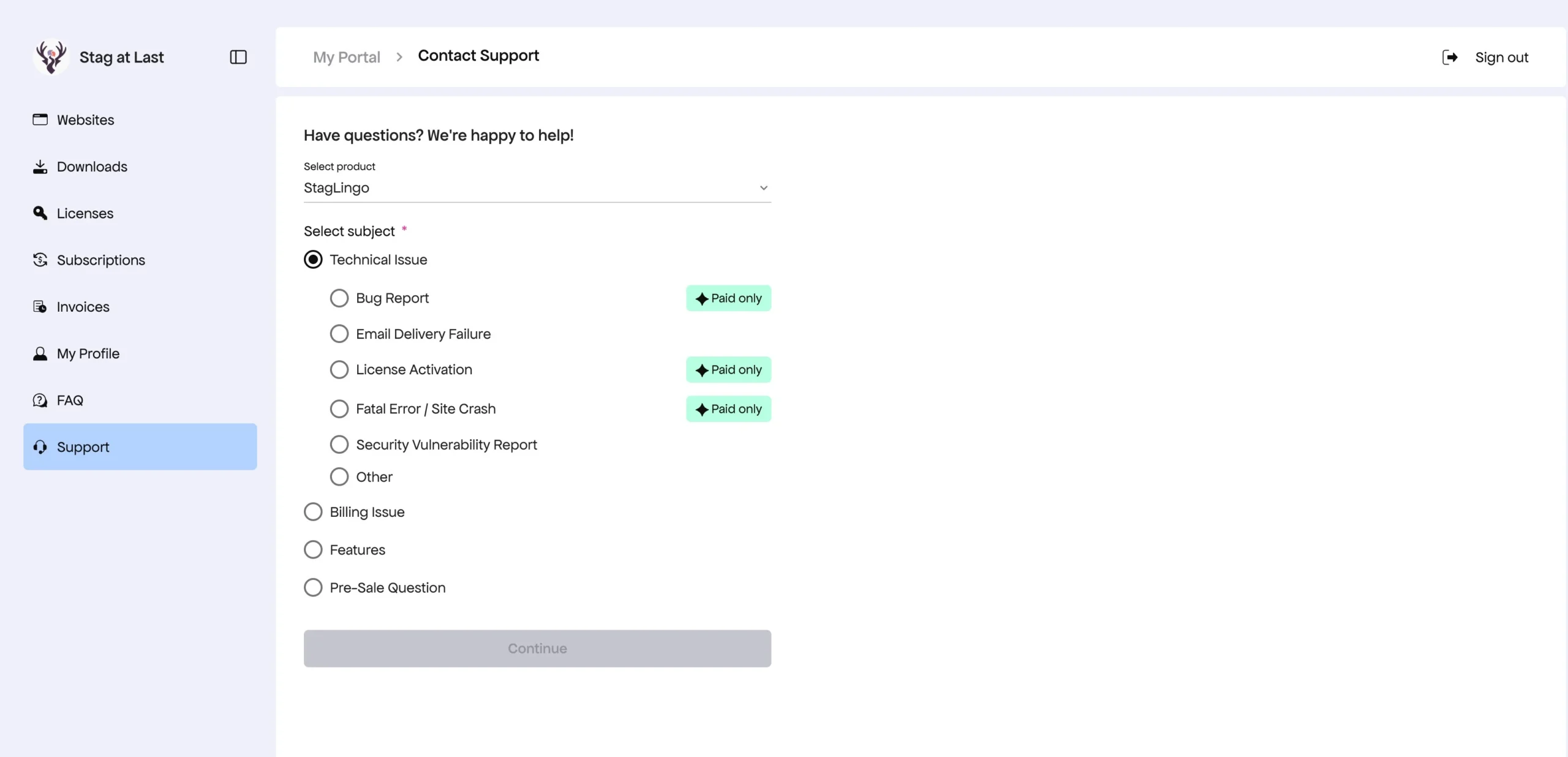
Active Premium customers should sign in to My Account and use the Support area. The portal links the request to the purchased product and gives the ticket a continuing support history.
Use this builder for Free support, general contact, and pre-sales questions. It creates a structured draft addressed to hello@stagatlast.com.
A precise report makes it easier to distinguish a StagLingo defect from source content, TranslatePress state, caching, an AI-provider response, or another part of the site.
Name the StagLingo tab, workflow, button, or job where the result appeared.
Describe the shortest repeatable path from the starting state to the unexpected result.
State what you expected StagLingo to do and what it did instead.
Add StagLingo, WordPress, PHP, and TranslatePress versions when the issue is technical.
Attach a screenshot, sanitized diagnostic result, or relevant error text without credentials.
Keep unrelated failures in separate requests so each result can be verified and closed clearly.
A StagLingo support request can investigate whether the plugin is behaving as documented. It does not transfer responsibility for the rest of the WordPress site or third-party services.
Free users can email Stag at Last. Active Premium licenses include human product support. Expiration removes access to new Premium support tickets without deleting existing site content.
Free users may report StagLingo issues by email. Requests are handled on a best-effort basis without a guaranteed response time.
An active Premium license includes human support for StagLingo-related technical questions and reproducible product issues.
An already-open ticket may continue to resolution, but a new Premium support request requires an active license.
The target for the first response to an eligible Premium request is within one day. This is a response target, not a guarantee that every technical problem will be resolved within one day. Complex reproduction or testing may require follow-up.
Remove credentials and unrelated personal or confidential content before sending screenshots, diagnostics, logs, packages, or copied error messages.
For product capabilities and pricing, also review StagLingo Free vs Premium.
Free users can email hello@stagatlast.com or use the email builder on this page. Free requests are handled on a best-effort basis and do not have a guaranteed response time.
Sign in at My Account with the purchase email and open the Support area. This is the preferred route because the ticket remains connected to the product and license.
No. The target applies to the first response to an eligible Premium request. Reproduction, testing, third-party confirmation, or a plugin update may take longer.
New Premium support tickets are no longer accepted. An existing open ticket may continue, Free functionality remains available, and translations already stored by TranslatePress are not deleted.
No. Support is limited to StagLingo-related behavior. It may help determine whether StagLingo is involved in an interaction, but it does not replace support for WordPress, TranslatePress, hosting, AI providers, themes, or other plugins.
No. Do not include passwords, API keys, complete license keys, payment data, or unrelated confidential information. If additional controlled access is ever required, wait for specific instructions.
Use the StagLingo My Account portal to manage downloads, active websites, license movement, invoices, payment methods, renewals, and cancellations.
StagLingo provides a 7-day refund policy subject to its stated conditions. Read the complete Refund Policy before submitting a refund request.
Use My Account for an active Premium ticket, prepare an email for Free or general support, or return to the documentation when the question is about a documented workflow.