Check Diagnostics
Confirm TranslatePress, target locales, PHP DOM, storage access, and any URL-slug integration you intend to use.

Export protected source content, translate it with the reusable ChatGPT Skill, import the reviewed package, then examine the rendered copy visitors actually receive and apply only the corrections that remain.
The manual workflow is designed for visible control, but it still depends on a compatible WordPress and TranslatePress environment. Confirm the foundation and complete one small real-page test first.
Confirm TranslatePress, target locales, PHP DOM, storage access, and any URL-slug integration you intend to use.
Multilingual Export, Review Export, Import, and their protected package workflow require an active Premium license.
Add translatepress-ai-work-batch through the Skills interface available in your ChatGPT account or workspace.
Use one representative page and a small language set before processing a large multilingual batch.
Keep incomplete translated URLs noindex, follow until translation and review are finished.
Identify the page, plugin, server, and CDN caches that may delay verification of newly imported copy.
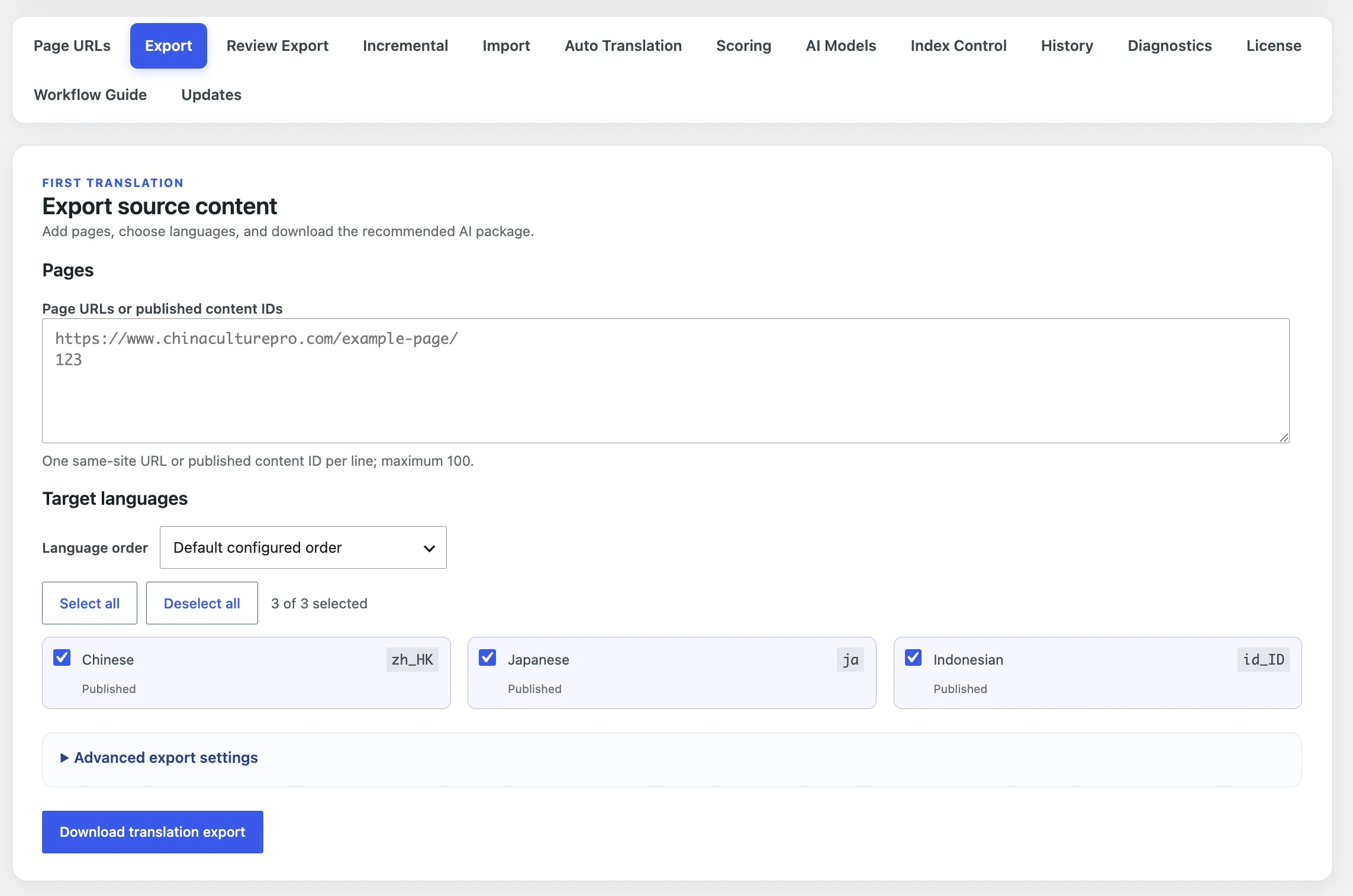
Open Tools → StagLingo → Export. The package should describe
exactly which default-language pages, target languages, and content families
the first translation round is allowed to change.
Add default-language page URLs or published content IDs.
Select the target languages needed for this batch.
Keep Fast blank export for a new translation.
Keep AI Work Package ZIP as the delivery format.
Use the recommended complete-page scope and All selected strings unless you intentionally need a narrower audit.
Download the package once and keep the ZIP intact.
Start a working chat, select or mention translatepress-ai-work-batch,
and upload the complete AI Work Package. The Skill performs translation and
review while preserving the package identities required by StagLingo.
Do not unpack and upload a random subset unless you deliberately created an independently valid package.
Translation changes belong only in target-language cells. Protected source columns and package structure remain unchanged.
The expected result is one import-ready reviewed ZIP, not a prose-only report or a rebuilt spreadsheet.
post_id,
source_url, content_type,
exact_english_source, or source_hash. The plugin's
Workflow Guide recommends GPT-5.6 Sol with High reasoning, or a more capable
setting, for multilingual batches and protected HTML review.
Open Import, add the ZIP returned by the Skill, and use the normal
resumable route. StagLingo expands the package into independent CSV tasks and
processes them serially.
Keep Direct serial import.
Keep Standard / resumable for ordinary batches.
Start the import and allow the progress queue to finish.
Review quarantined or failed items without discarding valid sibling files.
Use History for completed page-language and file-level records.
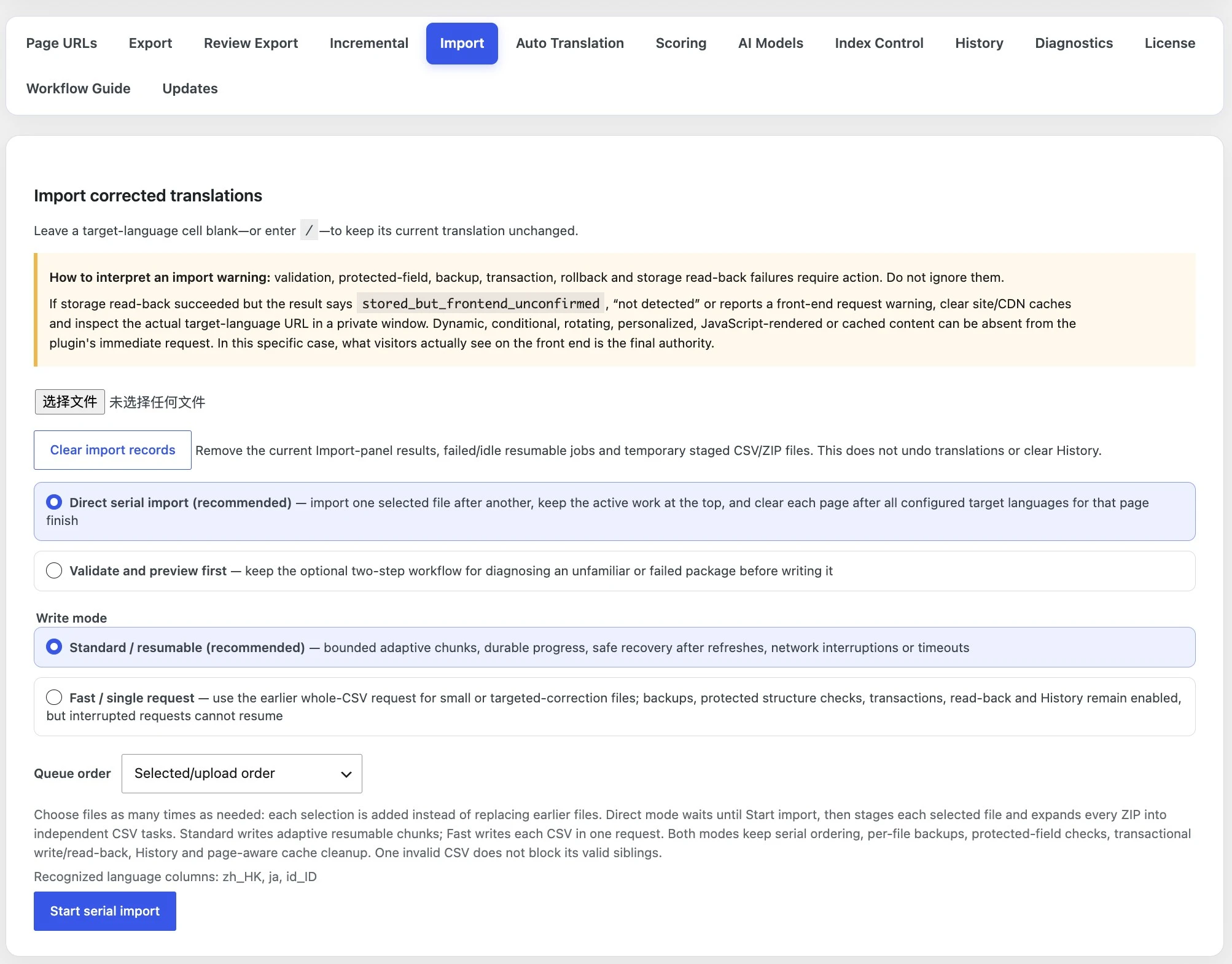
/
preserve the current translation.
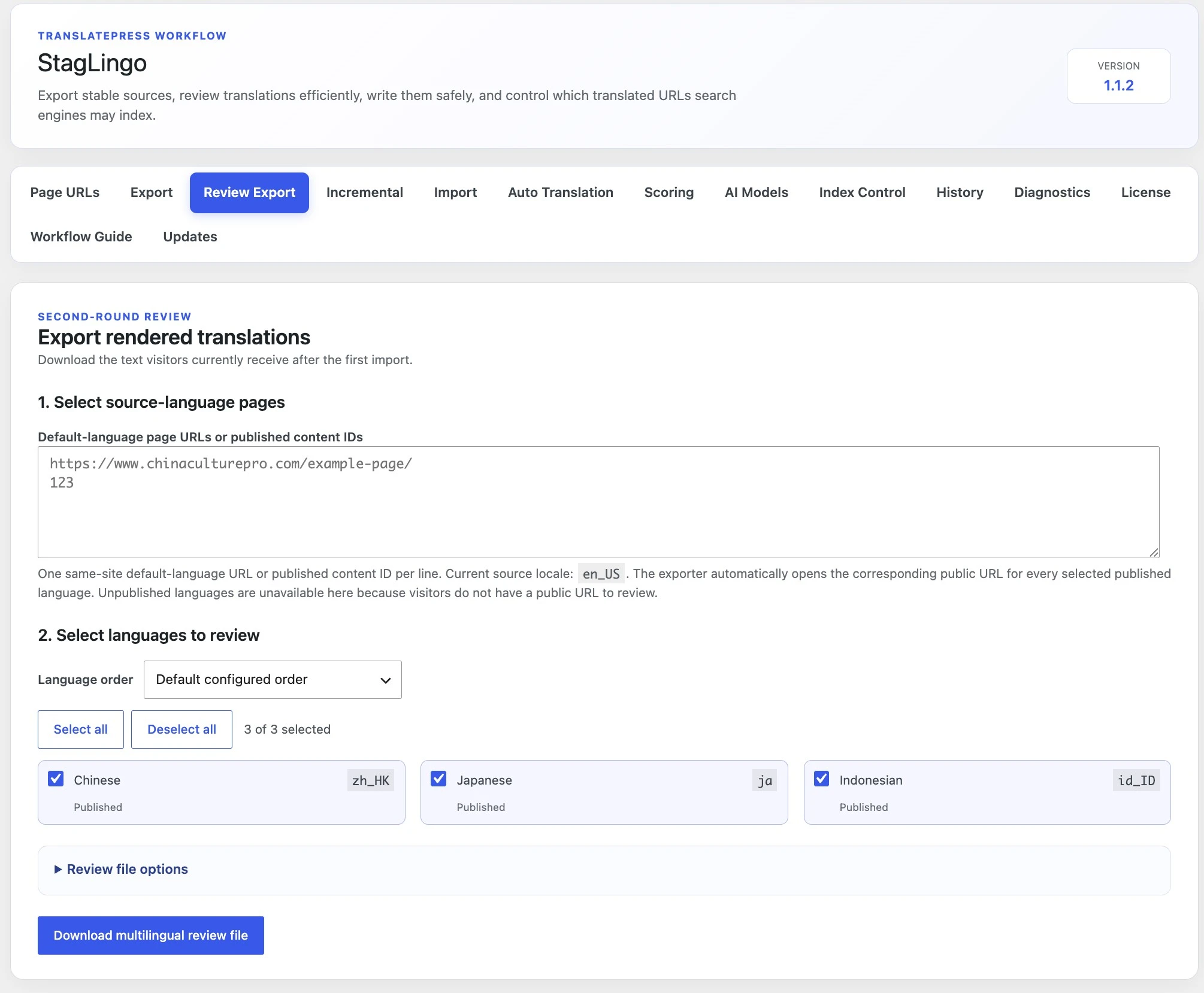
After the first import and relevant cache clearing, open Review Export for the same pages and languages. This stage reads public target-language body copy in rendered order instead of reconstructing the result from database rows.
Enter the same default-language URLs or content IDs.
Select the same target languages.
Keep AI Work Package ZIP (recommended).
Keep Plain text (.txt, recommended) unless DOCX is intentionally needed.
Keep each run within 50 page-language combinations.
Download the generated AI Review Package.
Upload the AI Review Package to a ChatGPT chat using the same Skill. The second
result should be a targeted import ZIP whose unchanged cells remain
/, preventing unnecessary overwrites.
Upload the complete Review Package with the Skill active.
Download the returned targeted correction ZIP.
Import it once through the same protected Import interface.
Do not replace / with copied translations.
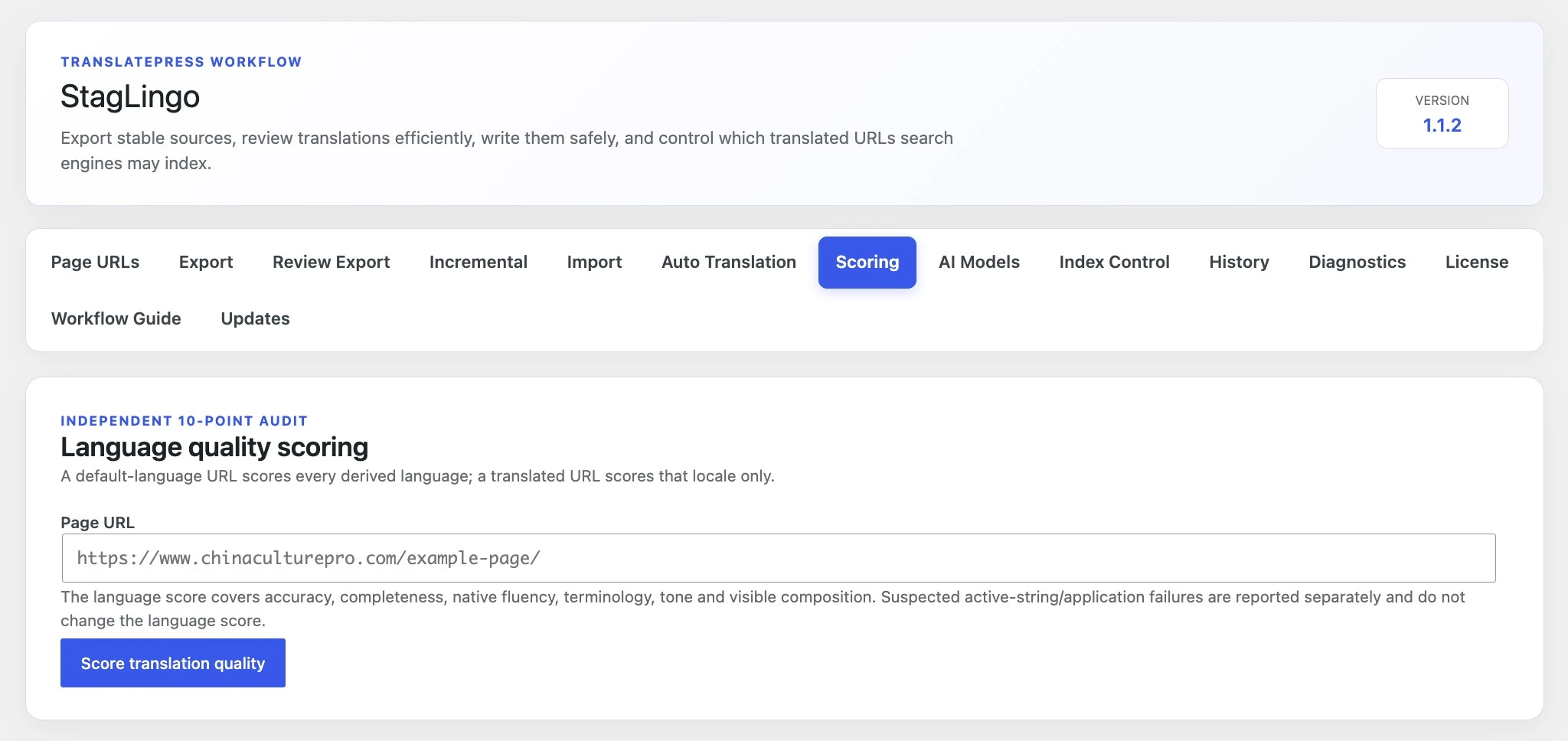
A default-language URL can score its derived target languages; a translated URL scores that locale. The report evaluates language quality and visible composition while separating suspected application failures.
A score is evidence for review prioritization, not a guarantee that every browser, cache layer, or dynamic component is displaying the same state.
StagLingo separately reports whether a value was safely stored and whether an immediate public-page request could see it. Dynamic, conditional, rotating, personalized, JavaScript-rendered, or cached content can affect the second check.
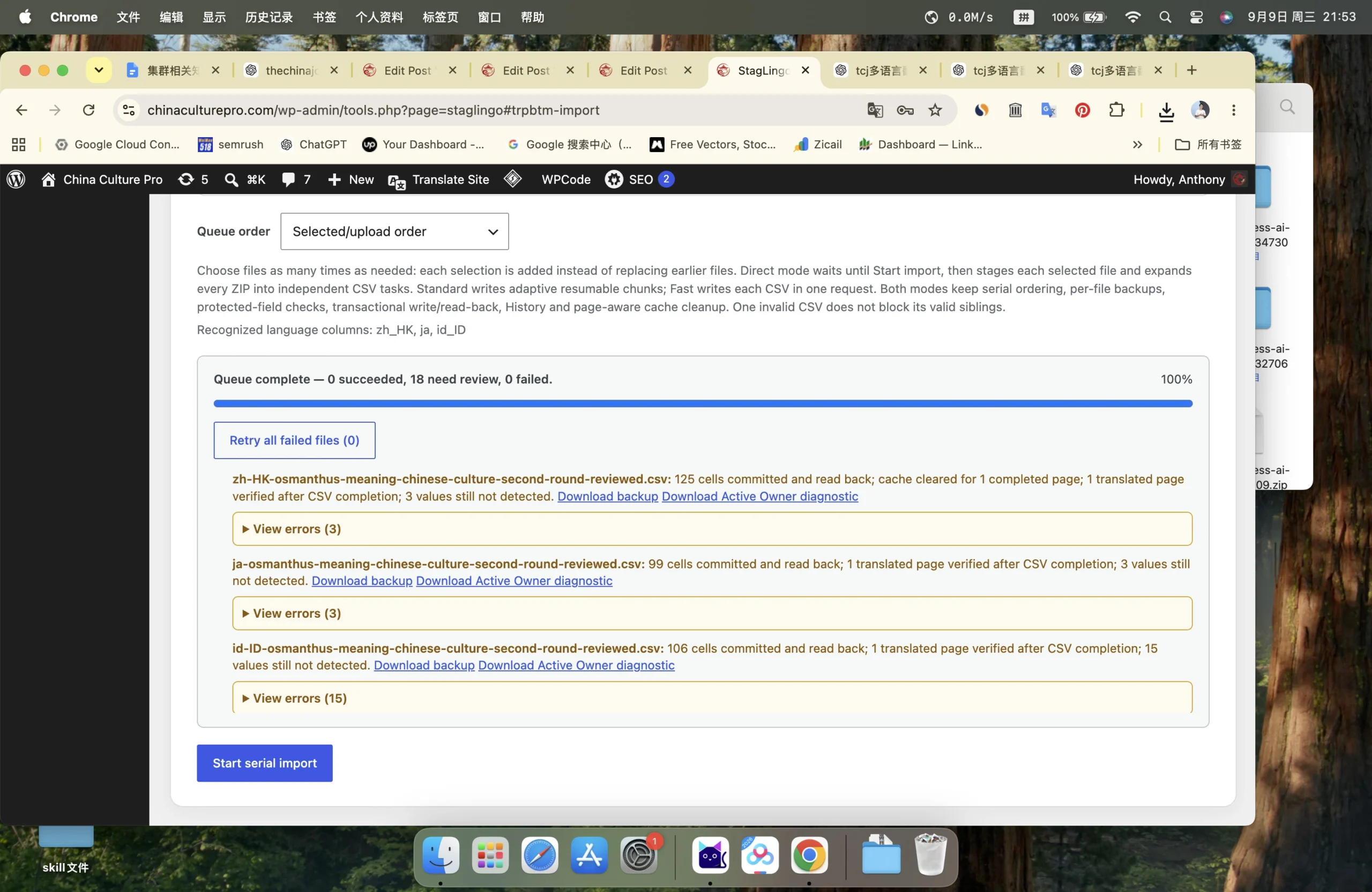
Validation, protected-field, backup, transaction, rollback, or storage read-back failures must be investigated before retrying.
stored_but_frontend_unconfirmed, “not detected,” or similar visibility warnings require inspecting the real translated URL after cache clearing.
Use the operational references when you need exact controls, then continue to quality and publishing safeguards before releasing translated URLs to search.